TimeCamp tracks what you do.
Miru bills for it.
TimeCamp's free plan tracks time for unlimited users and stops there. Invoicing, expenses and the useful reports live on paid tiers. Here's how to move the billing side to Miru.
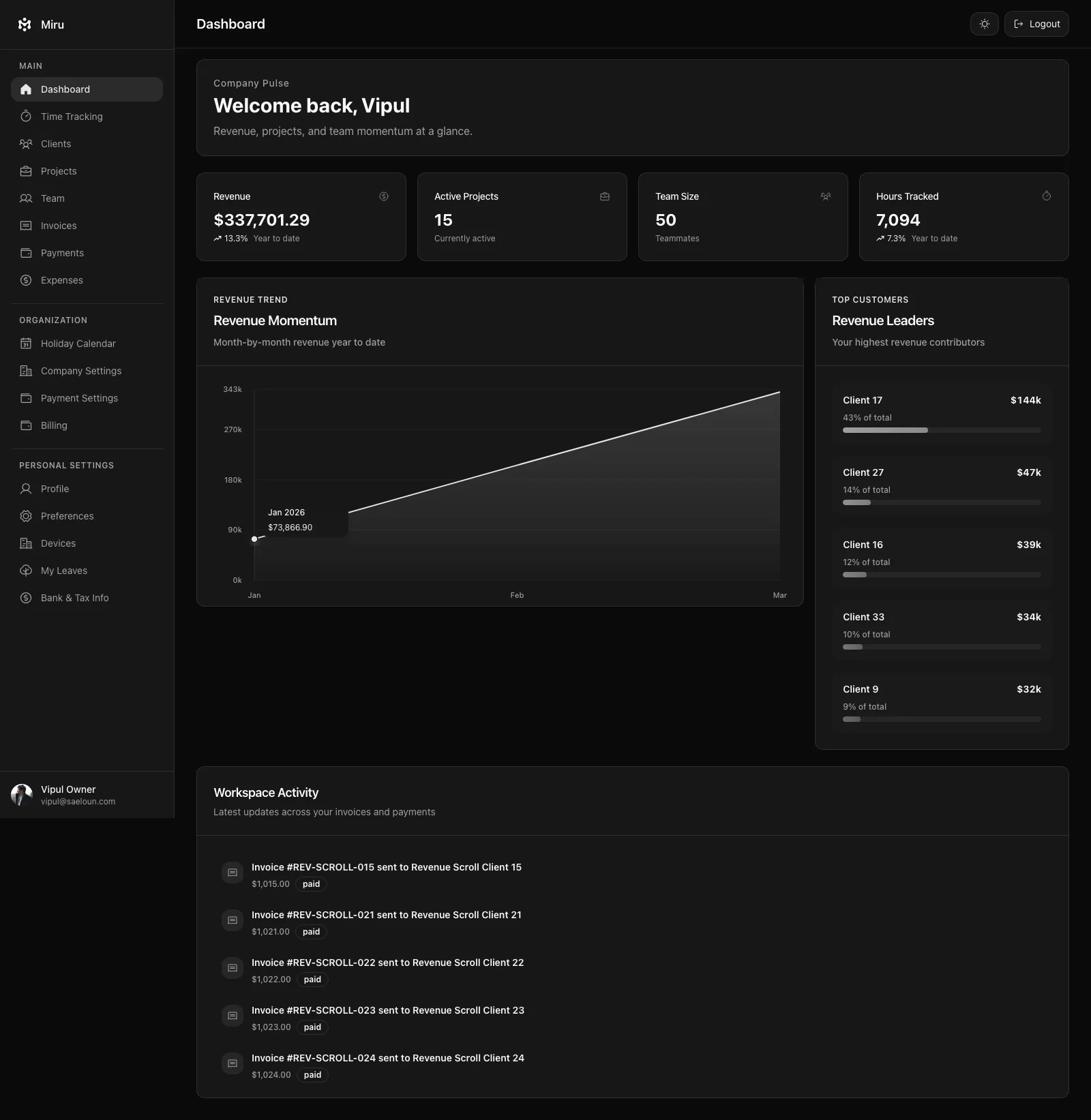
TimeCamp stops at tracking. Miru keeps going.
Invoicing built in
TimeCamp keeps invoicing on its paid plans. Miru turns tracked hours into an invoice in three clicks, emails it, and tells you when the client opened it.
Expenses & payments
Expenses need TimeCamp's Ultimate plan, and invoice payment runs only through a connected PayPal account. Miru logs expenses against projects with receipts on every plan, and clients pay the invoice by card through Stripe.
One price, every feature
TimeCamp adds features as the price climbs from $3.99 to $9.99 per user, billed annually. Miru is $1 per member with everything included. Prefer to run it yourself? The whole app is MIT-licensed.
Five steps. Ten minutes. Full upgrade.
Export your TimeCamp time entries
Log into TimeCamp. Go to Reports > Time > Detailed, set the date range to cover all history you want to keep, click Export and choose CSV. CSV export needs the Starter plan or higher; the free plan exports PDF only, so one month of Starter ($5.49 month-to-month, cancel after the export) unlocks it. The file has every entry with its date, user, task, duration, timestamps, notes and tags; check the header names in your export.
Scripting it instead? TimeCamp's API returns the same entries as JSON.
Sign up for Miru
Open app.miru.so/signup, name the organization, pick a timezone, and you are in. One plan at $1 per member per month. Nobody calls you.
Import your history via CLI (one spreadsheet edit first)
Miru's importer wants six headers: date, client, project, hours, first name, last name. TimeCamp's export covers five of them under its own names; the client column is the one you add. Any client or project missing in Miru is created as the import runs.
- Date →
date - Project →
project; add aclientcolumn, sort by project, type each client once and fill down - Duration →
hours, as a decimal; switch Account settings > Duration format to Decimal before exporting and skip the conversion - User → split into
first nameandlast name - Note →
notes; Task stays astask
$ curl -fsSL https://miru.so/install.sh | sh $ miru login $ miru import --file timecamp-export.csv --format harvest --dry-run $ miru import --file timecamp-export.csv --format harvest --map "Full Name=email@example.com"
The dry run stops on any TimeCamp user it cannot find in Miru. Pair each one with
--map "Full Name=email@example.com", or hand the strays to one person with --assign-unmatched-to you@example.com, then run it for real. No appetite for spreadsheets? Mail the export to hello@saeloun.com and we do the import.
Invite your team
Team > Invite, paste the emails, pick roles, send. TimeCamp users will miss the automatic tracker for about a day and then notice that the hours they log now turn into invoices, and that the invoices get paid, without anyone re-typing anything.
Cancel TimeCamp (and your other tools)
Paid plan? Cancel it. Free plan? Then TimeCamp was never the cost; the invoicing tool, the PayPal fees and the end-of-month spreadsheet were. Those go too. One login, one bill, one place to look when a client asks what they owe.
Questions you'll have
Will I lose my TimeCamp time data?
How long does the migration take?
Can I run TimeCamp and Miru at the same time?
What about TimeCamp's projects, tasks and tags?
TimeCamp is free for unlimited users. Why would I pay $1?
TimeCamp stops at the timer. Miru sends the invoice.
Ten minutes and one spreadsheet edit. Invoices, expenses and card payments from the first day.
One plan. No tiers. See pricing · All migration guides