How to Track Time Across Timezones Without Losing Your Mind
Practical guide for distributed teams: date-plus-minutes entries, workspace timezones, and billing across timezones without spreadsheet chaos.
 Vipul A M · · 2 min read
Dates, Not Timestamps
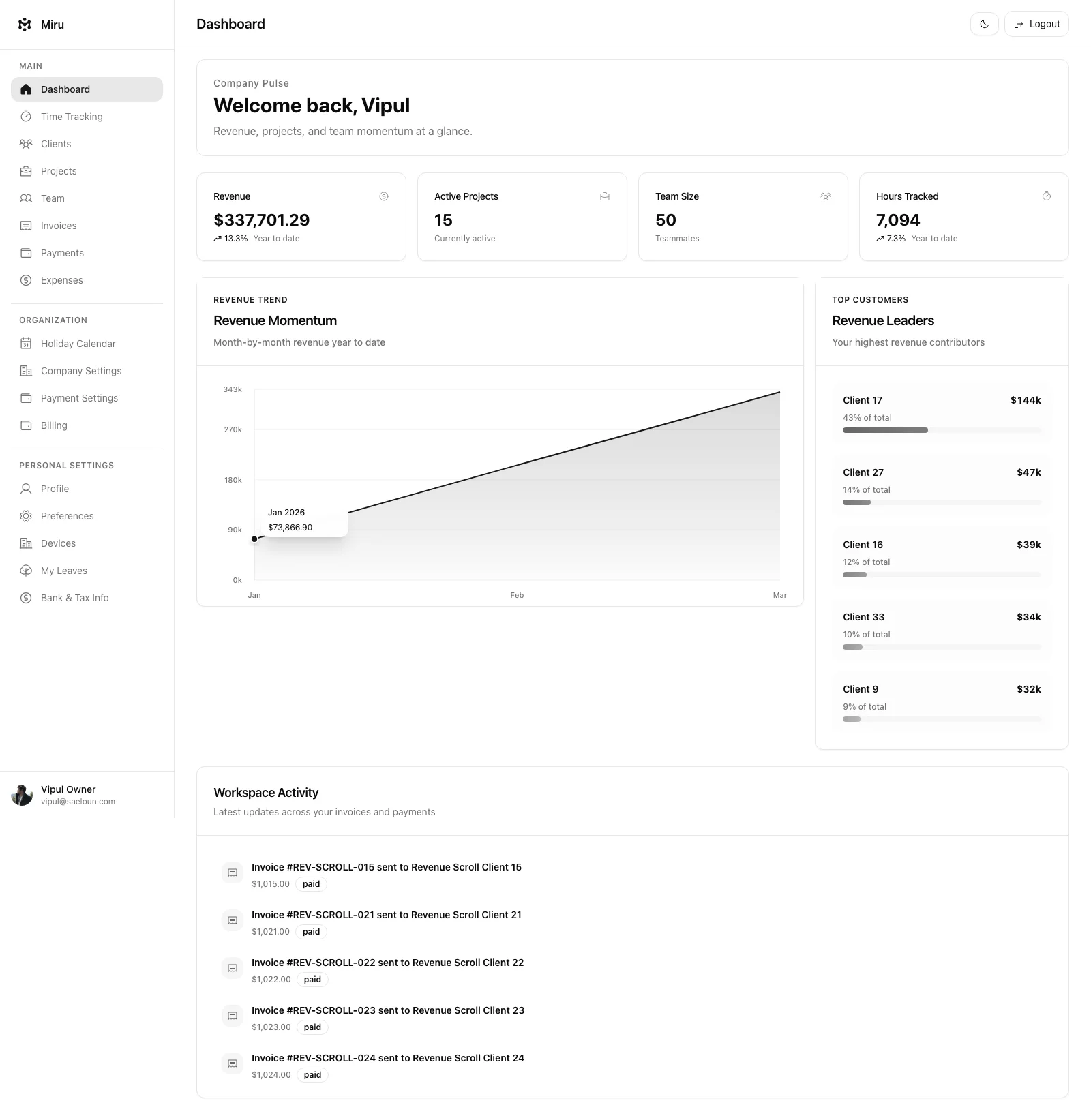
A Miru time entry is a work date and a duration in minutes. Lisbon’s Friday and Pune’s Friday land in the same row, and no report ever needs timezone math.
How Miru Handles It
Entries are a date plus minutes, so they never straddle midnight. Workspaces set a timezone for the calendar and due dates. The CLI takes --date YYYY-MM-DD.
Tips for Async Billing
Beyond timezone storage, distributed teams need billing practices that account for async work:
Log daily, not weekly. The biggest timezone billing errors come from batch logging. When you log Friday afternoon for the whole week, you misremember which day things happened, and the timezone math compounds the error. Log at the end of each day while the work is fresh.
Use project-level billing, not hourly. If your team spans four timezones, per-hour billing creates arguments about which hour belongs to which day. Project-based billing with time tracking for internal visibility avoids the argument entirely.
Use work dates on invoices. Line items do not convert between timezones.
Overlap hours are gold. Track when your team overlaps. Those 2-3 hours where everyone is online are when meetings, reviews, and handoffs happen. Bill them accurately because they’re your most expensive hours.
The Bottom Line
Timezone handling isn’t a feature. It’s infrastructure. If your time tracking tool gets it wrong, every report and every invoice downstream is wrong too. Miru stores a date and a duration, so an entry never lands on the wrong day for anyone.
Set it up once. Stop thinking about it. Get back to work.
Hard Stop
Run this loop for two weeks without skipping cleanup. The compounding effect is real.
Start with Miru or read the docs.
Vipul A M
Co-founder at Saeloun. Building Miru. Rails contributor. Shipping from Pune, India.
Read next
The Remote Team's Guide to Time Tracking That Doesn't Suck
How distributed teams handle timezone-aware time tracking, async logging, CLI workflows, and utilization reports without losing their minds.
Time Tracking Is Not Employee Monitoring
A researched guide to privacy-first time tracking for agencies: what to measure, what to avoid, and why billing accuracy beats screenshots.
How to Bill Clients Without Losing Your Mind
A practical guide to client billing for agencies: time tracking, invoicing, expense management, and getting paid on time.
Put it to work
Run one cleaner billing cycle in Miru.
If this article is about tracking time, billing clients, comparing tools, or automating work, Miru is the product version of that idea. Start for $1/member, invite the team, and send the next invoice from tracked work.
What you get
- Time tracking, invoices, expenses, and payments in one place.
- $1 per member per month. Free if you self-host.
- Open source, with CLI, API, MCP, and self-hosting paths.
The article is the argument. Miru is the workflow.
Track the work, approve the hours, send the invoice, and get paid without bolting together three separate tools.