The Remote Team's Guide to Time Tracking That Doesn't Suck
How distributed teams handle timezone-aware time tracking, async logging, CLI workflows, and utilization reports without losing their minds.
 Vipul A M · · 3 min read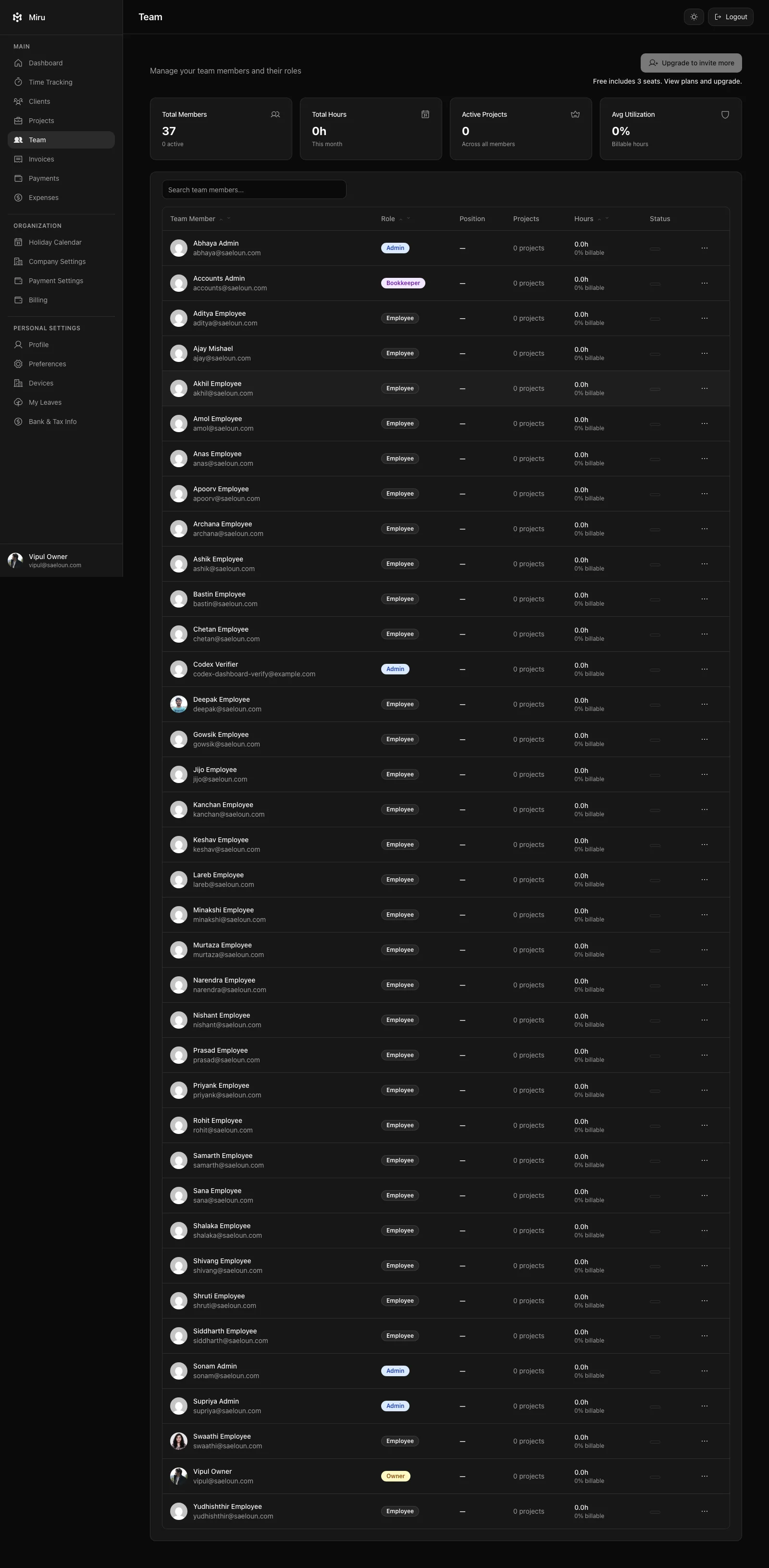
The timezone problem is a math problem
Your designer in Lisbon wraps up at 6pm local time. Your developer in Bangalore started three hours before anyone in the US woke up. When you pull a report for “this week,” whose week? What does “yesterday” mean when your team spans 13 hours of offset?
Most tools punt on this. They store everything in UTC and make you do the mental math. Or worse, they display times in the account owner’s timezone, which means your Bangalore team sees their 10am entry listed as 11:30pm the previous day.
The fix is obvious but few tools bother: normalize display per user, aggregate per project. Everyone sees their own entries in their own timezone. Reports roll up correctly regardless. It’s not rocket science. It’s just respect for the fact that your team doesn’t live in one place.
Async logging is the only logging that works
If your time tracking system requires real-time entry, you’ve already lost. Someone will forget to start the timer because they jumped into a Slack thread at 7am before “officially” starting work. Someone else will forget to stop it because they got pulled into a call.
Async-friendly logging means: enter time whenever you want. Backfill yesterday. Pre-log a meeting you know is happening tomorrow. Edit entries from last week when you realize you tagged the wrong project. The tool should be flexible enough to match how people actually work, not how a product manager imagines they work.
At Miru, we see teams that batch-enter time once a day. Others log in real time with the timer. Others use the CLI to fire off entries between git commits. All valid. The system handles all of it.
The daily standup time check
Some teams do a daily async standup where everyone posts what they worked on. Smart teams connect this to their time tracking. If your standup says “4 hours on Project Alpha” but your time entries show 2 hours, something got missed.
This isn’t about surveillance. It’s about accuracy. Unbilled hours are money you gave away. A quick cross-reference between standups and time entries catches the gaps before they become invoice problems.
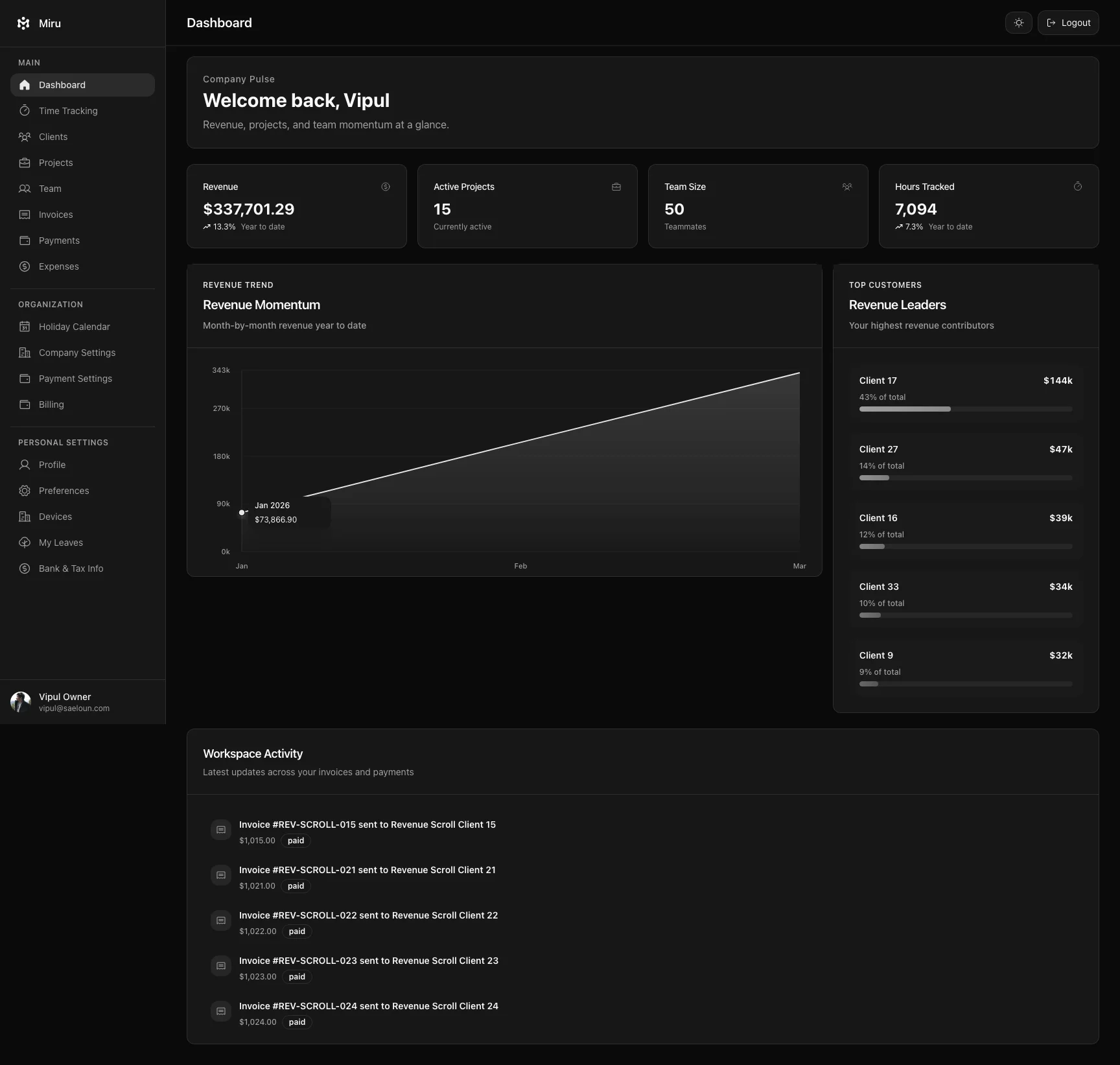
Miru’s team dashboard shows utilization at a glance — who logged time today, which projects got hours, where the gaps are. One screen. No pinging people on Slack.
CLI for the distributed dev team
Your engineers are already in the terminal. That’s where they write code, run tests, deploy, and communicate via git. Making them switch to a browser tab to click a timer button is a context switch that breaks flow.
The Miru CLI fits into their existing workflow:
miru time create --project-id 42 --duration 120 --date 2026-09-10 --note "API refactor"One command. No browser. No mouse. For distributed dev teams, this is the difference between time tracking that happens and time tracking that gets filled in on Friday from memory.
Reports that show the real picture
The report you actually need for a distributed team is utilization by person, by project, across a time range — with timezone-aware aggregation. Not a wall of raw entries. Not a pie chart that looks pretty but tells you nothing.
What you want to know: Is the team at 80% billable utilization? Which project is eating non-billable hours? Who hasn’t logged time this week? Is the contractor in Berlin working the hours they invoiced?
Miru’s reports answer these questions directly. Revenue by client, time by project, utilization by team member. Exportable. Filterable. Accurate across timezones because the underlying data respects timezones.
The meta-lesson
The best time tracking system for remote teams isn’t the one with the most features. It’s the one your team actually uses. That means: fast, flexible, respectful of timezones, and available wherever your team already works — browser, terminal, or mobile.
Make it easy and people will do it. Make it hard and you’ll spend your Mondays chasing timesheets instead of building your product.
Try Miru — built by a distributed team, for distributed teams.
Hard Stop
Run this loop for two weeks without skipping cleanup. The compounding effect is real.
Start with Miru or read the docs.
Vipul A M
Co-founder at Saeloun. Building Miru. Rails contributor. Shipping from Pune, India.
Read next
How to Track Time Across Timezones Without Losing Your Mind
Practical guide for distributed teams: date-plus-minutes entries, workspace timezones, and billing across timezones without spreadsheet chaos.
Time Tracking Is Not Employee Monitoring
A researched guide to privacy-first time tracking for agencies: what to measure, what to avoid, and why billing accuracy beats screenshots.
How to Bill Clients Without Losing Your Mind
A practical guide to client billing for agencies: time tracking, invoicing, expense management, and getting paid on time.
Put it to work
Run one cleaner billing cycle in Miru.
If this article is about tracking time, billing clients, comparing tools, or automating work, Miru is the product version of that idea. Start for $1/member, invite the team, and send the next invoice from tracked work.
What you get
- Time tracking, invoices, expenses, and payments in one place.
- $1 per member per month. Free if you self-host.
- Open source, with CLI, API, MCP, and self-hosting paths.
The article is the argument. Miru is the workflow.
Track the work, approve the hours, send the invoice, and get paid without bolting together three separate tools.