Miru MCP Support Is Live: Agent-Ready Time, Invoices, and Expenses
Miru now ships first-party MCP support over HTTP and stdio with CLI parity, Pro gating, and safe write patterns for automation agents.
 Vipul A M · · 3 min read
Miru now speaks MCP natively.
No wrappers. No unofficial bridge. No sidecar service to babysit.
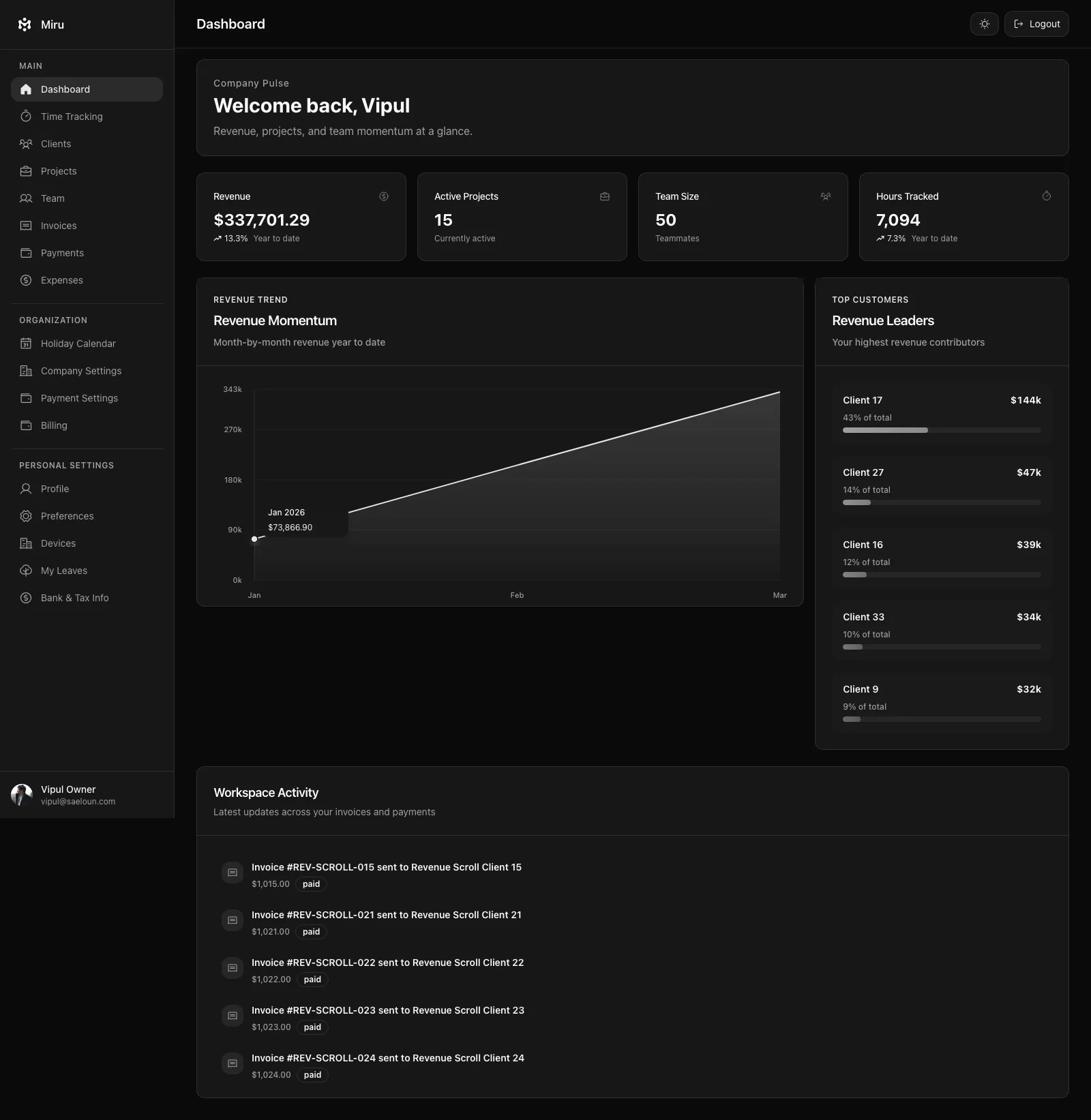
We shipped first-party MCP support in miru-web with the same primitives teams already use in production: projects, time entries, invoices, payments, and expenses.
All examples in this post use synthetic values (example.com, placeholder IDs, sample notes). No real user data.
What we shipped
- HTTP MCP endpoint:
https://<your-miru-host>/mcp - stdio entrypoint:
bin/miru-mcp - Ruby client wrapper:
MCP::Miru::Client - Namespaced tools under
miru.* - CLI parity across read and write operations
This is built on the Ruby MCP SDK (mcp ~> 0.13.0) and is shipped inside the core repo.
5-minute setup (hosted Miru)
Install and authenticate Miru CLI:
curl -fsSL https://raw.githubusercontent.com/saeloun/miru-web/main/tools/miru-cli/install.sh | bash
miru login --base-url https://app.miru.so --email dev@example.com --password '***'
export MIRU_CLI_TOKEN="$(miru config token)"
Use the same CLI token for MCP clients:
[mcp_servers.miru]
url = "https://app.miru.so/mcp"
bearer_token_env_var = "MIRU_CLI_TOKEN"
If you prefer stdio from a local checkout:
cd /path/to/miru-web
MIRU_MCP_TOKEN="$MIRU_CLI_TOKEN" bin/miru-mcp
Tool coverage (CLI parity)
Miru MCP currently ships these tools:
miru.capabilitiesmiru.workspace.whoamimiru.project.listmiru.client.listmiru.time.listmiru.time.createmiru.time.updatemiru.time.deletemiru.invoice.listmiru.invoice.showmiru.invoice.sendmiru.payment.listmiru.payment.showmiru.expense.listmiru.expense.create
The practical point: if you can do it in Miru CLI, your MCP client can usually do the same workflow.
Example usage (safe, synthetic)
1) Start with read-only discovery
# frozen_string_literal: true

client = MCP::Miru::Client.http(
  url: "https://app.miru.so/mcp",
  headers: { "Authorization" => "Bearer #{ENV.fetch('MIRU_CLI_TOKEN')}" }
)

begin
  capabilities = client.call_tool(name: "miru.capabilities")
  projects = client.call_tool(name: "miru.project.list", arguments: { search: "internal" })
  time_entries = client.call_tool(
    name: "miru.time.list",
    arguments: { from: "2026-04-01", to: "2026-04-22" }
  )

  puts capabilities.content.first.text
  puts projects.content.first.text
  puts time_entries.content.first.text
ensure
  client.close
end
2) Preview writes with dry_run
Use dry_run: true first. Then send the same call without dry-run when it looks right.
preview = client.call_tool(
  name: "miru.time.create",
  arguments: {
    project_id: 101,
    duration_minutes: 90,
    work_date: "2026-04-22",
    note: "MCP integration smoke test (synthetic)",
    bill_status: "unbilled",
    source_metadata: {
      source: "mcp",
      agent: "codex",
      environment: "staging"
    },
    dry_run: true,
    idempotency_key: "time-create-2026-04-22-project-101"
  }
)

puts preview.content.first.text
3) Safe retry pattern for write calls
Use a stable idempotency_key so retries do not duplicate writes.
send_result = client.call_tool(
  name: "miru.invoice.send",
  arguments: {
    id: 5001,
    recipients: ["billing@example.test"],
    subject: "Invoice INV-5001",
    message: "Please review and process this invoice.",
    dry_run: false,
    idempotency_key: "invoice-send-5001-v1"
  }
)

puts send_result.content.first.text
Access model and guardrails
MCP is Pro-gated at workspace level.
- Allowed: paid workspaces, active trials, billing-exempt workspaces
- Blocked: free workspaces without trial
Blocked requests return HTTP 403 with JSON-RPC code -32003 and forbidden_feature.
That gives agent clients a clean, explicit failure mode instead of ambiguous auth errors.
Why this matters
Most teams do not need another dashboard.
They need fewer manual steps between work done and invoice sent.
MCP support makes Miru composable with coding agents and automations without inventing a parallel API surface. Same domain model. Same operational constraints. Better execution speed.
Start read-only, then enable writes with dry_run and idempotency keys. That is the boring path. Boring is good when billing data is involved.
Vipul A M
Co-founder at Saeloun. Building Miru. Rails contributor. Shipping from Pune, India.
Read next
How We Use gbrain to Build Miru
How Saeloun uses gbrain, gstack, Codex, Claude, MCP, and repo signals to build Miru with memory, safer AI automation, and proof before claims.
This Week in Miru: Mobile Beta, Signed Desktop, CLI Invoices, and Safer Billing
Apr 29-May 19: 199 non-merge commits across Miru web, mobile, desktop, and marketing. Mobile beta work, signed desktop builds, CLI invoice creation, invoice taxes, signatures, payment downloads, search highlighting, and auth hardening.
This Week in Miru: MCP, Safer Billing, Agent-Ready
Apr 20-28: MCP production use, cleaner CLI setup, invoice fixes, client forms, Level 5 agent readiness, and SEO schema cleanup.
Put it to work
Run one cleaner billing cycle in Miru.
If this article is about tracking time, billing clients, comparing tools, or automating work, Miru is the product version of that idea. Start for $1/member, invite the team, and send the next invoice from tracked work.
What you get
- Time tracking, invoices, expenses, and payments in one place.
- $1 per member per month. Free if you self-host.
- Open source, with CLI, API, MCP, and self-hosting paths.
The article is the argument. Miru is the workflow.
Track the work, approve the hours, send the invoice, and get paid without bolting together three separate tools.