Switch to Miru
in 10 minutes.
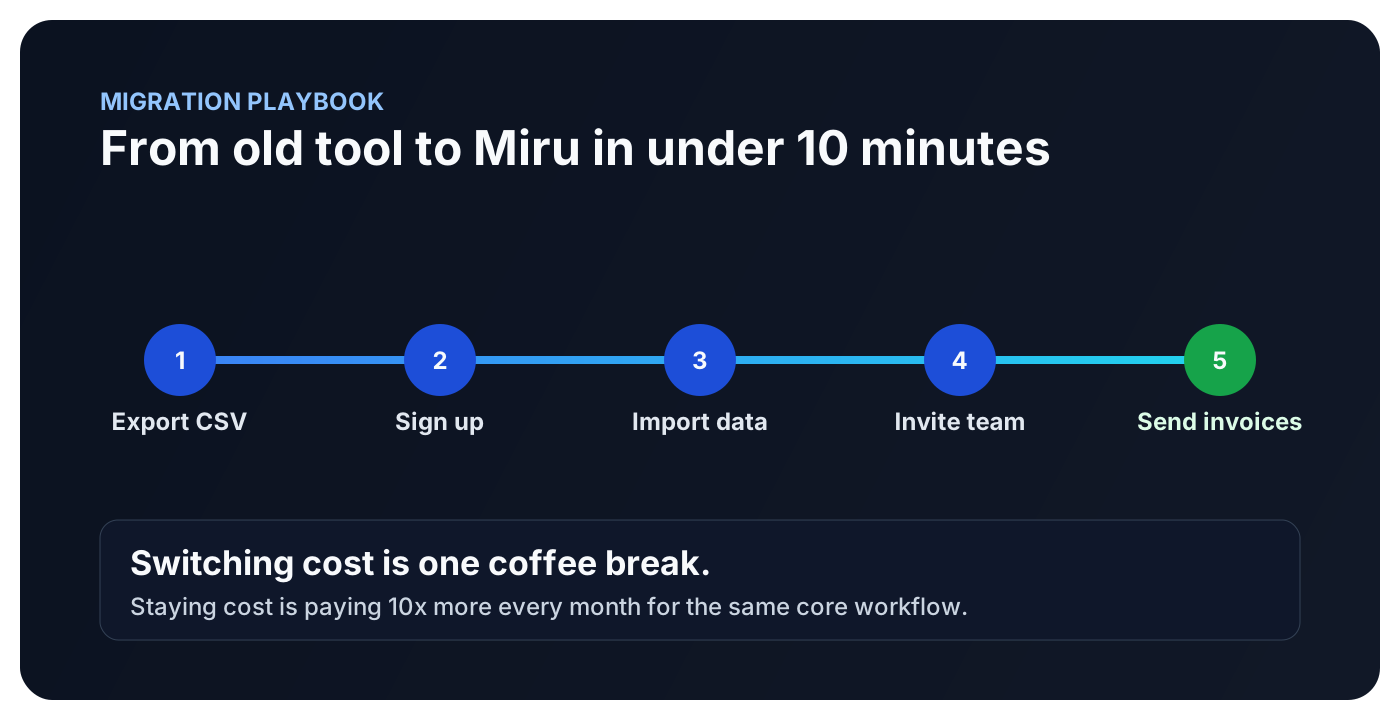
You've been meaning to switch for months. The data export takes 30 seconds. The import takes two minutes. The rest is deleting your old account and wondering why you waited so long.
No migration consultants. No six-week onboarding project.
From Harvest
Stop paying $12/seat for a time tracker.
Export your Harvest data in one click, import into Miru with the CLI, and start saving 90% immediately. Most teams finish in under 10 minutes.
Read guide →
From Toggl
Time tracking is just the beginning.
Toggl tracks hours. Miru tracks hours, sends invoices, manages expenses, and handles payments. One tool instead of four. Bring your Toggl data with you.
Read guide →
From FreshBooks
Stop paying $55/month for invoicing.
FreshBooks gates features behind pricing tiers. Miru gives you everything for $1/member/month. Export your client list, import it, and never look back.
Read guide →
Migration questions we hear every week
Will we lose historical time entries when migrating?
Do we need a consultant to migrate?
Can we migrate first and invite the team later?
Every migration works the same way
Five steps. No consultants. No "migration specialists." No three-week onboarding program.
Export your data
CSV from your old tool
Sign up for Miru
$1 per member per month.
Import via CLI
Or the web uploader
Invite your team
Email invites, 30 seconds
Cancel the old tool
The best part
Using something else?
If your current tool exports CSV, Miru can import it. The CLI accepts any CSV with columns for date, project, hours, and description. No proprietary format. No vendor lock-in games.
$ miru import --file time-entries.csv --format csv The switching cost is 10 minutes.
The cost of staying is $10+/seat/month, forever.