Time Tracking
Click start. Do your work. Click stop.
Most time tracking tools are either a spreadsheet with extra steps or a project management suite you didn't ask for. Miru stays out of the way until you need it.
Timer or manual? Both.
Start a live timer or log hours after the fact. Weekly and monthly views. Billable vs non-billable. It's all there.
Bulk import when spreadsheets happen.
Already tracking time somewhere else? Import it. No retyping. No lost data.
See the whole team at a glance.
Who's overloaded? Who has capacity? The dashboard answers both questions before you have to ask.
The problem with time tracking
Nobody wakes up excited to track their hours. But every team that bills by the hour needs to do it. The tools shouldn’t make it worse.
Most options fall into two camps: too simple (a glorified spreadsheet) or too complex (an enterprise project management tool with time tracking bolted on). Neither gets the basics right.
How Miru does it differently
Miru’s time tracking is built for one thing: getting accurate hours logged with minimum friction. Open the app, click start, do your work. Or log hours at the end of the day — your choice.
The weekly view lets you fill in an entire week at once. The monthly calendar gives you a bird’s-eye view. Every entry gets tagged to a project and client automatically.
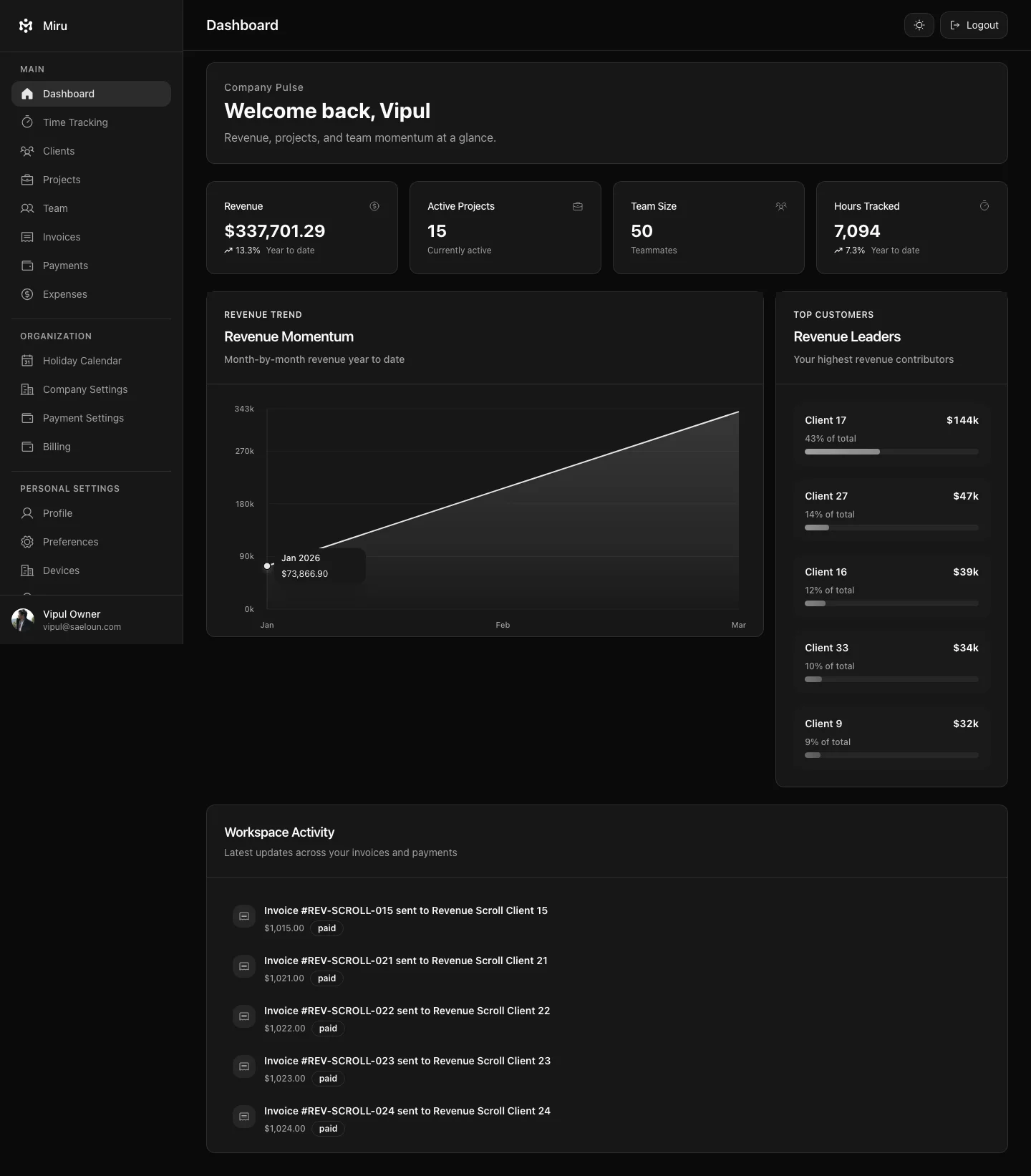
Want to know if you’re on track? The dashboard shows billable vs non-billable hours, team utilization, and project progress in real time. No configuration required.
When the week is logged, the hours are one click away from an invoice. Coming from Harvest or Toggl? See the comparison.