Same workflow.
90% less.
Miru gives you time tracking, invoicing, and team management for $1 per user per month. Open source, self-hostable, and yours forever. Here's how to switch in one coffee break.
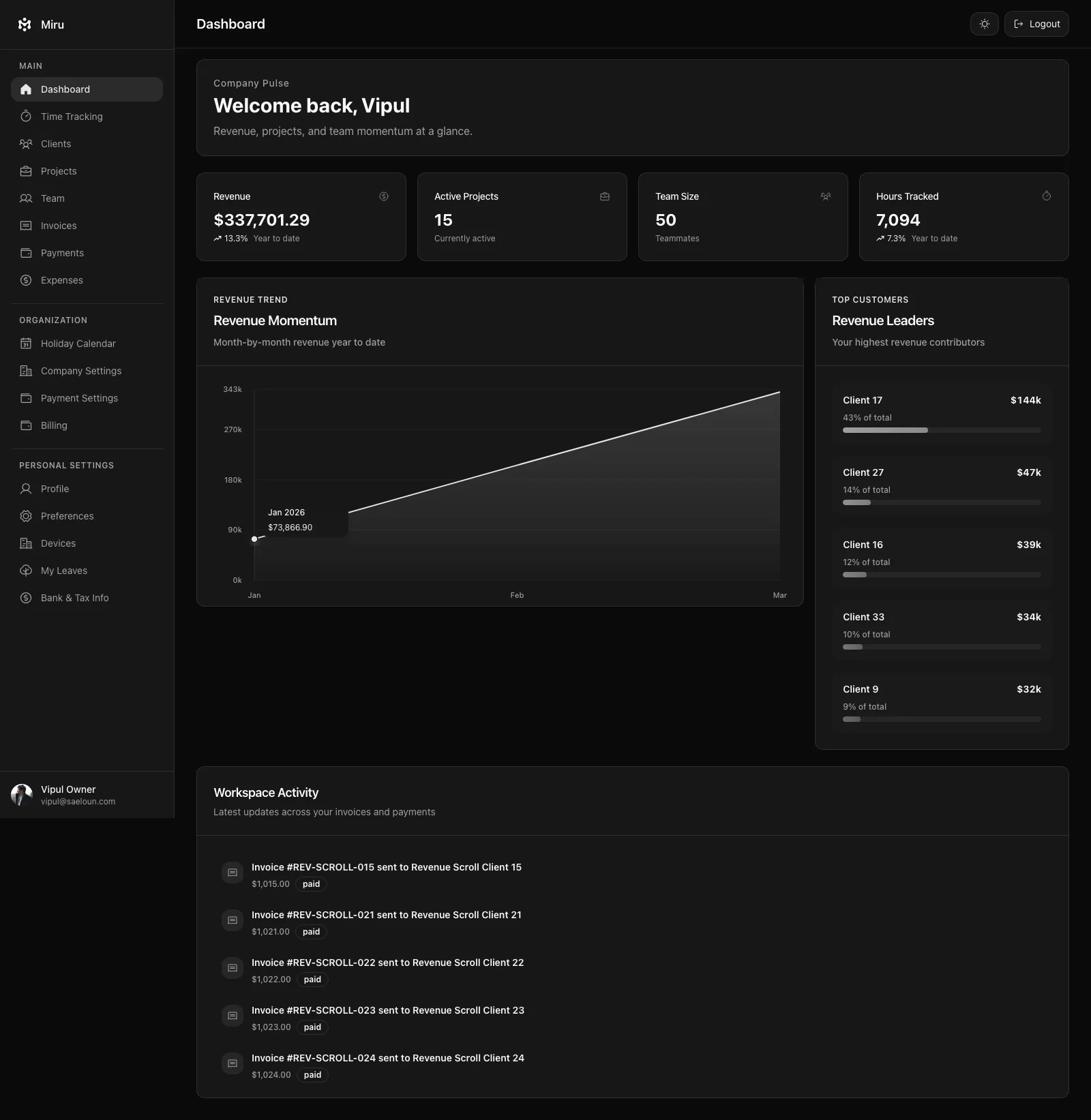
Three reasons to stop paying Harvest prices
$12/seat vs $1/member
A 20-person team on Harvest: $2,592/year. The same team on Miru: $240/year. That's not a rounding error. That's a junior developer's annual tool budget.
Open source, not a black box
Miru is MIT-licensed. Every line of code is on GitHub. Self-host it. Audit it. Fork it. Harvest is a closed product you rent. When they change the API or raise prices, you have zero recourse.
A real CLI
Harvest has no CLI. If you're a developer, you're switching to a browser tab every time you log hours. Miru has a full CLI — time, invoices, expenses, reports. All from your terminal.
Five steps. Ten minutes. Zero drama.
Export your time entries from Harvest
Log into Harvest. Go to Reports > Detailed Time. Set the date range to cover all history you want to keep. Click Export CSV. Save the file. That's your entire time tracking history in a single file.
Do the same for expenses if you use them: Reports > Expense Report > Export CSV.
Sign up for Miru
Go to app.miru.so/signup. Create your organization. $1 per member per month. No sales call. No 47-field form. You'll be inside the app in about 60 seconds.
Import via CLI or web uploader
Install the CLI and import your Harvest CSV in one command. The CLI understands Harvest's export format natively — no column mapping, no reformatting.
$ curl -fsSL https://miru.so/install.sh | sh $ miru login $ miru import --file harvest-export.csv --format harvest Prefer a GUI? Use the web importer in Settings > Import Data. Drag, drop, done.
Invite your team
Go to Team > Invite. Paste email addresses. Pick roles. Send. Your team gets an email, clicks a link, and they're in. No training session. The interface is simple enough that if someone can use Harvest, they can use Miru. Probably faster.
Cancel Harvest
The best step. Log into Harvest. Go to Settings > Subscription > Cancel. Watch your monthly bill drop by 90%. Redirect that budget to something that actually matters — better hardware, team offsite, literally anything.
Questions you're probably asking
Will I lose my time entry data?
How long does the migration actually take?
Can I run both tools side by side?
What about my Harvest integrations?
Do you support Harvest's project structure?
You've read the guide. Now do the thing.
Ten minutes. That's the switching cost. The cost of staying is $10.80/seat/month, every month, forever.