Toggl tracks time.
Miru runs your business.
Toggl is a great timer. Best in class, even. But if you bill clients for your time, a timer is about 20% of what you need. Here's how to upgrade to the full stack.
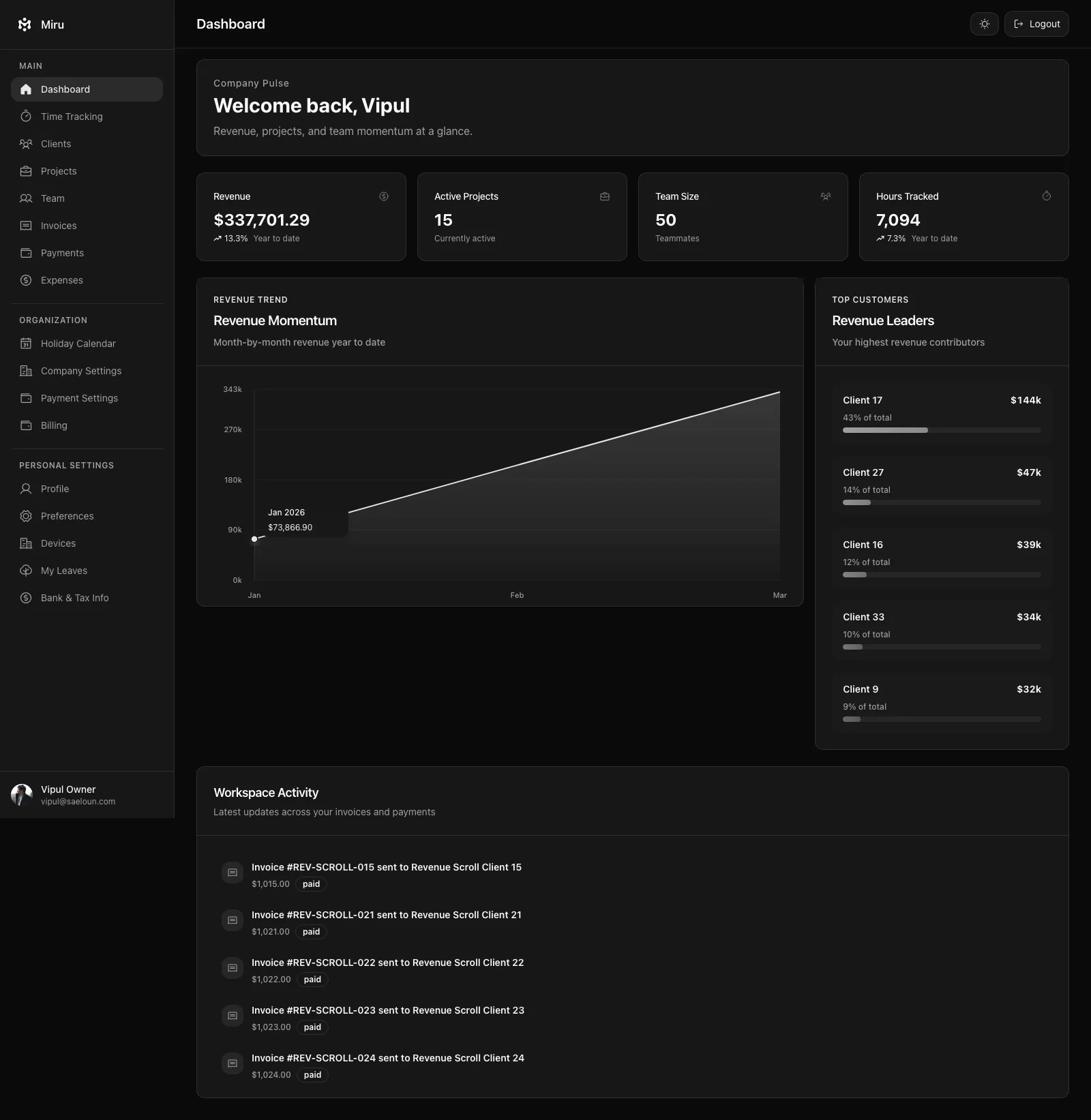
Toggl stops at tracking. Miru keeps going.
Invoicing built in
Toggl doesn't do invoicing. You track time there, then manually compile invoices in QuickBooks or a spreadsheet. Miru generates invoices directly from your tracked hours. Select the client, pick the date range, send. No copy-paste. No middle step.
Expenses & payments
Toggl has no expense tracking and no payment processing. With Miru, log expenses to projects, attach receipts, include them on invoices. Stripe payments are built in — clients click "Pay Now" and you get paid. One tool instead of three.
Business reports, not dashboards
Toggl shows you where time went. Miru tells you where the money went. Revenue reports, accounts aging, outstanding invoices, client profitability. The reports a business owner actually needs, not just pretty charts.
Five steps. Ten minutes. Full upgrade.
Export your Toggl time entries
Log into Toggl Track. Go to Reports > Detailed Report. Set your date range to cover all history you want. Click the Export > Download as CSV button. That file contains every time entry, project, client, and tag.
Toggl also lets you export via their API if you prefer scripting it.
Sign up for Miru
app.miru.so/signup. Name your organization. Pick your timezone. You're in. $1 per member per month, every feature included. No sales call.
Import via CLI or web
The Miru CLI understands Toggl's CSV format. One command and your time history is in Miru with clients and projects automatically created.
$ curl -fsSL https://miru.so/install.sh | sh $ miru login $ miru import --file toggl-export.csv --format toggl The web importer works too: Settings > Import Data > drag your CSV.
Invite your team
Team > Invite. Paste emails. Assign roles. Send. Your team gets an email, clicks once, and they're logging time. The timer interface will feel familiar — start, stop, add a note. The difference is everything that happens after: invoicing, expenses, payments, reports.
Cancel Toggl (and your other tools)
Here's the real savings: you're not just replacing Toggl. You're replacing Toggl plus whatever you use for invoicing plus whatever you use for expenses. Three subscriptions become one. Three logins become one. Three support tickets become one.
Questions you'll have
Will I lose my Toggl time data?
How long does the migration take?
Can I run Toggl and Miru at the same time?
What about Toggl's project and client structure?
I use Toggl for reporting. How do Miru's reports compare?
Toggl is a timer. You need a business tool.
Migrate in 10 minutes. Get invoicing, expenses, and payments on day one.