The Freelancer's No-BS Guide to Getting Paid
Track your hours, send professional invoices, and get paid without chasing. A practical guide for freelancers who'd rather do the work.
 Vipul A M · · 3 min read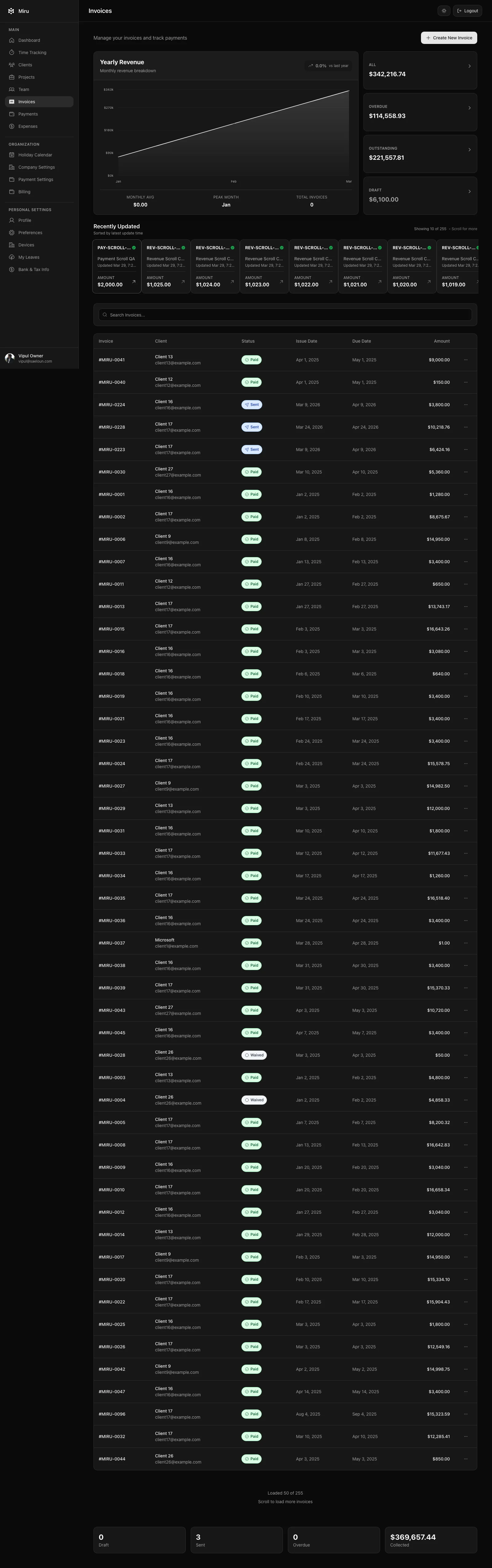
Why you undercharge when you don’t track time
This is the part nobody wants to hear: if you’re not tracking your hours, you’re losing money. Not “maybe losing money” or “theoretically losing money.” You are, right now, billing for fewer hours than you worked.
Here’s why. When you sit down on Friday to fill in your timesheet for the week, you remember the big tasks. “Monday I spent most of the day on the Acme homepage.” But you don’t remember the 45 minutes you spent troubleshooting their staging environment. Or the 20 minutes answering emails about the project scope. Or the hour-long call on Wednesday that ran over.
Track in real time and those smaller blocks of work make the invoice. Reconstruct the week from memory and they disappear from the timesheet, even though you did the work.
Track time when you do the work. Not after.
How to generate invoices fast
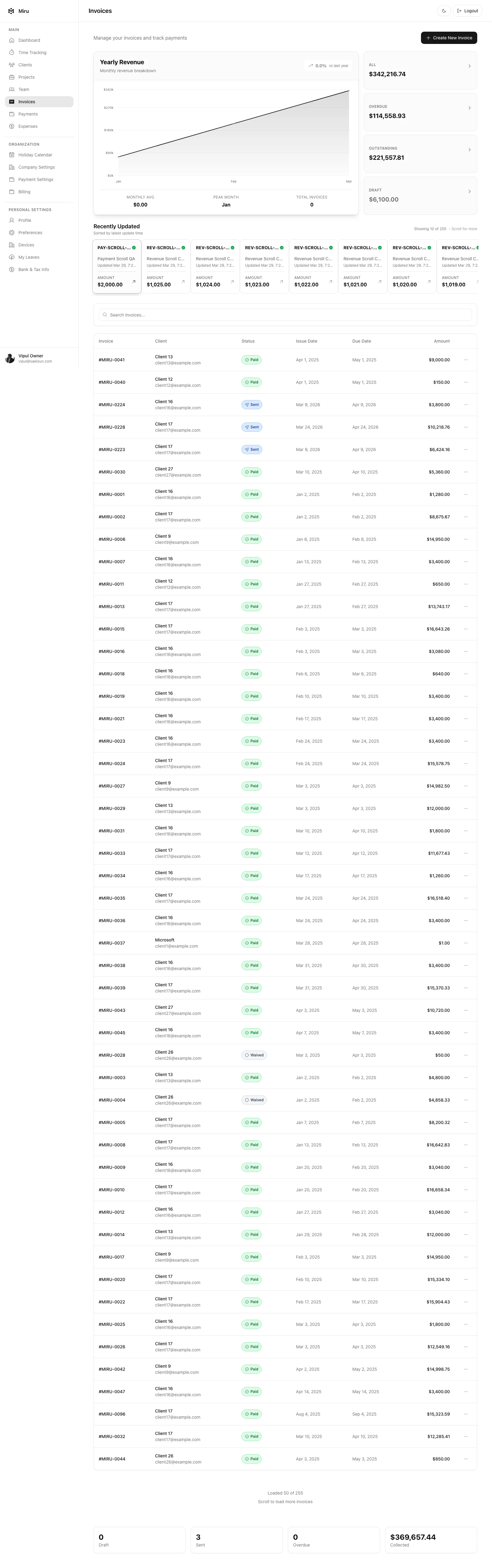
The invoice itself should take less than two minutes to create. If it takes longer, you’ll procrastinate on it, which means you’ll send it late, which means you’ll get paid late.
Here’s the workflow:
- Select the client. All your time entries are already tagged to a client because you logged them as you worked.
- Select the date range. “March 1 to March 31” or “last two weeks” or whatever your billing cycle is.
- Review the line items. Your time entries become invoice line items automatically. Each one shows the date, hours, rate, and what you did.
- Send. The client gets a professional invoice with a payment link. Done.
No formatting. No copy-pasting from a spreadsheet. No hunting for your invoice template. The time entries you logged throughout the month are your invoice.
The Stripe payment link trick
This is the single biggest improvement you can make to your cash flow: put a payment link on every invoice.
When you send a PDF invoice with “please wire to account number…” at the bottom, you’re asking your client to log into their bank, set up a new payee, enter routing numbers, and initiate a transfer. That’s 10 minutes of annoying work for them. So they put it off. Two weeks pass. You send a “friendly reminder.” Another week. You send a less friendly reminder.
When you send an invoice with a “Pay Now” button that opens a Stripe checkout page, they click it, enter their card, and you have the money in your account within 48 hours. The difference in time-to-payment is dramatic. We’ve seen freelancers go from 30+ day average payment times to under 7 days just by adding Stripe to their invoices.
Connect Stripe once. Every invoice after that includes the payment link automatically.
Expense tracking for tax time
Freelancers leave money on the table every April because they can’t prove their deductions. That software subscription you use for client work? Deductible. The coworking space? Deductible. The online course you took to learn a skill for a project? Deductible.
But only if you tracked it.
Log expenses against projects as they happen. When you pay for a stock photo for a client project, log it. When you renew your design software, log it. When you buy a domain name for a client, log it. At tax time, export the list. Hand it to your accountant. Done.
The freelancers who track expenses throughout the year save $2,000-5,000 more on taxes than the ones who try to reconstruct expenses from bank statements in April. The math is simple.
The system
Here’s the whole thing, end to end:
- Track time as you work. Two seconds per entry. CLI or browser, whatever you prefer.
- Log expenses when they happen. Same tool, same project.
- Invoice on a schedule. First of the month, no exceptions. Generate from your time entries.
- Get paid via Stripe. Payment link on every invoice. No more chasing.
That’s it. No apps to sync. No integrations to configure. No 30-day free trial that turns into $15/month. Miru is free for freelancers with up to 5 users — which, if you’re a freelancer, is more than you need.
Stop guessing your hours. Stop chasing payments. Do the work and get paid for it.
Hard Stop
Run this loop for two weeks without skipping cleanup. The compounding effect is real.
Start with Miru or read the docs.
Vipul A M
Co-founder at Saeloun. Building Miru. Rails contributor. Shipping from Pune, India.
Read next
Free FIRE Calculator for Freelancers and Consultants
We built a free FIRE calculator with multi-currency support, investment breakdowns, Monte Carlo simulations, and country-specific defaults. No signup required.
Free W-9 Generator: Fill and Download in 30 Seconds
We built a free online W-9 form generator that creates a properly formatted PDF. Private, in-browser, no signup required.
How to Bill Clients Without Losing Your Mind
A practical guide to client billing for agencies: time tracking, invoicing, expense management, and getting paid on time.
Put it to work
Run one cleaner billing cycle in Miru.
If this article is about tracking time, billing clients, comparing tools, or automating work, Miru is the product version of that idea. Start for $1/member, invite the team, and send the next invoice from tracked work.
What you get
- Time tracking, invoices, expenses, and payments in one place.
- $1 per member per month. Free if you self-host.
- Open source, with CLI, API, MCP, and self-hosting paths.
The article is the argument. Miru is the workflow.
Track the work, approve the hours, send the invoice, and get paid without bolting together three separate tools.