How We Use gbrain to Build Miru
How Saeloun uses gbrain, gstack, Codex, Claude, MCP, and repo signals to build Miru with memory, safer AI automation, and proof before claims.
 Vipul A M · · 10 min read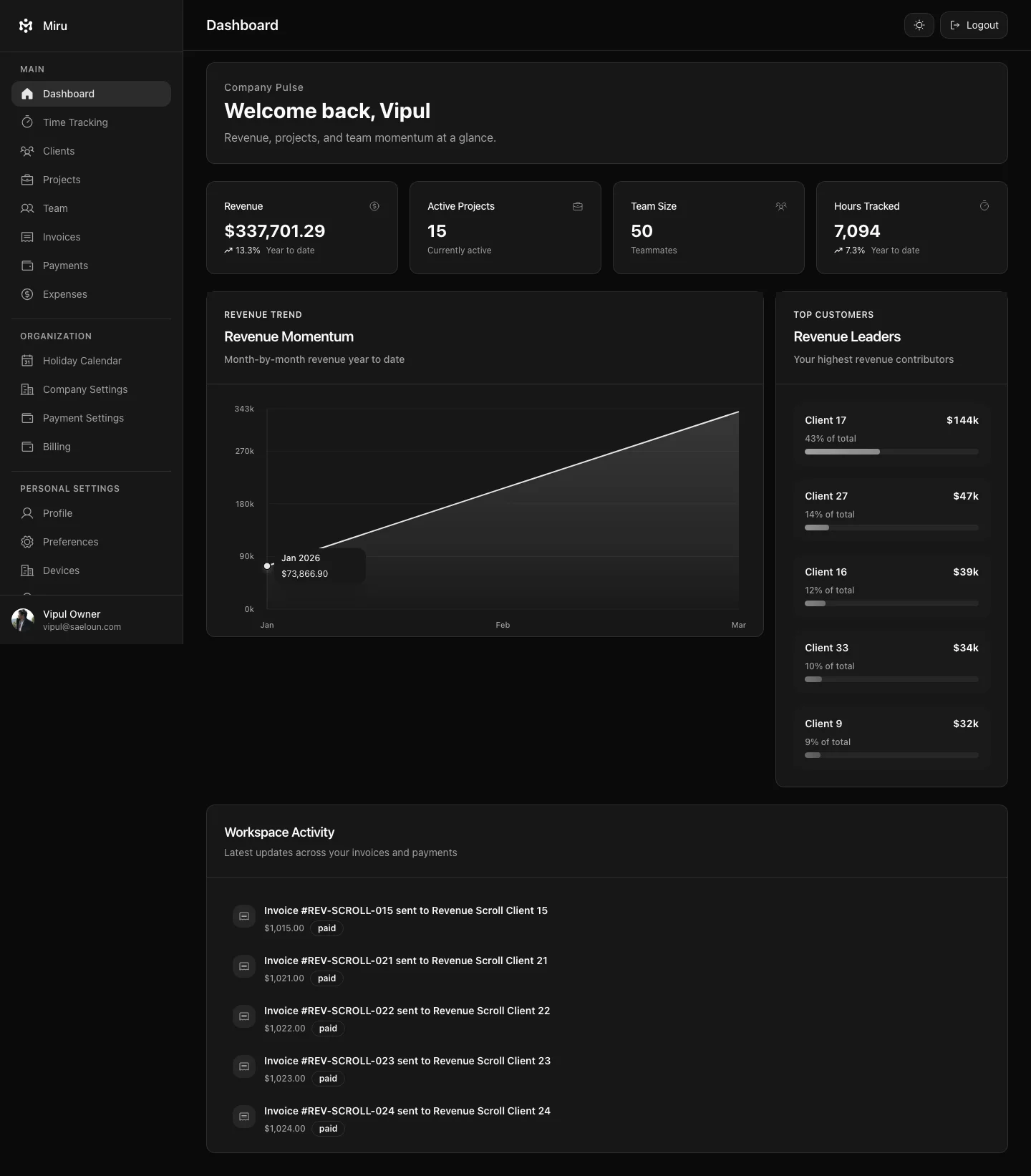
gbrain keeps Miru’s product and engineering taste close to the work: not a coder, not a test substitute, not a data dump.
Just memory and guardrails.
The related Saeloun posts explain the broader setup:
- My Ever-Improving AI Setup for Rails Work With gbrain and gstack
- Building a Private Karpathy-Style LLM Wiki With gbrain and gstack
This post is the Miru version: how that memory layer helps us build an open-source time tracking and billing product without turning the workflow into a vague AI demo.
Miru is a good test case because the repo surface is broad:
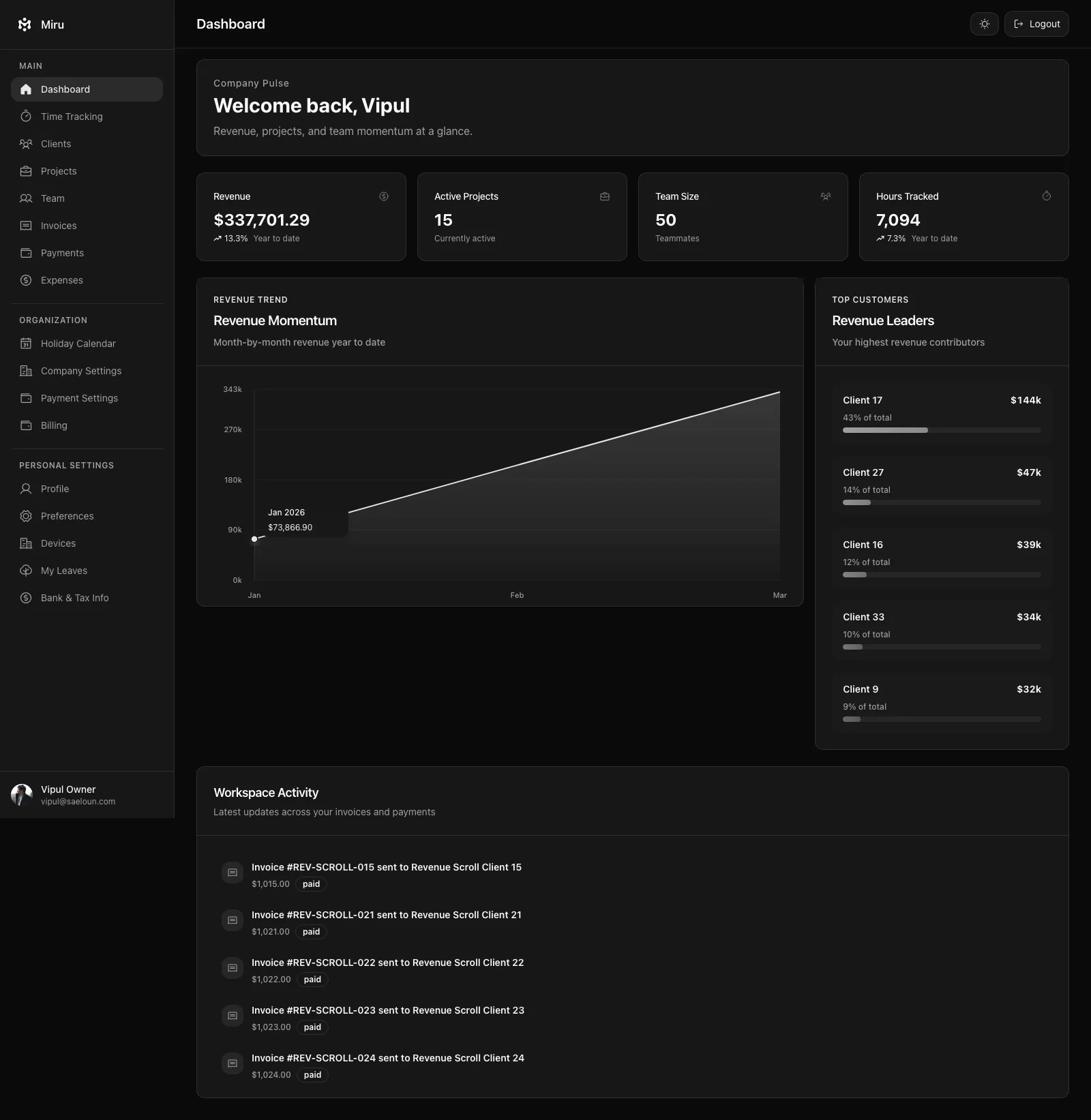
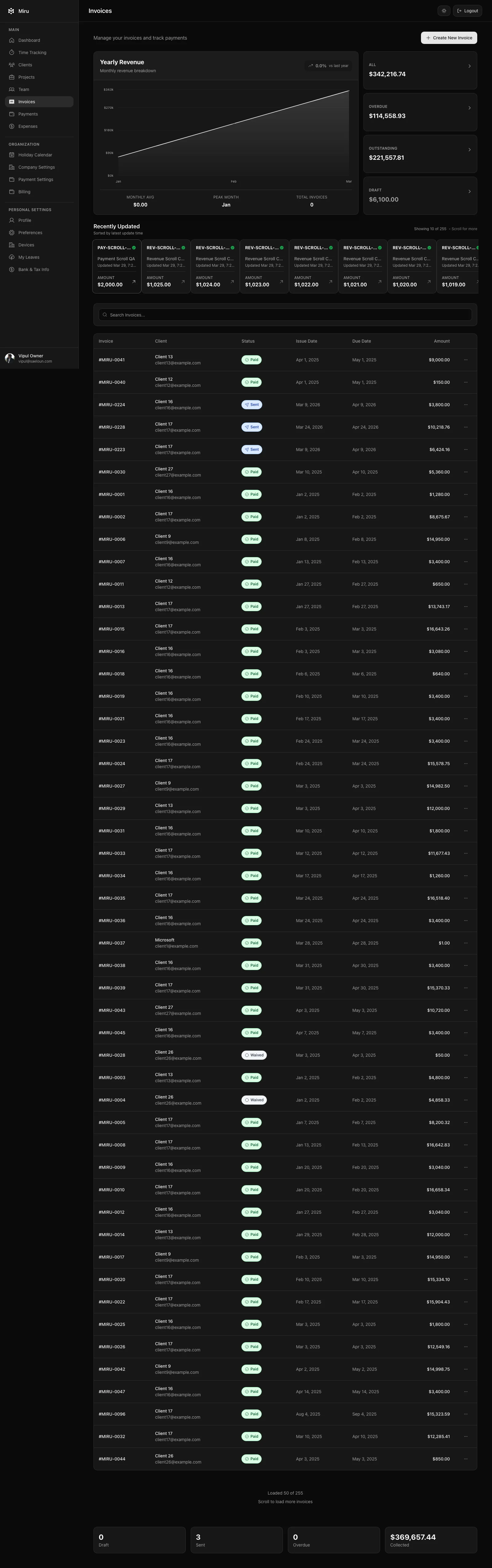
- Rails app for time tracking, invoices, expenses, payments, reports, team, and client portal workflows
- React frontend with role-aware surfaces
- CLI for terminal workflows
- REST API for automation
- MCP server for agent clients
llms.txt,llms-full.txt, API catalog, and MCP server card for agent discovery- Electron desktop app for local-first capture
- Expo mobile app for capture-first workflows
- marketing site, docs, release notes, and LinkedIn copy that all need to stay consistent
The Problem
AI assistants start from zero.
Miru does not.
Miru has product rules:
- billing data must be correct
- private data must stay private
- screenshots must not expose real tokens, emails, clients, or workspaces
- desktop is for capture, web is for review and billing
- mobile is for quick capture, not deep management
- CLI, API, and MCP exist so agents do not scrape private screens
- open source means the code, docs, and claims need to hold up in public
If I explain those rules manually in every prompt, I lose the point.
gbrain keeps repeated preferences available:
- writing voice
- Rails review habits
- product boundaries
- risk patterns
- blog publishing rules
- security defaults
- mentor-style review lenses
The useful part is not that an assistant can write more text. The useful part is that the first draft starts closer to how we already build.
The Loop
For Miru work, the loop is boring on purpose.
bun run ~/.gbrain/src/cli.ts persona voice --for code
bun run ~/.gbrain/src/cli.ts query "What should I check before changing this billing workflow?" --synth true
Then the agent still has to inspect the repo.
The loop:
1. query memory for product rules
2. inspect repo evidence
3. make a narrow change
4. run tests and lint
5. collect browser proof where UI changed
6. review the diff
7. wait for CI and human review
8. verify deploy when production changed
9. promote repeated fixes into tests, docs, or release checks
gbrain is not the source of truth.
The source of truth is still the code, docs, tests, GitHub history, release notes, and production behavior.
The Signal Map
gbrain is useful only when it is fed by real signals.
For Miru, those signals come from the repos:
| Repo | What it tells us | How we use it |
|---|---|---|
saeloun/miru-web | Rails models, API contracts, MCP tools, UI roles, billing behavior | Product truth and backend constraints |
saeloun/miru-time-desktop | local-first timer rules, desktop release notes, Electron specs | Capture boundaries and release proof |
saeloun/miru-mobile | Expo app shape, OTP/team login, quick entries, EAS release path | Mobile scope and beta status |
miru-marketing-website | docs, blog, feature pages, llms.txt, SEO schema | Public claims and agent-readable context |
That distinction matters.
If the desktop repo says v0.1.8 is the latest release and the marketing post still says an older version, the repo wins.
If mobile docs say TestFlight and Android internal testing, the LinkedIn post should not say “available now.”
If MCP docs say writes need review-first patterns, the blog should not imply agents can safely click around private UI.
Memory is useful when it points back to evidence.
Example 0: Public Context for AI Agents
Miru is not just written for humans now.
It is written for agents too.
The marketing site exposes:
/llms.txt/llms-full.txt/ai-agents- API catalog links
- MCP discovery links
- Markdown-friendly product summaries
That gives AI tools a sanctioned path:
read public product context
inspect API/MCP discovery
use structured authenticated tools only after authorization
avoid scraping private app pages
This is SEO work and AI-readiness work at the same time.
Search engines need specific product facts. Agents need the same facts in a form they can parse.
The mistake is treating “AI content” as a separate marketing channel. It is not. It is product documentation with stricter ambiguity costs.
Example 1: Desktop Timer
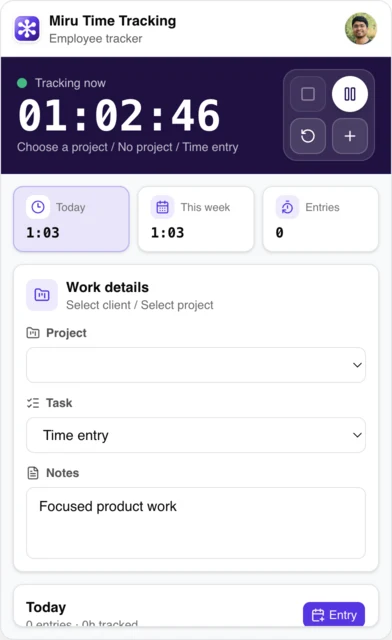
Desktop = capture.
Do not build a second web app.
When we work on the desktop app, the memory layer keeps pulling review back to the same checks:
- does the menu bar timer stay stable?
- does local-first state survive relaunch?
- does idle recovery help the user fix gaps before billing day?
- does the app avoid admin, invoice, billing, and dashboard surfaces?
- do the screenshots use sanitized local work data?
- did the packaged app flow pass Electron specs?
That is the kind of product taste gbrain is good at preserving.
It does not verify the release.
The desktop repo still has to run the checks, build the ZIPs, verify signing/notarization where relevant, and publish release notes.
Right now, that means the public desktop copy must account for v0.1.8: public macOS ZIPs are Developer ID signed and notarized, with Apple Silicon, Intel, Linux, and Windows artifacts available from the desktop repo.
Memory suggests the right lens. Verification decides if we ship.
Example 2: MCP and Agent Workflows
Miru supports CLI, API, and MCP because billing workflows should not depend on browser scraping.
That matters when AI agents are involved.
Bad path:
agent logs into private UI
agent clicks around by CSS selectors
agent sends invoice because a button was visible
Good path:
agent reads workspace context through MCP or API
agent lists projects, clients, time entries, invoices, payments, or expenses
agent previews writes with explicit user approval
agent uses dry_run and idempotency where the tool supports it
agent reports what changed
gbrain helps keep that bias close: structured tools first, writes review-first.
Default automation policy:
API/MCP/CLI only.
No private UI scraping for product workflows.
Use browser automation for sanitized screenshots, QA, and one-off debugging with explicit human intent.
The Miru MCP launch post already says the same thing from the product side: start read-only, then enable writes carefully. That is not an AI slogan. That is billing software discipline.
The repo signals here are specific:
- MCP endpoint and stdio entrypoint exist in
miru-web - CLI token flow is the auth bridge
- tool coverage includes workspace, project, client, time, invoice, payment, and expense operations
- source metadata can identify entries created through CLI, MCP, or automation
- agent-created work should be visible and reportable, not hidden inside a generic time entry
Example 3: Product Writing
Miru copy is easy to ruin.
The default AI voice wants to say:
Unlock seamless productivity with a robust all-in-one platform.No.
Miru is simpler than that:
Track time. Send invoices. Get paid.For marketing work, I usually start with:
bun run ~/.gbrain/src/cli.ts persona voice --for blogThen after a draft:
bun run ~/.gbrain/src/cli.ts persona review --file src/content/blog/some-post.mdxThat catches the predictable mistakes:
- too much corporate language
- claims without a source
- weak CTA
- long setup before the point
- vague “AI-powered” phrasing
- missing operational detail
This is especially useful for Miru because we write from operating experience. Saeloun uses Miru. We track time, send invoices, manage expenses, and notice the friction ourselves.
It also keeps sales copy from outrunning product truth.
Good sales copy for Miru is concrete:
- “Track time from web, CLI, desktop, API, or MCP.”
- “Invoice from approved work.”
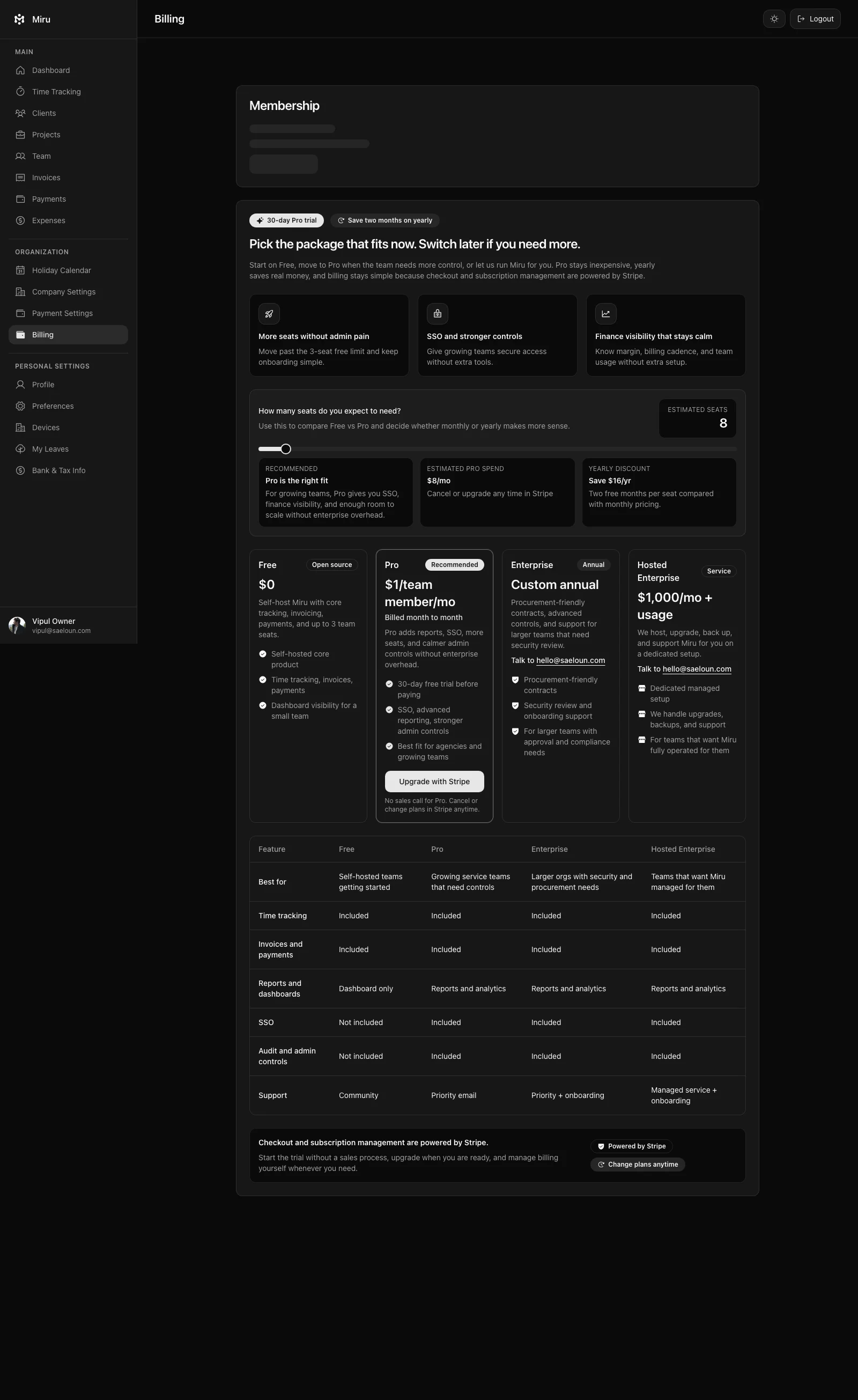
- “Collect payments through Stripe.”
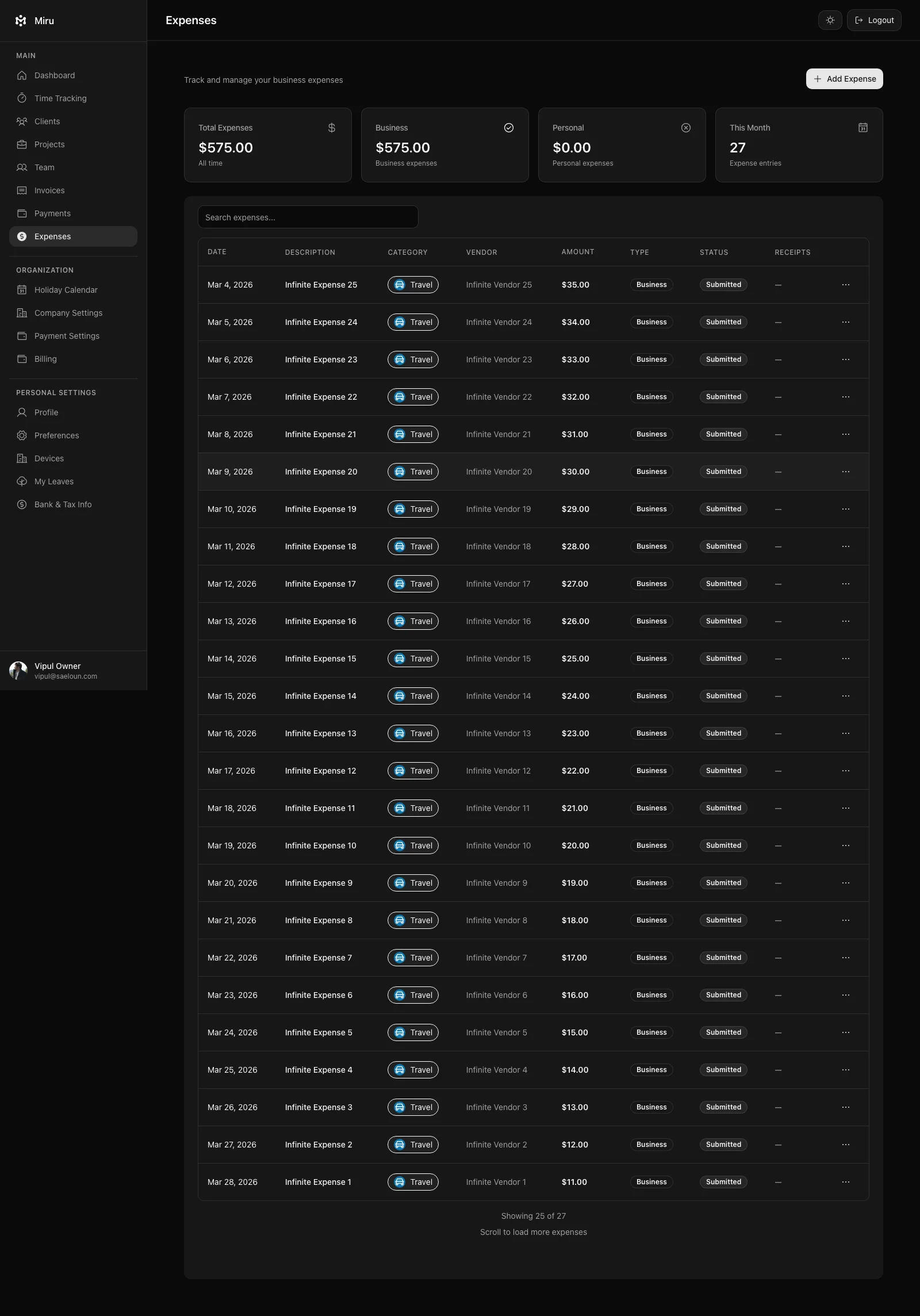
- “Keep expenses next to billing.”
- “Self-host because the product is open source.”
Bad sales copy is vague:
AI-powered productivity platform for modern teams.That line could describe anything.
Miru should not sound like anything.
Example 4: Mobile Scope
Mobile has the same problem as desktop: scope creep.
You can cram the whole back office into a phone.
You should not.
The mobile app direction is capture-first:
- OTP or team login
- start, pause, reset, save
- quick manual entries
- recent work
- assigned projects
- expenses and approvals where they help
- same Miru API and workspace data
gbrain helps keep the product discussion from drifting into “full admin dashboard, but smaller.”
The question is not “can we build it?”
The question is “does this belong on the phone?”
The mobile repo makes this concrete:
- standalone Expo React Native app
- production API default at
https://app.miru.so - session storage through AsyncStorage
- phone OTP and team email/password login
- timer start, pause, reset, save
- quick manual entries for 15m, 30m, 1h, or custom duration
- expense submission and review actions
- invoice reminders and Razorpay payment-link actions where enabled
- EAS as the release path for iOS TestFlight and Android internal testing
That gives marketing a clean boundary:
mobile preview
capture-first
beta path
same Miru API
not a full admin dashboard
No more. No less.

Example 5: Sales Content Without Lying
Sales content needs pressure.
It still needs proof.
For Miru, the stronger sales angle comes straight from repo and docs signals:
- hourly teams lose money when time, expenses, invoices, and payments live in separate tools
- Miru keeps those records close together
- CLI/API/MCP reduce manual billing work
- desktop and mobile reduce missed capture
- Stripe reduces payment friction
- reports show aging, revenue, time, payments, and client revenue
- open source gives buyers a way to inspect and self-host
That becomes a useful CTA:
If your team bills by the hour, stop stitching together a timer, spreadsheet, invoice tool, and payment link.

Use Miru hosted, or self-host it.
The claim is sharp because the product supports it.
Example 6: SEO Is a Verification Problem
SEO is not keyword stuffing.
For Miru, SEO review means checking whether a page clearly answers:
- what Miru is
- who it is for
- what workflows it covers
- what is open source
- what is hosted
- what can be self-hosted
- what automation surfaces exist
- what screenshots prove the claim
- what page the reader should visit next
AI-search review adds a second layer:
- is the title literal?
- is the description specific?
- do headings name concrete concepts?
- are public links crawlable?
- are examples synthetic?
- do we expose machine-readable context?
- would an agent know when to use API/MCP instead of scraping?
The output is not just a nicer blog post.
It is a page that a human, search crawler, and coding agent can all understand without guessing.
Example 7: What Gets Promoted Back Into the Repo
The best AI review comment is the one you stop repeating.
When the same correction appears twice, it should become one of these:
- test
- lint rule
- docs page
- AGENTS instruction
- release checklist
- MCP tool guardrail
- content template
- screenshot verification step
This is where gbrain and gstack become useful together.
gbrain remembers the pattern.
The repo receives the permanent rule.
Permanent rule beats long prompt.
What We Do Not Put In gbrain Prompts
The public-safe boundary matters.
We do not put these into public prompts, screenshots, blog examples, or social posts:
- real customer names
- private client details
- raw internal comments
- credentials
- tokens
- private emails
- production hostnames that are not already public
- real invoice data
- real workspace screenshots with sensitive context
- private revenue details
- screenshots from logged-in production sessions unless they are sanitized
Examples should be synthetic or sanitized.
If a claim is public, it needs a public source or a verification trail we can describe without leaking private context.
What gbrain Changed
The improvement is not “AI wrote more code.”
That is the wrong metric.
The improvements we care about:
- less repeated explanation
- fewer stale product claims
- stronger first drafts
- review preferences applied earlier
- better blog and LinkedIn copy without corporate filler
- fewer missed privacy boundaries
- more consistent verification language
For Miru, that means the assistant remembers that:
- billing correctness matters more than cleverness
- local-first capture is a product rule, not just an implementation detail
- CLI/API/MCP are automation surfaces with explicit auth
- open-source claims need to match the repo
- screenshots and examples must be safe
- tests and browser proof still decide
That is the useful version of AI-assisted product work.
The Hard Rule
gbrain suggests. It cannot approve.
Codex patches. It cannot merge.
Claude inspects. It cannot replace review.
MCP automates. It cannot skip authorization.
The gates stay boring:
- source inspection
- tests
- lint
- browser screenshots
- release notes
- CI
- human review
- production verification where needed
If AI speeds work but weakens gates, we failed.
Faster work. Stricter proof.
Try The Workflow
If you are building a Rails product with AI tools, do not start with ten agents.
Start with one memory loop:
1. write down product and review rules
2. keep private data private
3. query the memory before drafting or coding
4. inspect the real repo
5. make a narrow change
6. run the checks
7. promote repeated review comments into docs, tests, or instructions
Start small. Add memory. Promote repeated rules into code, tests, docs, or release checks.
For Miru, gbrain helps us apply the same taste repeatedly: practical Rails, careful billing, safe automation, direct writing, and proof before claims.
Use Miru if your team bills by the hour. Read the related Saeloun posts if you want the private AI setup behind the workflow.
Related Miru reads:
- Miru MCP Support Is Live
- Miru Desktop: Local-first Timer for Mac, Linux, and Windows
- Miru Mobile App Preview
- AI-Tagged Time Entries
- Miru 3.0 Launch
Hard Stop
Use it in production and tell us exactly where the workflow still fights you.
Start with Miru or read the docs.
Vipul A M
Co-founder at Saeloun. Building Miru. Rails contributor. Shipping from Pune, India.
Read next
How We Track Time with AI Agents and the Miru CLI
A practical guide to automated time tracking for teams using Claude Code, Codex, and other AI coding tools. Real workflows, real scripts, zero browser tabs.
AI-Tagged Time Entries: Know Which Hours Were AI-Assisted
Time entries created via CLI with AI tools like Claude Code now get automatically tagged. See exactly which work was AI-assisted.
This Week in Miru: MCP, Safer Billing, Agent-Ready
Apr 20-28: MCP production use, cleaner CLI setup, invoice fixes, client forms, Level 5 agent readiness, and SEO schema cleanup.
Put it to work
Run one cleaner billing cycle in Miru.
If this article is about tracking time, billing clients, comparing tools, or automating work, Miru is the product version of that idea. Start for $1/member, invite the team, and send the next invoice from tracked work.
What you get
- Time tracking, invoices, expenses, and payments in one place.
- $1 per member per month. Free if you self-host.
- Open source, with CLI, API, MCP, and self-hosting paths.
The article is the argument. Miru is the workflow.
Track the work, approve the hours, send the invoice, and get paid without bolting together three separate tools.