Introducing Miru 3.0
The biggest release in Miru's history. New expense management, CLI tool, dark mode, API access, six report types, and a completely redesigned experience.
 Vipul A M · · 7 min read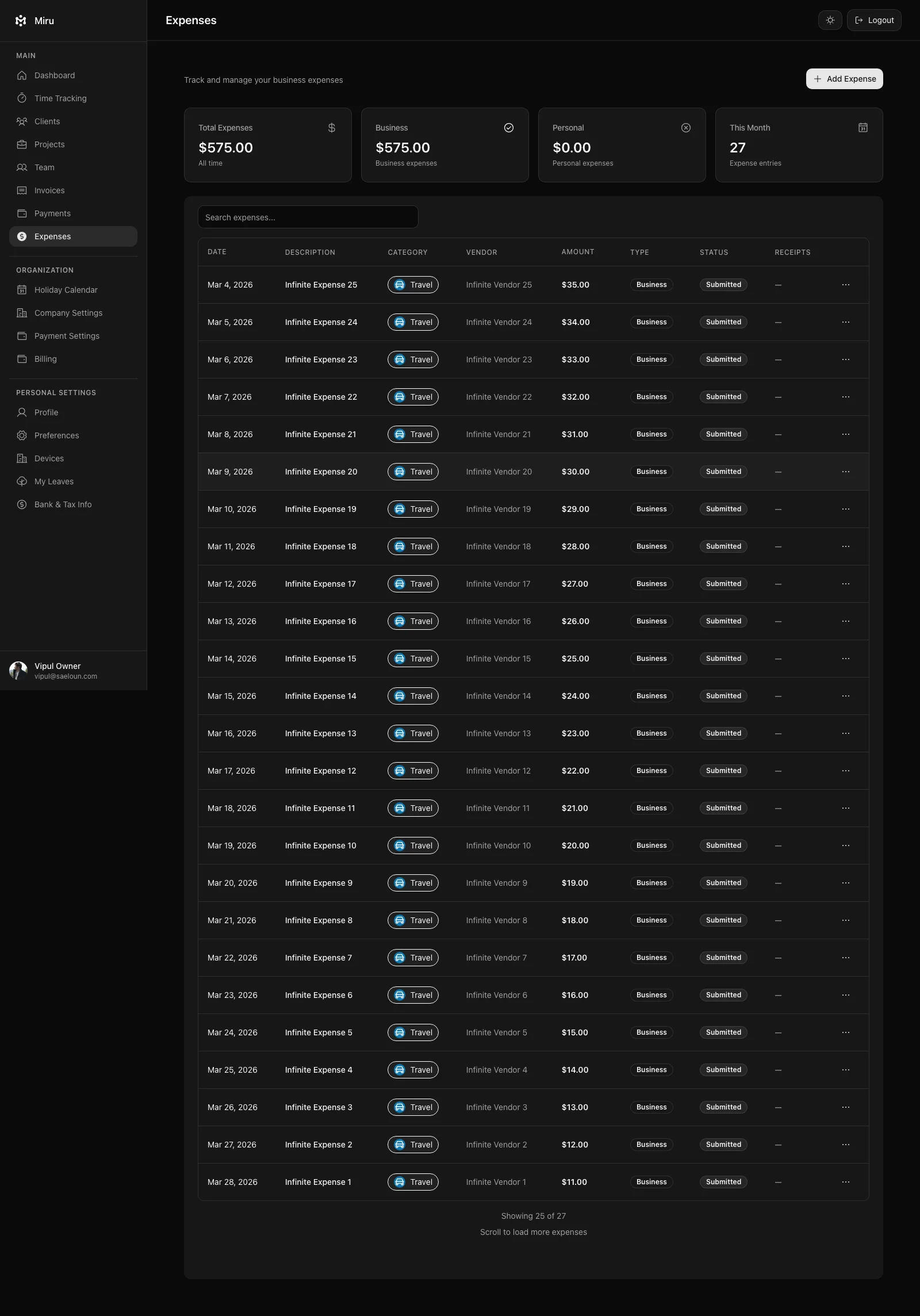
Expense Management: The Feature You’ve Been Asking For
This was our number one request for two years running. We kept punting it. Not anymore.
Miru 3.0 has full expense tracking built right into the workflow you already use for time and invoices. No separate app. No integration to maintain. It’s just there.
Here’s how it works: Four fields. Amount, date, category, vendor. Attach a receipt photo from your phone. Submit. That’s the employee experience.
On the manager side: approve or reject with one click. Mark expenses as paid when reimbursed. Filter by team member, date range, or category — software, travel, meals, equipment, whatever buckets make sense for your business.
The whole lifecycle is tracked. No more chasing down receipts. No more “hey, did you see my expense report?” Slack messages at 4:47 PM on a Friday.
A Real CLI for People Who Live in the Terminal
We’re developers. We built this for ourselves first.
If you spend your day in the terminal and context-switching to a browser tab to log hours breaks your flow, the Miru CLI is the answer. One-line install, full feature access, zero browser required.
curl -fsSL https://miru.so/install.sh | sh
miru login
That’s setup. Now here’s what a real Monday morning looks like:
# Log yesterday's work across two projects
miru time create --project "Acme Redesign" --duration 3h --date yesterday \
  --note "Homepage wireframes and client review"
miru time create --project "Internal Tools" --duration 2h --date yesterday \
  --note "Fixed auth token rotation bug"

# Check what's sitting in draft invoices
miru invoice list --status draft
# ID    CLIENT          AMOUNT     DATE
# 847   Acme Corp       $12,400    2026-03-15
# 851   Brightside Co   $3,200     2026-03-22

# That Acme invoice has been sitting there too long. Ship it.
miru invoice send --id 847 --recipients billing@acme.com,jane@acme.com

# Quick expense while you're at it
miru expense create --amount 49.99 --category software \
  --vendor "Figma" --date today --note "Monthly subscription"

# End of month — who owes us money?
miru report aging
# 0-30 days:   $15,600 (3 invoices)
# 31-60 days:  $4,200  (1 invoice)
# 61-90 days:  $0
The CLI supports everything the web app does: time entries, invoices, expenses, payments, projects, and clients. Create, list, update, delete.
But here’s the part we’re most excited about: the CLI is built for automation. Pipe its output. Chain commands in shell scripts. Hand it to an AI agent. We’ve seen early users build cron jobs that generate and send invoices on the first of every month without a human touching anything.
Six Reports That Answer Real Questions
We didn’t build a dashboard with pretty charts. We built six reports, each one designed to answer a specific question that someone running a services business actually asks.
Time Entry Report — Where did the hours go this month? Filter by client, project, team member, or date range. Drill from the big picture down to individual entries. This is the report you pull when a client questions a line item.
Revenue Report — How much money came in? Monthly trends, per-client breakdowns, revenue by status (paid, pending, overdue). This is your board meeting report.
Accounts Aging Report — Who owes you money and for how long? Outstanding invoices bucketed into 30, 60, and 90+ days. This is your collections priority list.
Outstanding Invoice Report — Every unpaid invoice in one view. Sort by amount, age, or client. This is what you open on Monday morning.
Payment Report — All payments received, filterable by date and client. This is what your bookkeeper needs for reconciliation.
Client Revenue Report — Which clients generate the most revenue? Which ones are declining? This is the report that drives strategy.
Every report exports to CSV and PDF. One click.
Dark Mode That’s Actually Designed
We didn’t slap a CSS invert() filter on the light theme and call it a day.
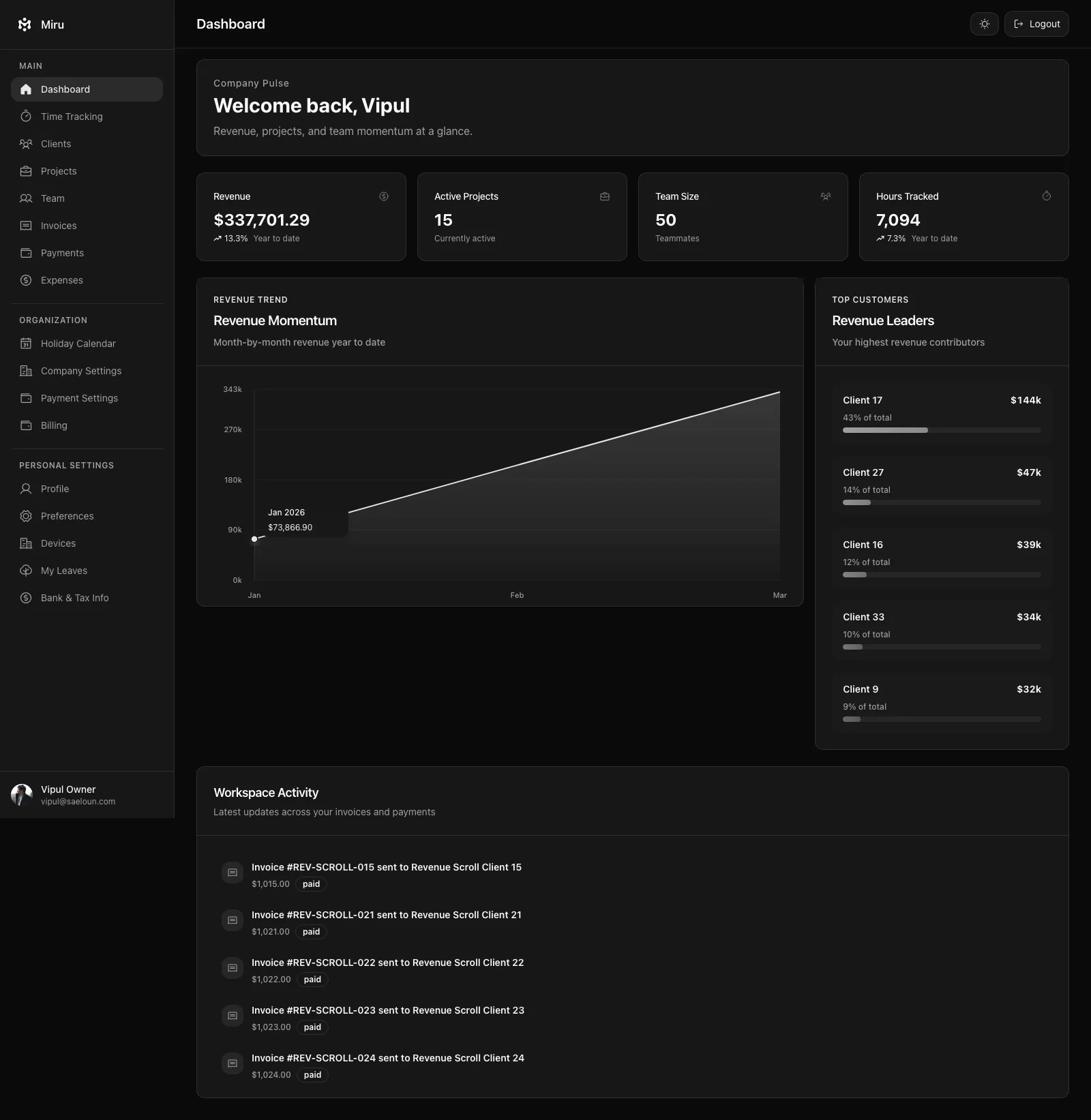
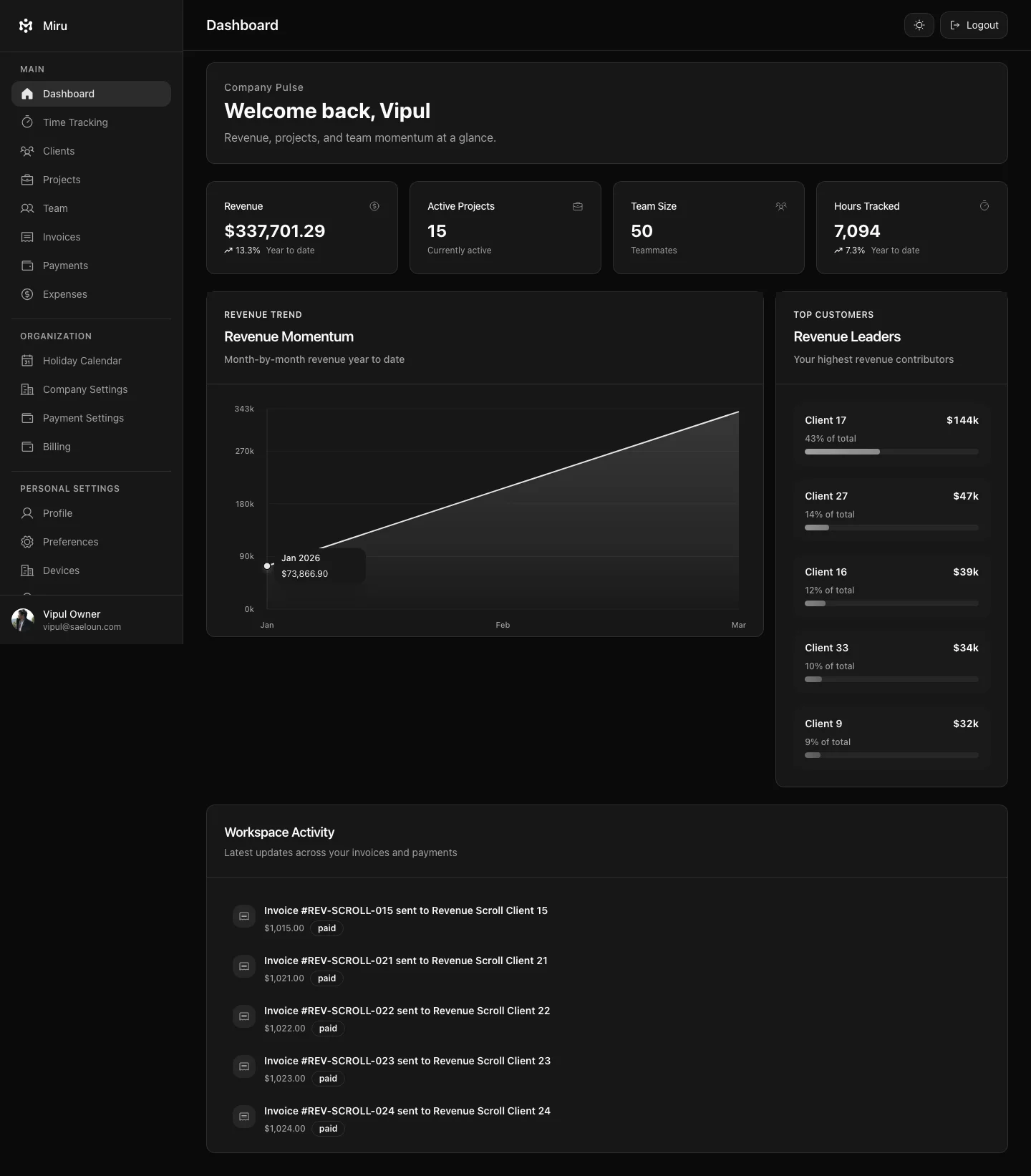
Every color, every contrast ratio, every shadow in Miru’s dark mode was chosen specifically for dark backgrounds. The invoice editor. The time tracking views. The report charts. Settings pages. Modals. All of it.
Toggle it once in preferences. Miru remembers.
If you’re reviewing invoices at 11 PM or logging yesterday’s hours before sunrise, your eyes will thank you.
API & Automation: Build Whatever You Need
Miru 3.0 exposes a full API. Not a limited read-only endpoint. Not a webhook that fires sometimes. A real API with full CRUD access to every resource in the system.
Generate a token from the automation settings page. Scope it to your account. Revoke it anytime. No OAuth dance for simple integrations.
What people are already building with it:
- Cron jobs that generate and send invoices on the 1st of every month
- Slack bots that let teams log time with
/track 2h Acme "Bug fixes" - CI/CD integrations that automatically log deployment hours to an internal project
- Custom dashboards that pull live revenue data into Grafana
- Zapier/Make/n8n workflows that sync Miru with accounting software
The CLI itself runs on this same API. If the CLI can do it, your scripts can do it.
Stripe Payments, Rebuilt from Scratch
The old Stripe integration worked. Barely. We threw it away and started over.
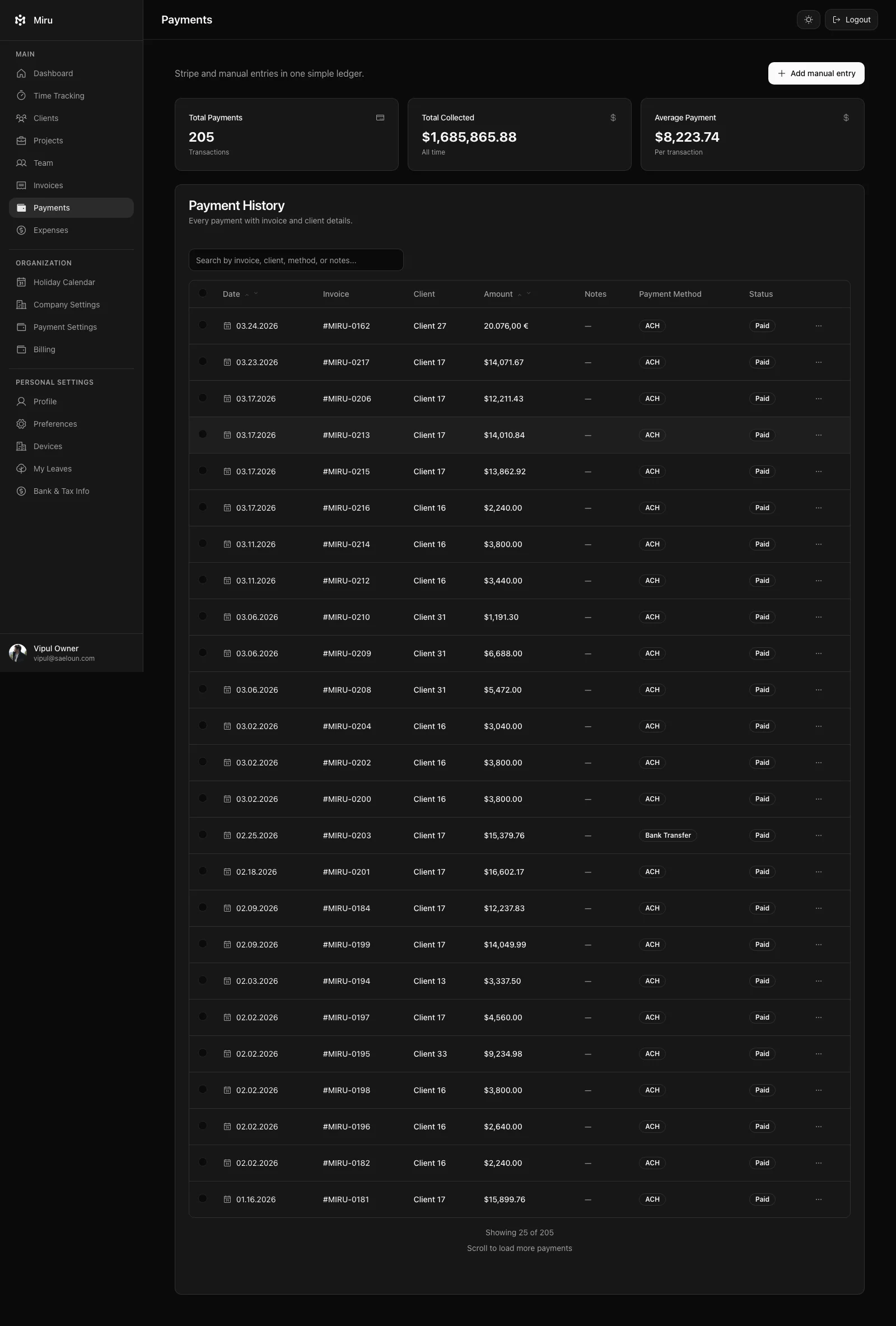
Now every invoice includes a “Pay Now” button. Clients receive the invoice email, click the button, enter their card. Done. No separate payment portal. No wire transfer instructions. No “please mail a check to…” nonsense.
On your end, invoice status updates automatically. Pending. Paid. Overdue. At a glance, you know exactly where your money is. Stripe handles international payments, currency conversion, and compliance. You connect once and stop thinking about it.
Stripe checkout cuts payment friction for your clients, so you get paid faster. That alone is worth the upgrade.
Team Management Without the HR Bloatware
Five roles. That’s it. Admin, Owner, Book Keeper, Employee, Client. Each one sees exactly what they need and nothing more. Employees track time. Book Keepers manage invoices. Admins see everything. No 47-page permission matrix.
Leave management is built in. Team members submit requests. Managers approve or deny. Balances update automatically. The team calendar shows who’s available and who’s out. You don’t need BambooHR for a 20-person team.
Employment details — designation, department, history — are stored per team member. Useful for onboarding, offboarding, and answering “who handles the Acme account again?”
Client Portal: Let Them Self-Serve
Clients get a secure portal link. No account creation. No password. They click the link, see their invoices, and pay. That’s the entire experience.
It sounds small. In practice, it eliminates dozens of “can you resend that invoice?” emails per month. Your clients look up their own information. You get your time back.
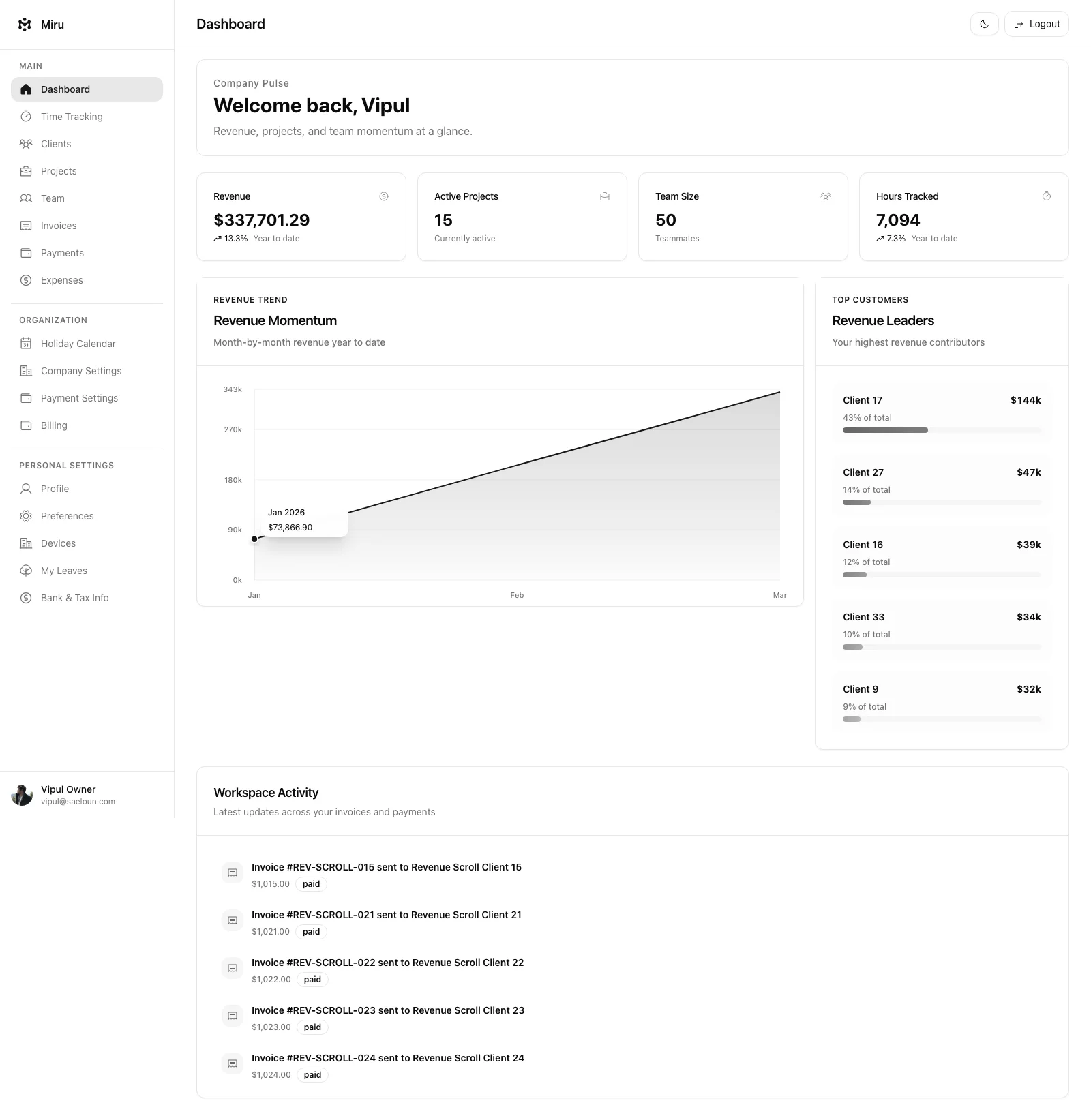
Every Screen, Redesigned
This isn’t a reskin. We rebuilt the entire frontend on React 18, TypeScript, and Tailwind CSS.
The sidebar navigation adapts to your role — employees see a clean, focused view; admins get the full control panel. Page transitions are faster. Forms are smarter. Mobile layouts actually work on a phone, not just on a shrunken desktop viewport.
The whole thing feels lighter and faster because it is lighter and faster.
Open Source. MIT Licensed. No Asterisks.
Miru is not open-core. There’s no “enterprise tier” hiding the good features behind a paywall. The full product — time tracking, invoicing, expenses, reports, team management, payments, API, CLI — is open source under the MIT license.
Self-host it on your own infrastructure. Fork it. Customize it. Read every line of code if you want to.
Or just use our hosted version and let us handle the ops.
The codebase is Ruby on Rails and React. Setup guides exist for macOS, Ubuntu, Windows, and Docker. Pull requests are welcome. The roadmap is public. The community drives what gets built next.
GitHub: github.com/saeloun/miru-web
What’s Next
We’re not slowing down. Here’s what’s on the roadmap for the rest of 2026:
- Recurring invoices — Set it and forget it. Monthly billing on autopilot.
- Multi-currency support — Native support for billing different clients in different currencies, not just Stripe conversion.
- Calendar integrations — Sync with Google Calendar and Outlook to auto-suggest time entries from your meetings.
- Mobile apps — Native iOS and Android apps for time tracking on the go.
- Bulk time entry import — CSV and API-based bulk import for teams migrating from other tools.
- Webhooks — Real-time event notifications so your integrations stay in sync.
Want to influence the roadmap? Open an issue on GitHub or join the conversation in Discussions. We build what real users need.
Get started Today
Miru 3.0 is live. Right now.
- Hosted: Sign up free at app.miru.so — no credit card required
- Self-hosted: Deployment guides in the docs
- CLI:
curl -fsSL https://miru.so/install.sh | sh - Source: github.com/saeloun/miru-web
We built Miru because we needed it. Saeloun is a consulting company. We bill by the hour. We track time every day. We send invoices every month. We got tired of tools that were either too simple or too bloated, so we built our own and open-sourced it.
If your team bills for time, give Miru 3.0 a try. Setup takes two minutes. The first invoice takes about sixty seconds after that.
— The Saeloun Team
Hard Stop
Use it in production and tell us exactly where the workflow still fights you.
Start with Miru or read the docs.
Vipul A M
Co-founder at Saeloun. Building Miru. Rails contributor. Shipping from Pune, India.
Read next
Pricing update: $1 per member, from the first member
Miru's cloud pricing is changing. No more free tier — every member is $1/month from day one. Self-hosting stays free. Here's the reasoning.
How We Use gbrain to Build Miru
How Saeloun uses gbrain, gstack, Codex, Claude, MCP, and repo signals to build Miru with memory, safer AI automation, and proof before claims.
Miru Desktop: Local-first Timer for Mac, Linux, and Windows
Miru Time Tracking is available as a local-first desktop timer with menu bar controls, timer stack, idle recovery, time entries, and Miru web sync.
Put it to work
Run one cleaner billing cycle in Miru.
If this article is about tracking time, billing clients, comparing tools, or automating work, Miru is the product version of that idea. Start for $1/member, invite the team, and send the next invoice from tracked work.
What you get
- Time tracking, invoices, expenses, and payments in one place.
- $1 per member per month. Free if you self-host.
- Open source, with CLI, API, MCP, and self-hosting paths.
The article is the argument. Miru is the workflow.
Track the work, approve the hours, send the invoice, and get paid without bolting together three separate tools.