Miru vs FreshBooks: Stop Overpaying for Invoicing
FreshBooks charges $17-$55/month before you add a single team member. Miru gives you invoicing, time tracking, and expenses for $1/member/month.
 Vipul A M · · 2 min read
The pricing problem
FreshBooks has three plans:
- Lite: $17/month (5 billable clients)
- Plus: $30/month (50 clients, adds time tracking)
- Premium: $55/month (unlimited clients)
Each additional team member costs $11/month. A 10-person team on Plus? That’s $140/month or $1,680/year.
Miru’s pricing:
- Free: Up to 5 users. All features. No client limits.
- Pro: $1/member/month. Unlimited everything.
- Enterprise: $1K+/year. Self-hosted with support.
That same 10-person team on Miru Pro? $10/month. $120/year. You save $1,560 per year. That’s real money.
FreshBooks gates features behind tiers
Here’s what gets people: FreshBooks doesn’t include time tracking on the Lite plan. You have to pay $30/month (Plus) just to use a timer. Expense tracking requires the Plus plan too.
Miru includes time tracking, invoicing, expenses, payments, team management, reports, and CLI access on every plan — including Free. We don’t gate features to upsell you.
What Miru does that FreshBooks can’t
CLI access. Track time from your terminal. Generate invoices from a script. Automate your entire billing workflow with shell commands. FreshBooks is browser-only.
Self-hosting. Miru is open source under the MIT license. Deploy it on your own servers. Own your data completely. FreshBooks is SaaS-only — your invoices and client data live on their servers, under their terms.
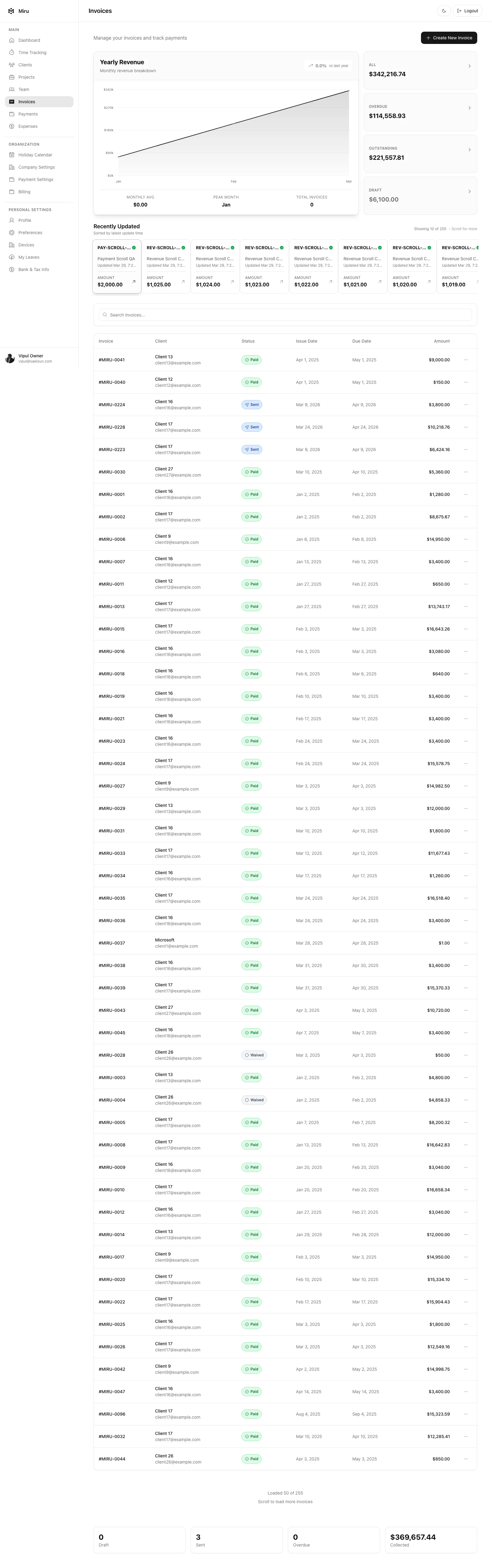
Dark mode. A small thing that makes a big difference when you’re reviewing invoices at 11pm.
Six report types. Time entries, revenue, accounts aging, outstanding invoices, payments, and client revenue. FreshBooks has basic financial reports, but they’re not as granular.
When FreshBooks makes sense
If you’re a solo freelancer who doesn’t track time and just needs pretty invoices with receipt scanning, FreshBooks Lite at $17/month is fine. Their mobile receipt scanning is genuinely good.
When Miru is the better choice
For everyone who tracks time AND sends invoices — which is most teams that bill by the hour — Miru is the obvious pick. You get:
- Time tracking + invoicing + expenses in one tool
- A CLI for developer workflows
- Open source code you can audit and self-host
- Pricing that doesn’t punish you for growing your team
Stop overpaying for invoicing. FreshBooks was great in 2010. In 2026, there’s a better option. Try Miru free — no credit card, no client limits, no catch.
Hard Stop
Run both tools for one real month. Keep the one that creates less cleanup and faster cash collection.
Start with Miru or read the docs.
Vipul A M
Co-founder at Saeloun. Building Miru. Rails contributor. Shipping from Pune, India.
Read next
The Definitive Time Tracking Comparison: Miru vs Every Alternative in 2026
We tested every major time tracking tool. Here's an honest, side-by-side breakdown of pricing, features, and what actually matters for teams that bill by the hour.
Miru vs Harvest: Which Time Tracker is Right for Your Team?
A head-to-head comparison of Miru and Harvest. Pricing, features, open source vs closed source, and why Miru wins for most teams.
Miru vs Toggl: Time Tracking is Just the Beginning
Toggl is a great timer. Miru is a great timer plus invoicing, expenses, payments, and a CLI. All for $1/member/month. Here's the full comparison.
Put it to work
Run one cleaner billing cycle in Miru.
If this article is about tracking time, billing clients, comparing tools, or automating work, Miru is the product version of that idea. Start for $1/member, invite the team, and send the next invoice from tracked work.
What you get
- Time tracking, invoices, expenses, and payments in one place.
- $1 per member per month. Free if you self-host.
- Open source, with CLI, API, MCP, and self-hosting paths.
The article is the argument. Miru is the workflow.
Track the work, approve the hours, send the invoice, and get paid without bolting together three separate tools.