Miru vs Harvest: Which Time Tracker is Right for Your Team?
A head-to-head comparison of Miru and Harvest. Pricing, features, open source vs closed source, and why Miru wins for most teams.
 Vipul A M · · 2 min read
Pricing: No contest
Harvest has one plan at $10.80/user/month. Simple, but expensive. Every new hire costs you another $130/year in time-tracking fees.
Miru has three tiers:
- Free: Up to 5 users. Full features. No credit card.
- Pro: $1/member/month. Unlimited users. Advanced reports and API.
- Enterprise: $1K+/year. Self-hosted with SLA support.
For most teams, the math is obvious.
Features: Miru does more
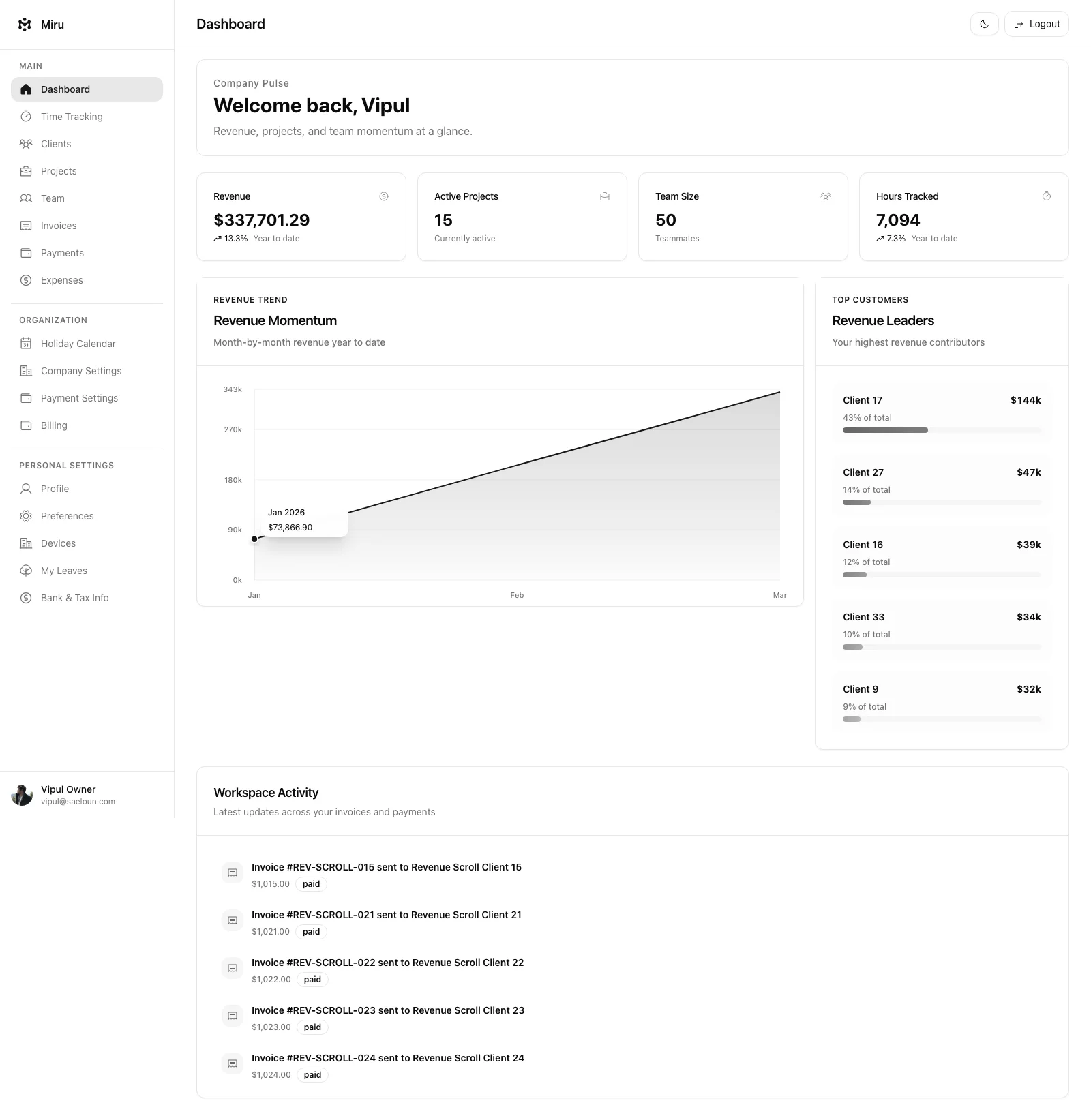
Both tools track time and send invoices. But Miru ships with six report types, five team roles with leave tracking, a full CLI for terminal-based workflows, dark mode, and a REST API you can actually automate against.
Harvest has a solid timer and basic reporting. It doesn’t have a CLI. It doesn’t have dark mode. It doesn’t have leave management.
If you’re a developer, Miru was built for how you work. Track time from your terminal. Script your invoicing. Automate with cron jobs. Harvest doesn’t support any of this.
The open source difference
This is the big one. Harvest is closed source. You can’t see the code, you can’t self-host it, and if they raise prices or shut down, you’re stuck.
Miru is MIT licensed and fully open source. The entire codebase is on GitHub. You can:
- Self-host on your own infrastructure — no monthly fees
- Audit the code for security and compliance
- Customize it to fit your exact workflow
- Fork it if you ever need to
Your data, your servers, your rules.
Who should choose Harvest?
If your team is already deeply integrated with Harvest’s ecosystem and the budget doesn’t matter, stick with it. It’s a good product.
Who should choose Miru?
Everyone else. Especially if you:
- Care about cost (most teams do)
- Want to self-host for security or compliance
- Have developers who prefer CLI workflows
- Believe your tools should be open source
The bottom line: Harvest is a $10.80/user tax on time tracking. Miru gives you more features for $1/member — or free for small teams. Start free today and see the difference.
Hard Stop
Run both tools for one real month. Keep the one that creates less cleanup and faster cash collection.
Start with Miru or read the docs.
Vipul A M
Co-founder at Saeloun. Building Miru. Rails contributor. Shipping from Pune, India.
Read next
The Definitive Time Tracking Comparison: Miru vs Every Alternative in 2026
We tested every major time tracking tool. Here's an honest, side-by-side breakdown of pricing, features, and what actually matters for teams that bill by the hour.
Miru vs FreshBooks: Stop Overpaying for Invoicing
FreshBooks charges $17-$55/month before you add a single team member. Miru gives you invoicing, time tracking, and expenses for $1/member/month.
Miru vs Toggl: Time Tracking is Just the Beginning
Toggl is a great timer. Miru is a great timer plus invoicing, expenses, payments, and a CLI. All for $1/member/month. Here's the full comparison.
Put it to work
Run one cleaner billing cycle in Miru.
If this article is about tracking time, billing clients, comparing tools, or automating work, Miru is the product version of that idea. Start for $1/member, invite the team, and send the next invoice from tracked work.
What you get
- Time tracking, invoices, expenses, and payments in one place.
- $1 per member per month. Free if you self-host.
- Open source, with CLI, API, MCP, and self-hosting paths.
The article is the argument. Miru is the workflow.
Track the work, approve the hours, send the invoice, and get paid without bolting together three separate tools.