Time Tracking Is Not Employee Monitoring
A researched guide to privacy-first time tracking for agencies: what to measure, what to avoid, and why billing accuracy beats screenshots.
 Vipul A M · · 9 min read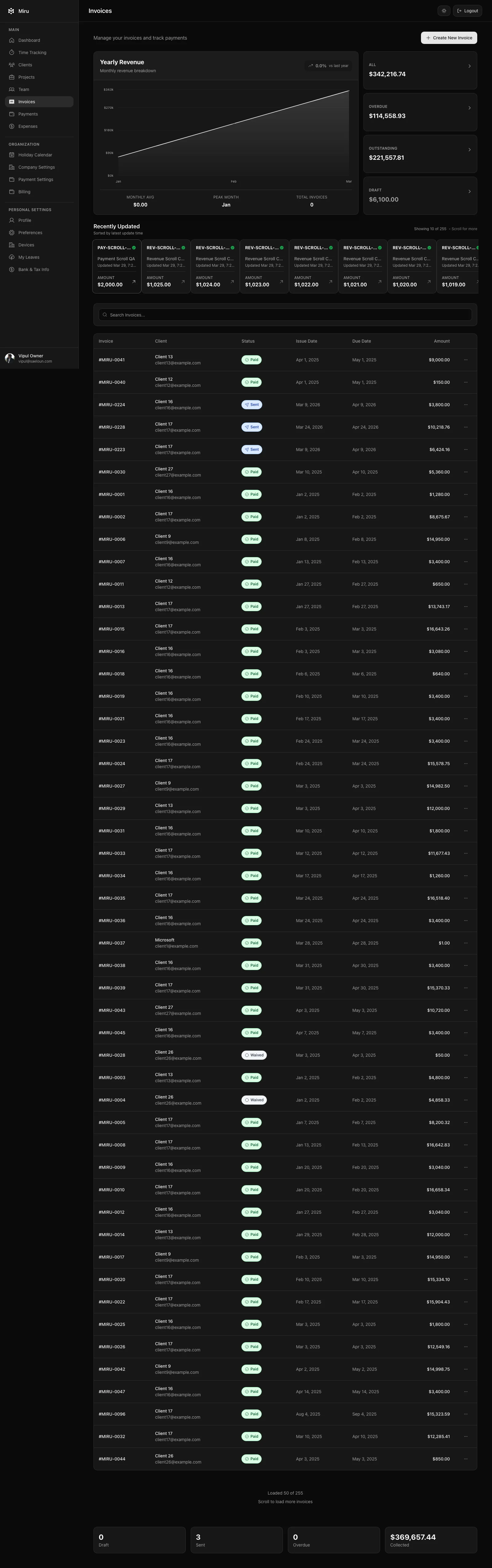
Time tracking answers “what do we bill?” Employee monitoring watches people. Do not mix them.
Agencies need invoice-ready data, not screenshots or keystroke logs.
You need to know what work was done, which client it belongs to, which project absorbed it, whether it is billable, and whether it made it to an invoice.
But that does not require screenshots every ten minutes. It does not require keystroke logs. It does not require webcam footage, mouse movement, location trails, or AI scores pretending to know whether a developer was “productive” while thinking through a hard migration.
That is the line we draw in Miru, and it is the line more service teams should draw when they search for privacy-first time tracking software or an employee monitoring alternative.
Track work for billing.
Do not surveil people for comfort.
The Old Way
The old way is to install employee monitoring software and hope activity equals progress.
1. Watch the desktop.
2. Record app usage.
3. Count keyboard and mouse activity.
4. Take screenshots.
5. Guess which time was billable.
6. Ask the team to fix the wrong guesses later.
Feels objective because it produces data.
It is noisy because it lacks context.
The app saw Figma open. It did not know whether the designer was working on Client A, reviewing internal brand work, or checking an unrelated reference. The keyboard was idle for twelve minutes. It did not know whether the engineer was debugging in their head, reading a stack trace, reviewing a pull request, talking to a client, or stuck in a required meeting.
The machine saw activity.
The business needed context.
Those are different things.
The Better Way
The better way is explicit, boring, and easier to audit.
Do this:
1. Start a timer against a client, project, task, and note.
2. Mark whether the work is billable.
3. Review weekly timesheets before invoice time.
4. Compare tracked work against estimates and retainers.
5. Send clean invoices.
6. Use reports to fix process, pricing, and capacity.
This is not anti-measurement. It is better measurement.
The measure should match the business question.
If the question is “what should we invoice?”, the answer is time entries, projects, rates, expenses, approvals, invoices, and payments.
If the question is “can I trust this person?”, screenshots will not fix the answer.
What The Regulations Actually Push You Toward
I am not giving legal advice here. Talk to counsel for your jurisdiction.
But the direction is obvious: keep accurate work and pay records. Do not collect invasive data because a dashboard makes it easy.
The U.S. Department of Labor says employers covered by the Fair Labor Standards Act must keep records for covered, nonexempt workers. There is no required format, but the records need accurate information about the employee, hours worked, and wages earned. The same DOL page lists hours worked each day and total hours worked each workweek as basic records.
The FLSA overview also makes the core wage-and-hour point clear: covered nonexempt workers are owed overtime after 40 hours in a workweek, and employers must keep time and pay records.
That is timekeeping.
That is not permission to record private screens.
The privacy side points in the same direction. The UK Information Commissioner’s Office published workplace monitoring guidance and explicitly lists practices like email monitoring, internet activity, keystroke tracking, screenshots, webcam footage, productivity tools, location tracking, and monitoring personal devices as monitoring methods. In the ICO’s research, 70% of the public said they would find employer monitoring intrusive, and 77% said screenshots or webcam footage would feel intrusive.
Even when monitoring is lawful, it can still be a bad operating system for a team.
That distinction is the whole time tracking vs employee monitoring decision.
What The Research Says About Surveillance
Surveillance changes behavior.
Sometimes that is the point. Usually it is the problem.
Cornell research published in 2024 found that people subjected to algorithmic surveillance reported lower autonomy and more resistance than people monitored by humans. The PubMed abstract summarizes four experiments: algorithmic surveillance led participants to criticize the surveillance more, perform worse in some studies, and report stronger intentions to resist.
Cornell’s own write-up put it more plainly: organizations using AI to monitor behavior and productivity can expect more complaints, lower productivity, and more intent to quit unless the system is framed around development instead of evaluation.
For an agency, that is not a soft HR concern. That is margin risk.
You need people to log clean time.
You do not need them optimizing their day around a mouse movement detector.
What Service Teams Actually Need
Professional services teams do not make money because everyone looks busy.
They make money when the right work gets sold, delivered, approved, billed, and collected.
SPI Research’s 2025 Professional Services Maturity Benchmark drew from 403 firms across IT consulting, management consulting, software/SaaS, accounting, marketing and advertising, and architecture and engineering. The public summary says billable utilization fell to 68.9%, below a 75% threshold, and on-time project delivery fell to 73.4%.
That is the work.
Not screenshots.
Better service operations means:
- cleaner estimates
- fewer missing time entries
- less unbilled work
- faster invoice approval
- better retainer hygiene
- clearer utilization by person, project, and client
- faster cash collection
- fewer private-data mistakes
Those are business metrics. They come from structured operational data.
The Difference In One Table
| Question | Time tracking answers it | Employee monitoring answers it |
|---|---|---|
| What client should this work bill to? | Yes | No |
| Was this work billable? | Yes | No |
| Which project is over budget? | Yes | Maybe, badly |
| Which invoice is missing approved time? | Yes | No |
| Did the team forget to log yesterday’s work? | Yes | Maybe |
| Did someone move their mouse at 2:37 PM? | No | Yes |
| Did a screenshot capture private data? | No | Maybe |
| Can the client understand the invoice? | Yes | No |
If a tool is great at the right column, be careful.
You probably need the left column.
A Better Policy For Agencies
Here is the policy I prefer:
We track time for billing, payroll, utilization, and project health.

We do not use screenshots, webcam footage, keystroke logs, mouse movement,
or private device monitoring as a normal way to evaluate work.

Every time entry should answer:
- who did the work?
- which client and project was it for?
- what was done?
- was it billable?
- should it go to an invoice?
- what is the approval state?

Managers review timesheets for missing context, not for private behavior.
Audit the workflow every month:
- missing time percentage
- uninvoiced approved hours
- rejected entries
- write-offs
- retainer drift
- overdue invoices
That is easier to explain to a team, easier to explain to a client, and easier to audit later.
What To Measure Instead
A practical time tracking system should measure these things first:
Client and project
Every entry needs a destination. “Development” is not enough. Client, project, task, and notes make invoices readable and reports useful.
Billable vs non-billable
This is the split that changes margin. Internal meetings, sales, hiring, training, support, rework, and warranty work should not disappear into one bucket.
Approval state
Submitted, approved, rejected, and invoiced are not UI labels. They are process controls.
Estimate vs actual
You cannot improve pricing if you do not compare estimated effort against real effort.
Invoice state
Tracked time is not cash. Approved time still needs to become an invoice. The invoice still needs to be sent. The payment still needs to arrive.
Source
Web, desktop, mobile, CLI, API, and MCP entries should all land in one workspace. The source is useful context. It should not become a caste system.
How Miru Handles This
Miru is built for the left column.
Not the surveillance column.
You can track time in the web app, use the desktop app for capture-first work, use the mobile app for quick entries, or use the CLI when you live in the terminal.
The data lands in the same Miru workspace.
That matters because billing does not care where the timer started. Billing cares whether the work belongs to the right client, project, rate, invoice, and payment flow.
Miru also has the pieces that turn tracked time into business records:
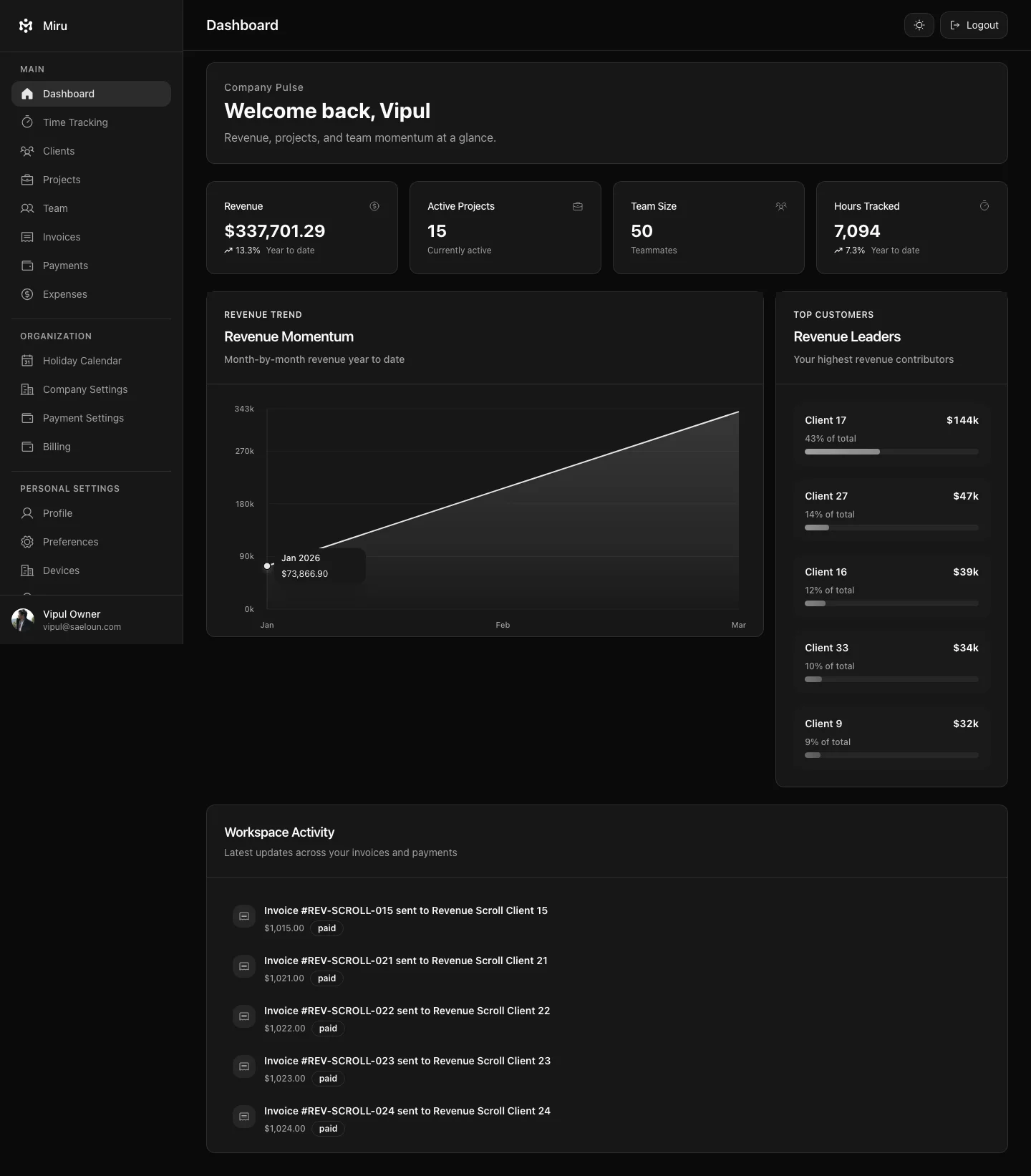
- invoicing tied to tracked work
- expenses with receipt and approval flows
- reports for time, revenue, invoices, payments, and aging
- REST API access for automation
- MCP support for agent workflows
- open-source code for teams that want ownership and self-hosting
The position is simple:
Use structured APIs for automation. Use timers for capture. Use reports for decisions.
Do not scrape private screens when the product already has proper surfaces.
Desktop And Mobile Should Reduce Friction
There is one good argument for automatic monitoring: people forget to track time.
That problem is real.
The answer should be lower-friction capture, not invasive capture.
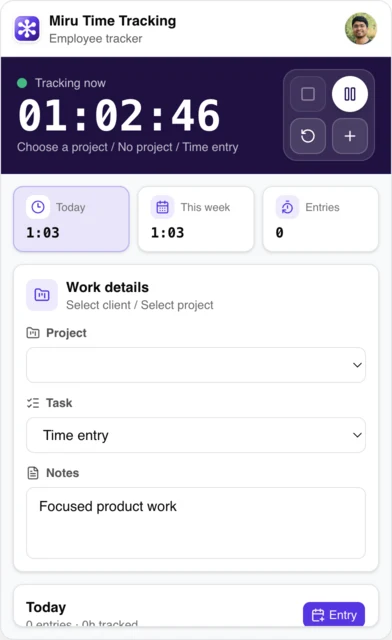
Desktop is useful because it stays close to the work. A menu bar timer, local persistence, idle recovery, and sync are enough. The tool helps the person remember and clean up entries without pretending it understands the work better than they do.
Mobile is useful because time does not only happen at a desk. Quick entry, recent projects, simple timers, and workspace-aware data are enough. The phone should help capture work while the context is fresh.
Neither surface needs to become a recorder.
The Agency Math
Here is a simple example.
10 people
30 billable hours per person per week
$125 average hourly rate
5% missing or misclassified time

10 x 30 x $125 = $37,500 weekly billable work
5% leakage = $1,875 per week
Annualized = $97,500
You do not need to spy on anyone to find that.
You need:
- daily capture
- weekly review
- project-level reports
- invoice status
- honest write-offs
- one place where time, expenses, invoices, and payments meet
That is enough work already.
When Monitoring Might Be A Different Problem
There are real cases for security monitoring.
Regulated systems, production access, financial controls, device management, incident response, and audit logs all matter. But that is security engineering. It should be scoped, documented, access-controlled, and reviewed like security work.
Do not hide a productivity surveillance program inside a billing tool.
That creates bad incentives.
If you need security logs, build a security program.
If you need invoices, build a billing workflow.
What To Ask Before Buying Time Tracking Software
Use this checklist before picking a tool.
Does it produce invoice-ready data?
If not, you still need another system.
Can people fix entries before billing?
Humans know the context. Let them clean the record before it becomes money.
Can managers review by exception?
A good tool should show missing time, over-budget projects, rejected entries, uninvoiced work, unpaid invoices, and aging payments. It should not require watching every minute.
Does it work where the team works?
Web is not enough for everyone. Desktop, mobile, CLI, API, and agent surfaces reduce excuses.
Does it avoid invasive defaults?
If screenshots and keystrokes are the main feature, understand what culture you are buying.
Can you leave?
Open source, exportable data, and documented APIs matter because your billing history is not a toy database.
FAQ
Is time tracking legal?
Usually yes, but details depend on jurisdiction, worker classification, and policy. For U.S. employers covered by the FLSA, the Department of Labor describes time and pay recordkeeping requirements for covered nonexempt workers. That does not mean every form of monitoring is wise or appropriate.
Is employee monitoring the same as time tracking?
No. Time tracking records work context for payroll, billing, utilization, and project health. Employee monitoring can include emails, files, calls, keystrokes, screenshots, webcam footage, productivity software, location, or personal-device monitoring.
Should agencies use screenshots for time tracking?
I would avoid it as a default. Screenshots are easy to misunderstand, easy to capture private data with, and usually less useful than a clean time entry tied to a client, project, note, and invoice.
What is privacy-first time tracking?
Privacy-first time tracking collects the minimum useful work data: person, client, project, task, duration, billable state, notes, approval state, invoice state, and source. It does not treat private screen capture as the normal proof of work.
What is the best employee monitoring alternative for agencies?
Use a time tracking and billing system. For agencies, the useful alternative is not another surveillance tool. It is a workflow that connects time entries, expenses, approvals, invoices, payments, reports, API automation, and clear manager review.
The Hard Stop
If your team cannot explain an invoice without screenshots, the billing workflow is broken.
Fix the workflow.
Track the work.
Bill cleanly.
Leave people alone.
If you want tooling that matches this approach - exportable data, APIs, local capture, and no routine surveillance - start with Miru, read the API docs, or self-host from GitHub.
Run it for 30 days. Compare missing time, uninvoiced hours, write-offs, and collection speed.
Vipul A M
Co-founder at Saeloun. Building Miru. Rails contributor. Shipping from Pune, India.
Read next
Billing for Remote Teams: What We Learned Running a Distributed Agency
Practical lessons from billing clients across timezones. Time tracking, invoicing, and getting paid when your team spans continents.
This Week in Miru: QuickBooks in Review, Configurable Timesheets, and Mobile Polish
May 20-June 2: configurable timesheet edit windows, mobile responsive cleanup, analytics alert fixes, dependency patches, and QuickBooks Online sync moving through review.
Miru Desktop: Local-first Timer for Mac, Linux, and Windows
Miru Time Tracking is available as a local-first desktop timer with menu bar controls, timer stack, idle recovery, time entries, and Miru web sync.
Put it to work
Run one cleaner billing cycle in Miru.
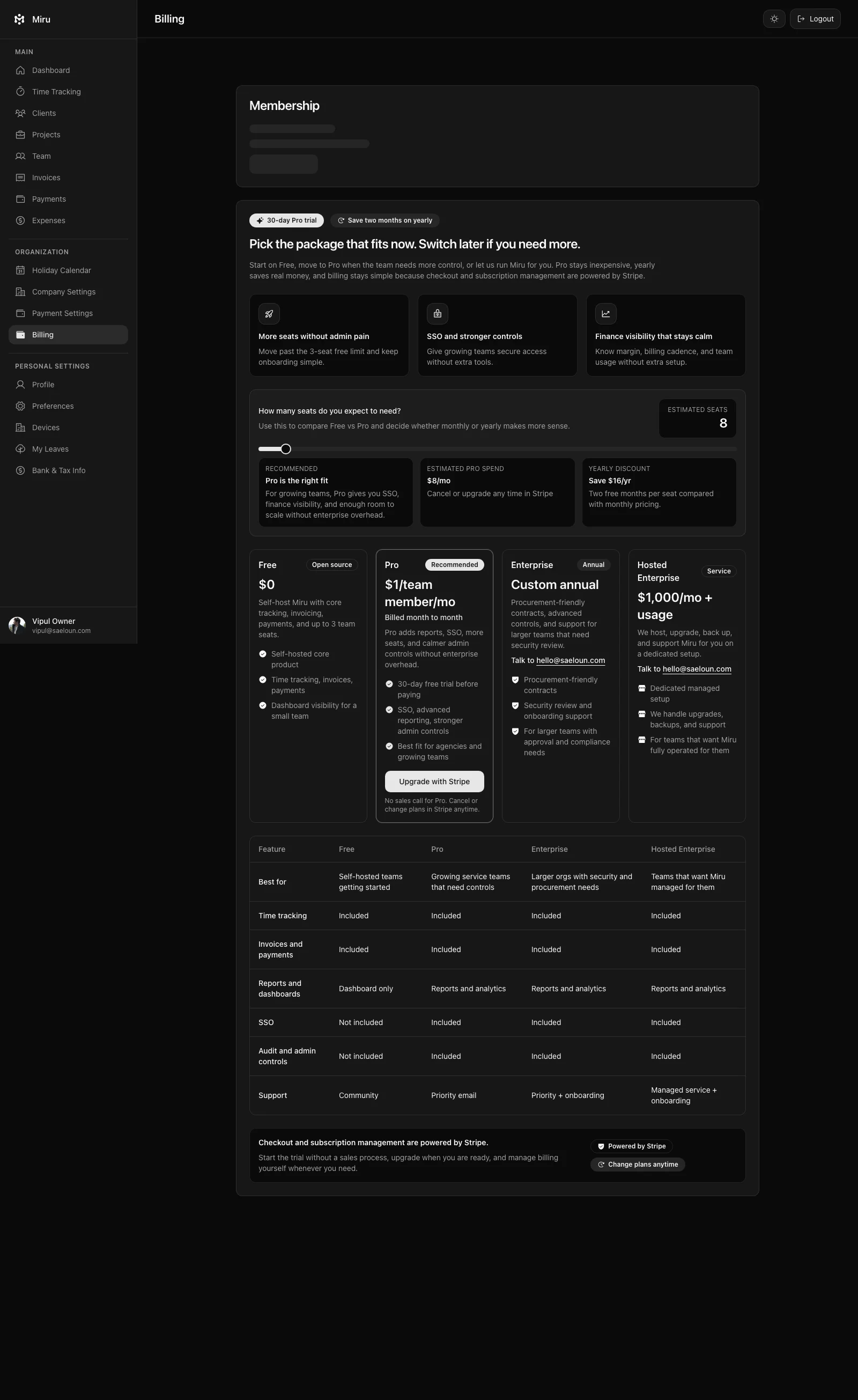
If this article is about tracking time, billing clients, comparing tools, or automating work, Miru is the product version of that idea. Start for $1/member, invite the team, and send the next invoice from tracked work.
What you get
- Time tracking, invoices, expenses, and payments in one place.
- $1 per member per month. Free if you self-host.
- Open source, with CLI, API, MCP, and self-hosting paths.
The article is the argument. Miru is the workflow.
Track the work, approve the hours, send the invoice, and get paid without bolting together three separate tools.