Billing for Remote Teams: What We Learned Running a Distributed Agency
Practical lessons from billing clients across timezones. Time tracking, invoicing, and getting paid when your team spans continents.
 Vipul A M · · 4 min read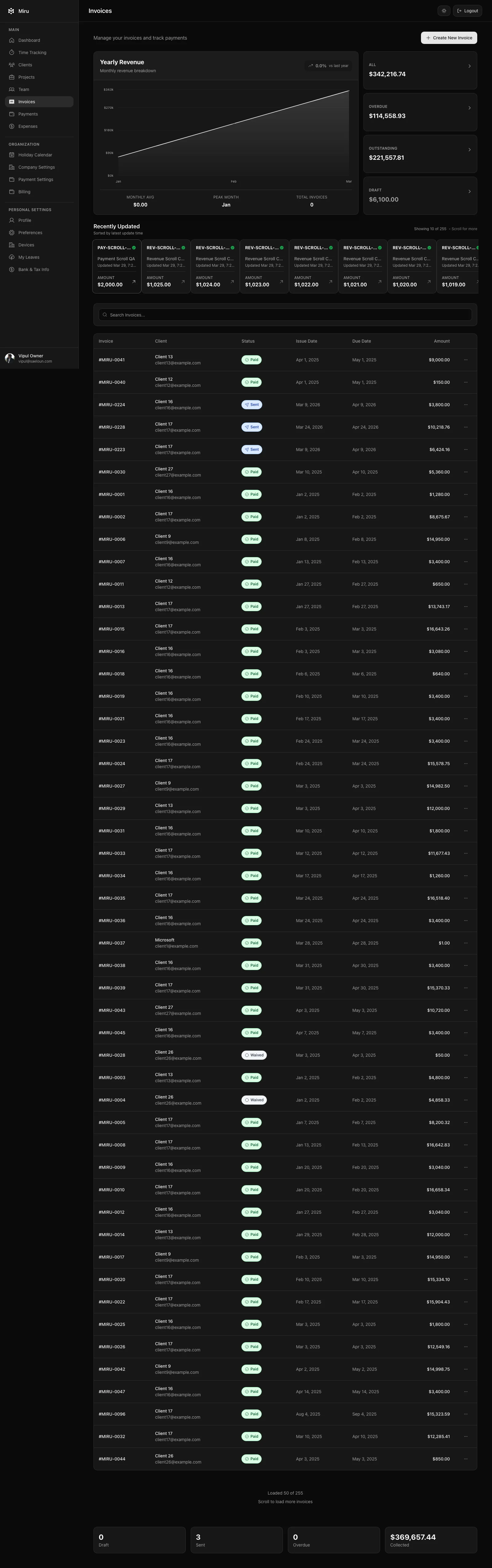
The timezone problem is a billing problem
When your developer in Mumbai finishes a 3-hour task at 6 PM IST, it’s 7:30 AM in New York. Nobody on the client side has started their day. If that developer doesn’t log the time right then, by the time the next morning rolls around in their timezone, yesterday’s work is a blur of commits and Slack threads.
This is how agencies leak revenue. Not through malice or laziness — through the simple fact that humans don’t remember what they did yesterday with hour-level precision. Multiply that by a team of 15 people across three timezones and you’re losing real money.
What we do: Log time at the end of every task, not at the end of the day. Our developers use the Miru CLI with shell aliases — two seconds per entry. The habit matters more than the tool, but the tool makes the habit possible. If logging time takes 30 seconds instead of 2, people skip it.
track --project "Acme" --duration 3h --note "Migrated auth system to session-based tokens"That’s the real command someone on our team runs 4-6 times a day. It works because it takes less time than writing a Slack message about the work.
Invoice on a schedule, not when you remember
Distributed teams have a dangerous tendency to let invoices pile up. The person responsible for billing is in a different timezone than the person who approves the time entries. The project manager is three hours ahead of the developer who needs to review the line items. Everything gets pushed to “next week” until next week becomes next month.
What we do: Invoices go out on the 1st and 15th, no exceptions. We generate them directly from tracked time in Miru — select the client, select the date range, review the line items, send. No spreadsheet compilation. No copying hours from one tool into another.
The key insight: the person generating the invoice should not need to know what the team did. They should only need to know which date range to bill for. If your time entries are clean, invoice generation is a 2-minute administrative task, not a 2-hour forensic investigation.
Clients across timezones need self-service
When your client is 10 hours away, “Can you resend that invoice?” becomes a 24-hour turnaround question. They email at their 3 PM, you see it at your 9 AM the next day, you resend it, they get it at their 9 AM. Two business days lost for a simple request.
What we do: Every client gets a portal link. They click it, see all their invoices, and pay via Stripe. No email required. No waiting for someone in our timezone to wake up and forward a PDF. The client self-serves at whatever time works for them.
This sounds minor. In practice, it eliminated about 20 “where’s my invoice?” emails per month across our client base. That’s 20 context switches our team doesn’t have to make.
Expense tracking across currencies
When your team member in India buys a software license in USD, and your client gets billed in USD, but your team member’s reimbursement is in INR — you need a system that tracks what was spent, by whom, in what currency, for which project.
Spreadsheets can’t do this without becoming unmaintainable. We used to try. The end-of-month reconciliation was a nightmare of VLOOKUP formulas and crossed fingers.
What we do now: Every expense goes into Miru when it’s incurred. Amount, category, vendor, receipt photo, project. The manager approves or rejects. Approved expenses can be attached to the next client invoice or marked as internal costs. When our accountant needs the monthly expense report, it’s one export. No reconstruction.
What actually matters for remote billing
After years of doing this wrong and then doing it right, here’s what we’d tell any distributed team:
Log time immediately. Not at the end of the day. Not on Friday. When you finish the task. Use a tool that makes this a 2-second habit.
Generate invoices from tracked time. If you’re manually compiling invoices from time entries, you’re wasting hours every billing cycle and introducing errors.
Give clients self-service access. The fewer emails that have to cross timezones, the faster everyone gets paid.
Put a payment link on every invoice. Stripe payments cut collection time from 30-45 days to under a week. For a distributed team, where payment follow-ups require crossing timezones, this is transformative.
Use one tool. We used to run Toggl for time tracking, a spreadsheet for expenses, and FreshBooks for invoicing. Three tools, three data sources, three things to reconcile. Miru handles all of it. Time, invoices, expenses, payments, reports. One login, one source of truth.
The tools don’t make billing easy. Billing is inherently tedious. But the right tools make billing a 10-minute task instead of a 3-hour task. When your team is spread across timezones, that difference is the difference between getting paid on time and chasing money across continents.
Hard Stop
Run this loop for two weeks without skipping cleanup. The compounding effect is real.
Start with Miru or read the docs.
Vipul A M
Co-founder at Saeloun. Building Miru. Rails contributor. Shipping from Pune, India.
Read next
Time Tracking Is Not Employee Monitoring
A researched guide to privacy-first time tracking for agencies: what to measure, what to avoid, and why billing accuracy beats screenshots.
How to Bill Clients Without Losing Your Mind
A practical guide to client billing for agencies: time tracking, invoicing, expense management, and getting paid on time.
How to Track Time Across Timezones Without Losing Your Mind
Practical guide for distributed teams: UTC storage, local display, and billing across timezones without spreadsheet chaos.
Put it to work
Run one cleaner billing cycle in Miru.
If this article is about tracking time, billing clients, comparing tools, or automating work, Miru is the product version of that idea. Start for $1/member, invite the team, and send the next invoice from tracked work.
What you get
- Time tracking, invoices, expenses, and payments in one place.
- $1 per member per month. Free if you self-host.
- Open source, with CLI, API, MCP, and self-hosting paths.
The article is the argument. Miru is the workflow.
Track the work, approve the hours, send the invoice, and get paid without bolting together three separate tools.