Miru vs Clockify: Why Free Isn't Always Free
Clockify markets itself as free forever. But the features you actually need cost $7.99/user/month. Here's what they're not telling you.
 Vipul A M · · 2 min read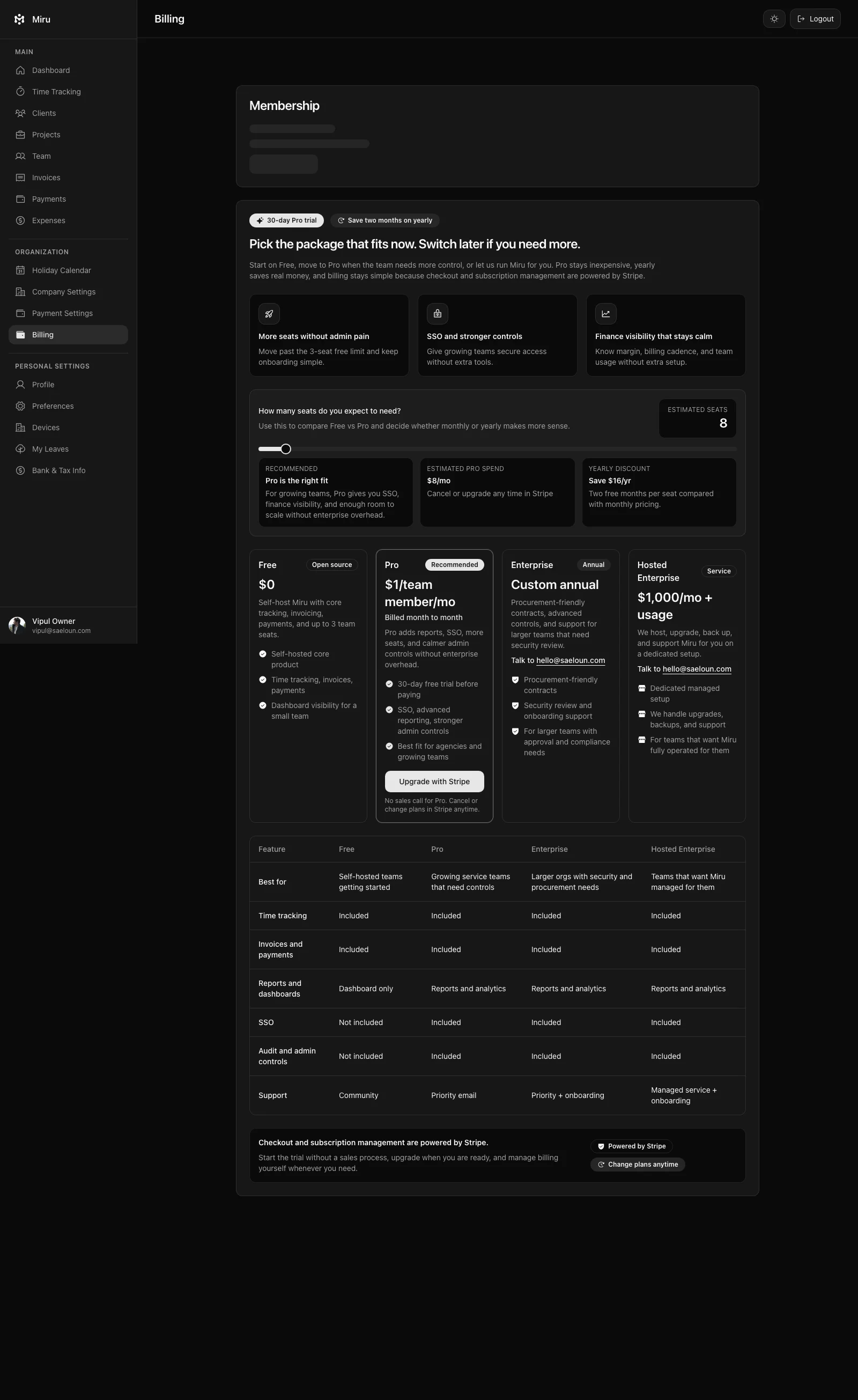
The feature-gating problem
Clockify’s free tier is a timer with a spreadsheet attached. That’s useful for personal productivity tracking. It is not useful for billing clients.
The moment you need to send an invoice from your tracked hours — which is the entire point of time tracking for anyone who bills by the hour — you’re on the Pro plan. Need to log expenses against a project? Pro plan. Need to see which projects are profitable? Pro plan. Need to lock timesheets so employees can’t edit submitted hours? Pro plan.
A 15-person team on Clockify Pro pays $1,438 per year. That same team on Miru Pro pays $180 per year. And on Miru, those features aren’t gated — they’re included on the free plan too.
The self-hosting question
This is the part that matters for anyone who thinks about data ownership: Clockify is SaaS-only. Your time entries, client data, and invoices live on Clockify’s servers. You can export a CSV, but you can’t run the software yourself.
Miru is MIT licensed and fully open source. Self-host it on your own infrastructure. Run it behind your VPN. Audit every line of code. If Clockify raises prices or changes terms tomorrow, their users are stuck. Miru users aren’t stuck anywhere — they own the software.
The CLI gap
If you’re a developer, this one hurts. Clockify has browser extensions and desktop apps. It does not have a CLI. You can’t track time from your terminal. You can’t script your billing workflow. You can’t pipe time entries through shell commands.
Miru has a full CLI. miru time start, miru time stop, miru invoice generate. Automate your entire billing cycle from the command line. Set up cron jobs. Build custom workflows. This isn’t a nice-to-have — for developers, it’s the difference between a tool you use and a tool you tolerate.
The bottom line
Clockify’s free plan is a lead generation funnel, not a product. The product is the Pro plan at $7.99/user/month, and by the time you realize that, you’ve already built your workflow around their tool.
Miru gives you every feature on every plan. Free for up to 5 users. $1/member/month after that. Open source. Self-hostable. With a CLI.
Free shouldn’t come with asterisks. Try Miru and see what actually free looks like.
Hard Stop
Run both tools for one real month. Keep the one that creates less cleanup and faster cash collection.
Start with Miru or read the docs.
Vipul A M
Co-founder at Saeloun. Building Miru. Rails contributor. Shipping from Pune, India.
Read next
The Definitive Time Tracking Comparison: Miru vs Every Alternative in 2026
We tested every major time tracking tool. Here's an honest, side-by-side breakdown of pricing, features, and what actually matters for teams that bill by the hour.
Miru vs FreshBooks: Stop Overpaying for Invoicing
FreshBooks charges $17-$55/month before you add a single team member. Miru gives you invoicing, time tracking, and expenses for $1/member/month.
Miru vs Harvest: Which Time Tracker is Right for Your Team?
A head-to-head comparison of Miru and Harvest. Pricing, features, open source vs closed source, and why Miru wins for most teams.
Put it to work
Run one cleaner billing cycle in Miru.
If this article is about tracking time, billing clients, comparing tools, or automating work, Miru is the product version of that idea. Start for $1/member, invite the team, and send the next invoice from tracked work.
What you get
- Time tracking, invoices, expenses, and payments in one place.
- $1 per member per month. Free if you self-host.
- Open source, with CLI, API, MCP, and self-hosting paths.
The article is the argument. Miru is the workflow.
Track the work, approve the hours, send the invoice, and get paid without bolting together three separate tools.