Miru vs Monday: Stop Using a Bulldozer to Plant a Flower
Monday.com is a project management suite. You need a billing tool. Here's why using Monday for time tracking is expensive overkill.
 Vipul A M · · 2 min read
The bloat tax
Monday’s Standard plan — the cheapest one with time tracking — costs $12/seat/month. For a 25-person team, that’s $3,600 per year. For time tracking that lives inside a column widget on a board that’s designed for managing tasks, not billing clients.
The same 25-person team on Miru Pro pays $300 per year. Twelve times cheaper. And Miru was designed for exactly one thing: tracking time and turning it into invoices.
Monday has features your billing team will never touch. Gantt charts. Formula columns. Mirror columns. Automation recipes. Each one adds complexity. Each one is something someone on your team will try to configure, spend a week on, and then abandon. Meanwhile, your invoices still aren’t going out on time.
The setup trap
Here’s the thing nobody mentions in the Monday.com sales pitch: configuration time. Monday is infinitely flexible, which means someone on your team has to decide how to structure the boards, which columns to use, how to connect time tracking to clients, how to extract data for invoicing.
That person is now a Monday.com administrator instead of doing their actual job.
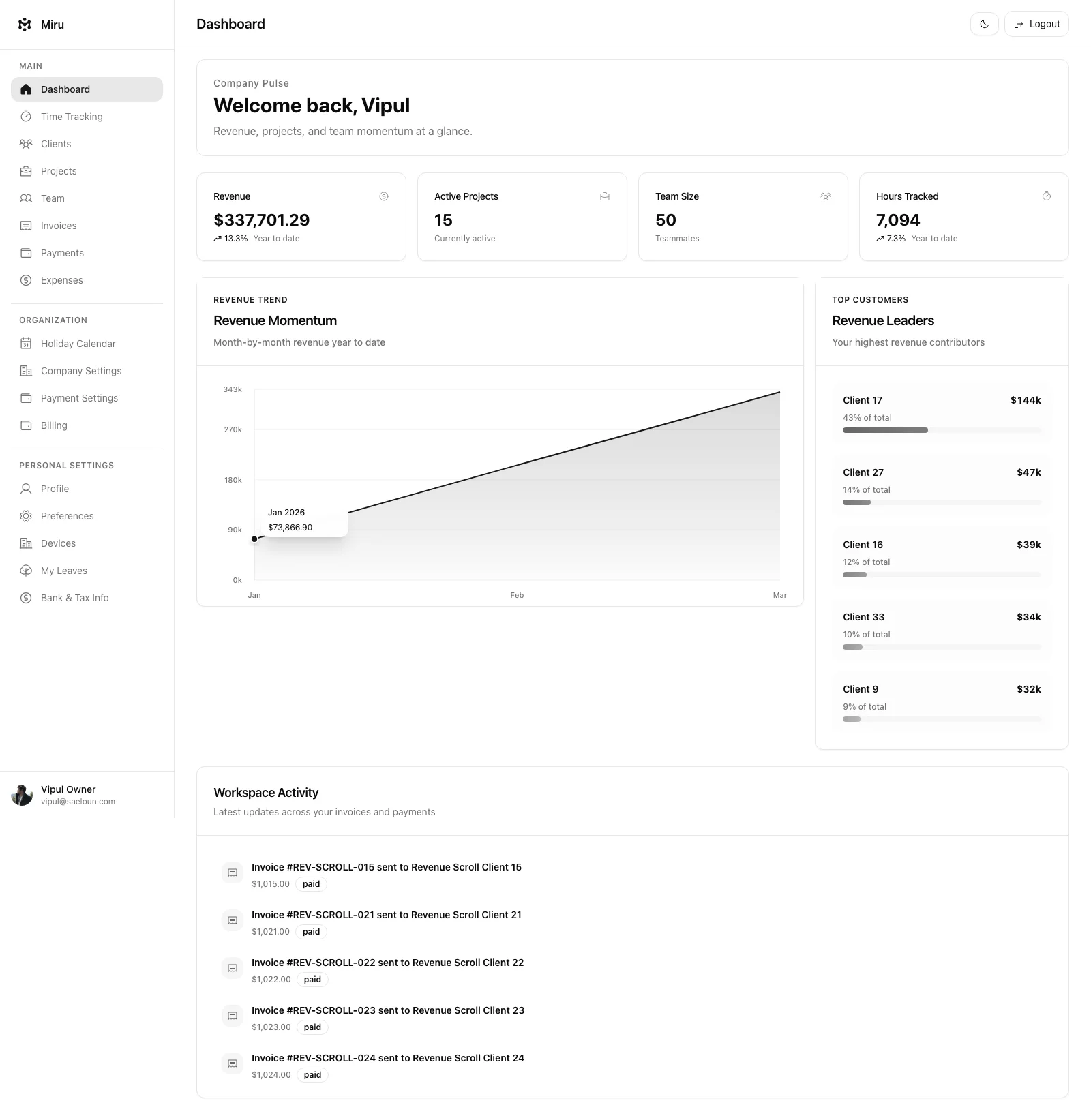
Miru has no configuration. Sign up. Add clients. Add projects. Start tracking time. Generate invoices from those time entries. The entire setup takes five minutes because there are no boards to design, no automations to build, no integrations to wire up.
The open source difference
Monday.com is closed source. Your workflows, your data, your time entries — all of it lives on Monday’s infrastructure, under Monday’s terms. If they raise prices (they have, multiple times), you eat the increase or migrate everything.
Miru is MIT licensed. Self-host it. Fork it. Run it on your own servers behind your own firewall. Your billing data belongs to you, not to a publicly traded company optimizing for quarterly earnings.
The bottom line
If you need project management, use a project management tool. If you need to track time and bill clients, use a billing tool. These are different problems. Using Monday for billing is like using Photoshop to write a letter — technically possible, absurdly expensive, and missing the point entirely.
Try Miru free. Five minutes to set up. $1/member/month. Purpose-built for the job you actually need done.
Hard Stop
Run both tools for one real month. Keep the one that creates less cleanup and faster cash collection.
Start with Miru or read the docs.
Vipul A M
Co-founder at Saeloun. Building Miru. Rails contributor. Shipping from Pune, India.
Read next
The Definitive Time Tracking Comparison: Miru vs Every Alternative in 2026
We tested every major time tracking tool. Here's an honest, side-by-side breakdown of pricing, features, and what actually matters for teams that bill by the hour.
Miru vs FreshBooks: Stop Overpaying for Invoicing
FreshBooks charges $17-$55/month before you add a single team member. Miru gives you invoicing, time tracking, and expenses for $1/member/month.
Miru vs Harvest: Which Time Tracker is Right for Your Team?
A head-to-head comparison of Miru and Harvest. Pricing, features, open source vs closed source, and why Miru wins for most teams.
Put it to work
Run one cleaner billing cycle in Miru.
If this article is about tracking time, billing clients, comparing tools, or automating work, Miru is the product version of that idea. Start for $1/member, invite the team, and send the next invoice from tracked work.
What you get
- Time tracking, invoices, expenses, and payments in one place.
- $1 per member per month. Free if you self-host.
- Open source, with CLI, API, MCP, and self-hosting paths.
The article is the argument. Miru is the workflow.
Track the work, approve the hours, send the invoice, and get paid without bolting together three separate tools.