Miru vs TimeCamp: Why We Think Open Source Wins
Comparing Miru and TimeCamp on pricing, features, automatic tracking vs CLI, and why open source time tracking is the better long-term bet.
 Vipul A M · · 3 min read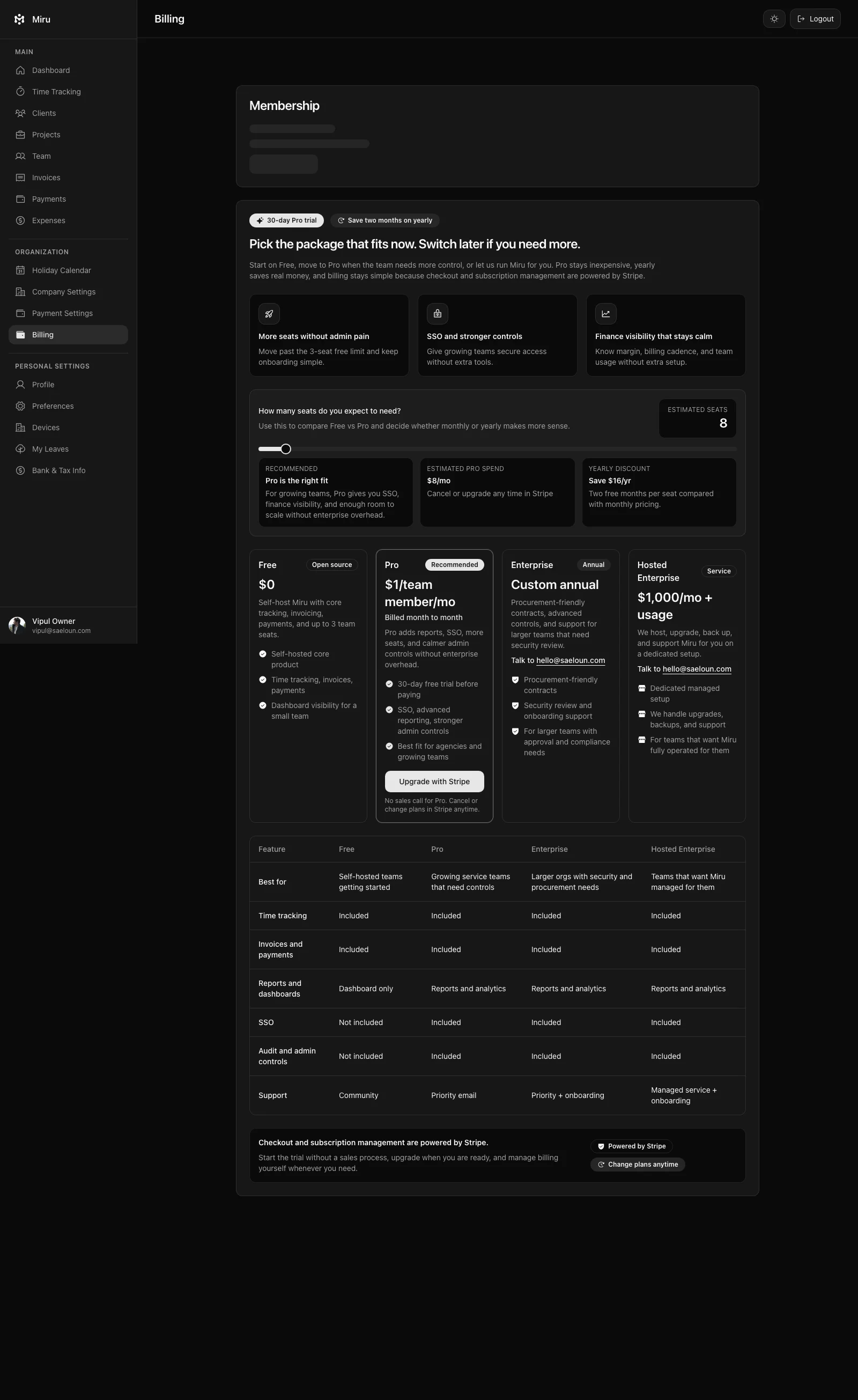
The automatic tracking trade-off
TimeCamp’s automatic tracking watches your desktop activity and assigns time to projects based on keywords and app usage. In theory, this eliminates manual entry. In practice, it creates a different problem: you spend time correcting entries instead of creating them.
The app saw you in Figma for 40 minutes, but 15 of those were browsing Dribbble for inspiration on a different project. It logged your Slack time as “communication” but half of it was a client conversation that should be billable. Now you’re editing auto-generated entries instead of typing accurate ones.
Miru takes a different position: you know what you worked on. We give you the fastest tools to log it — a one-click timer, manual entry, or a CLI that lets you type miru time create --project-id 42 --duration 120 --date 2026-09-10 --note "Client API work" without leaving your terminal. Intentional tracking beats surveillance tracking.
Pricing: “free” has fine print
TimeCamp’s free plan tracks time. That’s about it. You want invoicing? Upgrade to Starter at $3.99/user/month. Need budgeting and advanced reports? Premium at $6.99/user/month. The free plan is a demo, not a product.
Miru includes everything from the first member: time tracking, invoicing, expenses, Stripe payments, reports, team management, and the CLI. No feature gates. It’s $1/member/month. Not $3.99. Not $6.99. Not $9.99. And self-hosting is free.
A 20-person team on TimeCamp Premium: $1,678/year. The same team on Miru: $240/year. That’s an 85% savings with more features unlocked from day one.
The open source advantage
This is where the conversation changes entirely. TimeCamp is proprietary software. You can’t see the code, you can’t self-host, and you can’t leave without losing your workflow.
Miru is MIT licensed and fully open source. Self-host it on your own servers for zero monthly cost. Audit the code for security compliance. Fork it and customize it to your exact needs. Your data, your infrastructure, your rules.
For teams that care about data sovereignty — and increasingly, that’s everyone — open source isn’t a nice-to-have. It’s a requirement.
When TimeCamp makes sense
If your team genuinely benefits from automatic desktop tracking and you don’t need invoicing on the free plan, TimeCamp is a reasonable choice. The automatic tracking works well for teams that switch between many applications and want passive logging.
When Miru wins
For everyone else. Especially teams that:
- Want invoicing and time tracking in one tool
- Need a CLI for developer workflows
- Require self-hosting for compliance
- Prefer paying $1/member instead of $4-7/user
- Believe their tools should be open source
The bottom line: TimeCamp is a good automatic tracker with an expensive upgrade path. Miru takes you from tracked time to collected payment in one tool that costs $1/member and stays there. Try it today.
Hard Stop
Run both tools for one real month. Keep the one that creates less cleanup and faster cash collection.
Next: check the price, compare TimeCamp side by side, or migrate from TimeCamp.
Start with Miru or read the docs.
Vipul A M
Co-founder at Saeloun. Building Miru. Rails contributor. Shipping from Pune, India.
Read next
The Definitive Time Tracking Comparison: Miru vs Every Alternative in 2026
We tested every major time tracking tool. Here's an honest, side-by-side breakdown of pricing, features, and what actually matters for teams that bill by the hour.
Miru vs FreshBooks: Stop Overpaying for Invoicing
FreshBooks charges $23-$70/month before you add a single team member. Miru gives you invoicing, time tracking, and expenses for $1/member/month.
Miru vs Harvest: Which Time Tracker is Right for Your Team?
A head-to-head comparison of Miru and Harvest. Pricing, features, open source vs closed source, and why Miru wins for most teams.
Put it to work
Run one cleaner billing cycle in Miru.
If this article is about tracking time, billing clients, comparing tools, or automating work, Miru is the product version of that idea. Start for $1/member, invite the team, and send the next invoice from tracked work.
What you get
- Time tracking, invoices, expenses, and payments in one place.
- $1 per member per month. Free if you self-host.
- Open source, with CLI, API, MCP, and self-hosting paths.
The article is the argument. Miru is the workflow.
Track the work, approve the hours, send the invoice, and get paid without bolting together three separate tools.