Self-Hosting Miru: A Complete Guide for Teams That Own Their Data
Step-by-step guide to deploying Miru on your own infrastructure. Docker, bare metal, or cloud -- your servers, your rules.
 Vipul A M · · 4 min read
Prerequisites
Before you start, you need:
- A server — Any Linux box with 2GB+ RAM. A $12/month VPS from Hetzner, DigitalOcean, or Linode works fine. AWS, GCP, and Azure all work too, just cost more.
- Docker and Docker Compose — The easiest path. We’ll cover bare metal later, but Docker is the recommended approach.
- A domain name — Something like
time.yourcompany.com. You’ll need DNS access to point it at your server. - SMTP credentials — For sending invoice emails. Any provider: SendGrid, Postmark, Mailgun, or your company’s SMTP server.
- Stripe account (optional) — Only if you want online invoice payments. Miru works fine without it.
Docker Quickstart: Five Minutes to Running
SSH into your server and create a project directory:
mkdir -p /opt/miru && cd /opt/miruCreate a docker-compose.yml:
version: "3.8"

services:
  db:
    image: postgres:16
    restart: always
    environment:
      POSTGRES_USER: miru
      POSTGRES_PASSWORD: ${DB_PASSWORD}
      POSTGRES_DB: miru_production
    volumes:
      - postgres_data:/var/lib/postgresql/data
    healthcheck:
      test: ["CMD-SHELL", "pg_isready -U miru"]
      interval: 10s
      timeout: 5s
      retries: 5

  web:
    image: saeloun/miru-web:latest
    restart: always
    depends_on:
      db:
        condition: service_healthy
    ports:
      - "3000:3000"
    env_file:
      - .env
    environment:
      DATABASE_URL: postgres://miru:${DB_PASSWORD}@db:5432/miru_production

volumes:
  postgres_data:
Create your .env file:
# Database
DB_PASSWORD=your-strong-password-here

# Application
SECRET_KEY_BASE=generate-with-openssl-rand-hex-64
RAILS_ENV=production
APP_HOST=time.yourcompany.com

# Email (example with SendGrid)
SMTP_ADDRESS=smtp.sendgrid.net
SMTP_PORT=587
SMTP_USERNAME=apikey
SMTP_PASSWORD=your-sendgrid-api-key
SMTP_SENDER=billing@yourcompany.com

# Stripe (optional)
STRIPE_PUBLISHABLE_KEY=pk_live_...
STRIPE_SECRET_KEY=sk_live_...
STRIPE_WEBHOOK_SECRET=whsec_...
Generate your secret key:
openssl rand -hex 64Paste the output as your SECRET_KEY_BASE.
Start everything:
docker compose up -d
docker compose exec web rails db:create db:migrate db:seed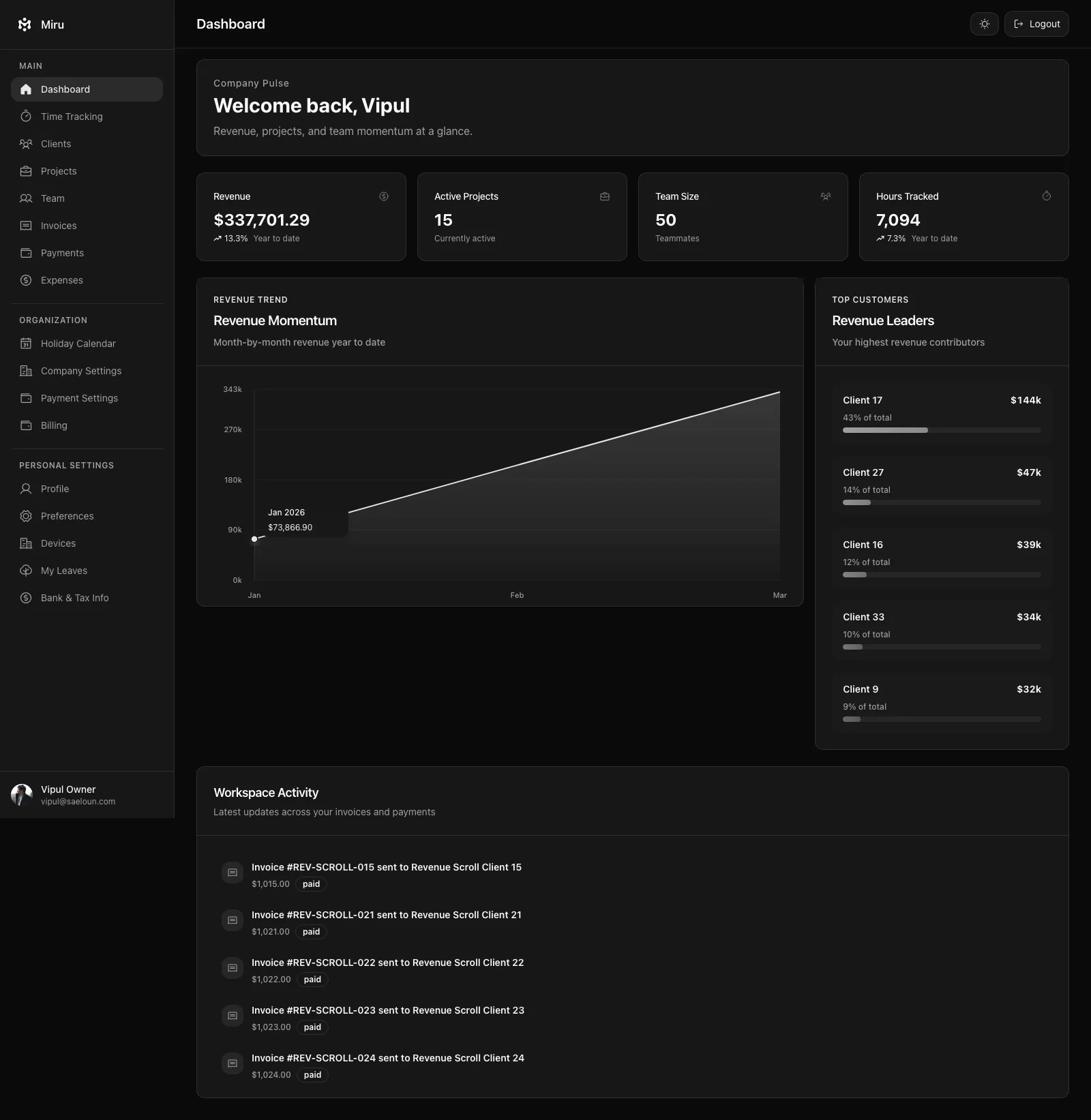
Miru is now running on port 3000. Visit http://your-server-ip:3000 to confirm it’s alive.
Setting Up SSL with Let’s Encrypt
Running a billing tool over HTTP is not acceptable. Here’s the quick Nginx + Certbot setup:
apt update && apt install -y nginx certbot python3-certbot-nginxCreate /etc/nginx/sites-available/miru:
server {
    server_name time.yourcompany.com;

    location / {
        proxy_pass http://127.0.0.1:3000;
        proxy_set_header Host $host;
        proxy_set_header X-Real-IP $remote_addr;
        proxy_set_header X-Forwarded-For $proxy_add_x_forwarded_for;
        proxy_set_header X-Forwarded-Proto $scheme;
    }
}
Enable the site and get your certificate:
ln -s /etc/nginx/sites-available/miru /etc/nginx/sites-enabled/
nginx -t && systemctl reload nginx
certbot --nginx -d time.yourcompany.com
Certbot handles the SSL configuration and auto-renewal. Your Miru instance is now running at https://time.yourcompany.com.
Configuring Stripe for Online Payments
If you want clients to pay invoices online:
- Create a Stripe account at stripe.com
- Grab your live API keys from the Stripe Dashboard
- Set up a webhook endpoint pointing to
https://time.yourcompany.com/api/webhooks/stripe - Subscribe to these events:
payment_intent.succeeded,payment_intent.payment_failed,invoice.paid - Copy the webhook signing secret
- Add all three values to your
.envfile and restart:
docker compose restart webInvoices sent from Miru will now include a “Pay Now” button that processes payments through your Stripe account. The money goes directly to you. Miru never touches your funds.
Bare Metal Installation
If you prefer running without Docker:
# System dependencies (Ubuntu/Debian)
apt update && apt install -y build-essential libpq-dev nodejs npm \
  ruby-full postgresql postgresql-contrib

# Install Ruby 3.3+ via rbenv or asdf
# Install Node 20+ via nvm or asdf

# Clone and set up
git clone https://github.com/saeloun/miru-web.git /opt/miru
cd /opt/miru
bundle install
npm install

# Create database
createuser -s miru
createdb -O miru miru_production

# Configure (copy and edit)
cp .env.example .env
# Edit .env with your production values

# Migrate and start
RAILS_ENV=production rails db:migrate db:seed
RAILS_ENV=production rails assets:precompile
RAILS_ENV=production rails server -b 0.0.0.0 -p 3000
For production, put this behind a process manager like systemd and Nginx as a reverse proxy.
Backups: The Part Everyone Skips
Don’t skip this. Your billing data is your business history.
# Automated daily backup via cron
0 3 * * * docker compose -f /opt/miru/docker-compose.yml exec -T db \
  pg_dump -U miru miru_production | gzip > /backups/miru-$(date +\%Y\%m\%d).sql.gz
Test your restore process. A backup you’ve never restored is a backup that doesn’t exist.
gunzip < /backups/miru-20260314.sql.gz | \
  docker compose exec -T db psql -U miru miru_production
Updating Miru
When a new version ships:
cd /opt/miru
docker compose pull
docker compose up -d
docker compose exec web rails db:migrate
Three commands. Under a minute. Zero downtime for most updates.
Your Servers, Your Rules
Self-hosting Miru means your time data, client information, and invoice history never leave your infrastructure. No third-party subprocessors. No data sharing. No “we updated our privacy policy” emails. Your servers, your rules.
Need help? The GitHub Discussions are active. The community has deployed Miru on everything from Raspberry Pis to AWS ECS clusters. Whatever your setup, someone’s probably done it before.
Why we chose Rails 8 + React 18 →
Hard Stop
Run this loop for two weeks without skipping cleanup. The compounding effect is real.
Start with Miru or read the docs.
Vipul A M
Co-founder at Saeloun. Building Miru. Rails contributor. Shipping from Pune, India.
Read next
How to Bill Clients Without Losing Your Mind
A practical guide to client billing for agencies: time tracking, invoicing, expense management, and getting paid on time.
The Freelancer's No-BS Guide to Getting Paid
Track your hours, send professional invoices, and get paid without chasing. A practical guide for freelancers who'd rather do the work.
Time Tracking for Developers: A Guide for People Who Hate Time Tracking
Most developers hate tracking time. Here's how to make it painless with the right tools and a 30-second daily habit.
Put it to work
Run one cleaner billing cycle in Miru.
If this article is about tracking time, billing clients, comparing tools, or automating work, Miru is the product version of that idea. Start for $1/member, invite the team, and send the next invoice from tracked work.
What you get
- Time tracking, invoices, expenses, and payments in one place.
- $1 per member per month. Free if you self-host.
- Open source, with CLI, API, MCP, and self-hosting paths.
The article is the argument. Miru is the workflow.
Track the work, approve the hours, send the invoice, and get paid without bolting together three separate tools.