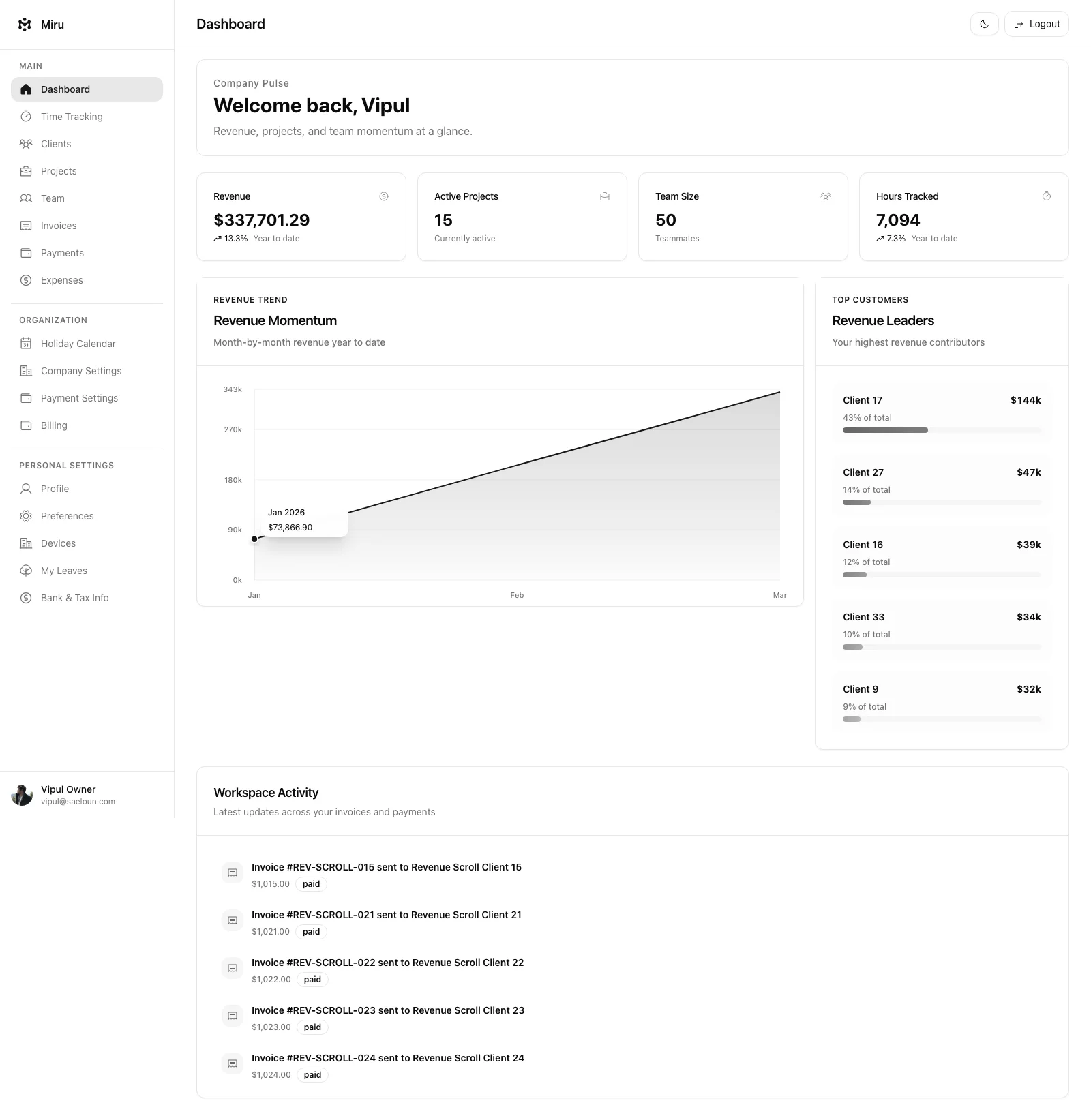
The Badge component displays short labels, such as an invoice’s payment status.
Importing the Badge Component
To use the Badge component in our app, we need to import it from our styled components. Here’s how we can import it:
import { Badge } from "StyledComponents";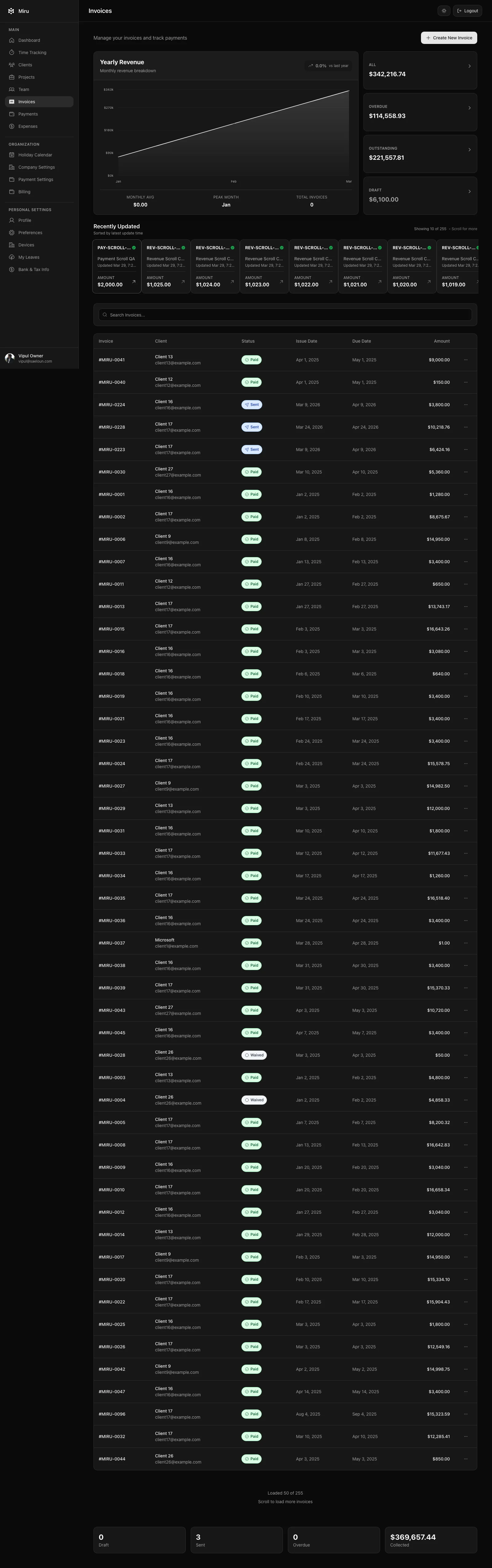
Using the Badge Component
The Badge component can be used with various props to control its appearance. Here are some examples of how we can use it:
<Badge
  text="Paid"
/>
<Badge
  className="uppercase"
  text="Paid"
/>
<Badge
  className="uppercase"
  bgColor="bg-emerald-100"
  text="Paid"
/>
<Badge
  className="mt-2 uppercase"
  bgColor="bg-sky-100"
  color="text-sky-900"
  text="Paid"
/>
<Badge
  className="bg-amber-100 text-amber-900 mt-2 uppercase"
  text="Paid"
/>
Badge Component Props
| Name | Description | Default Value |
|---|---|---|
text | Provide the name of the badge. | Badge |
color | Specify the text color of the badge. | text-purple-800 |
bgColor | Specify the background color of badge. | bg-purple-100 |
className | Specify the extra style classes needed for Badge component | inline-flex items-center rounded-full px-2.5 py-0.5 text-xs font-semibold leading-4 tracking-widest |