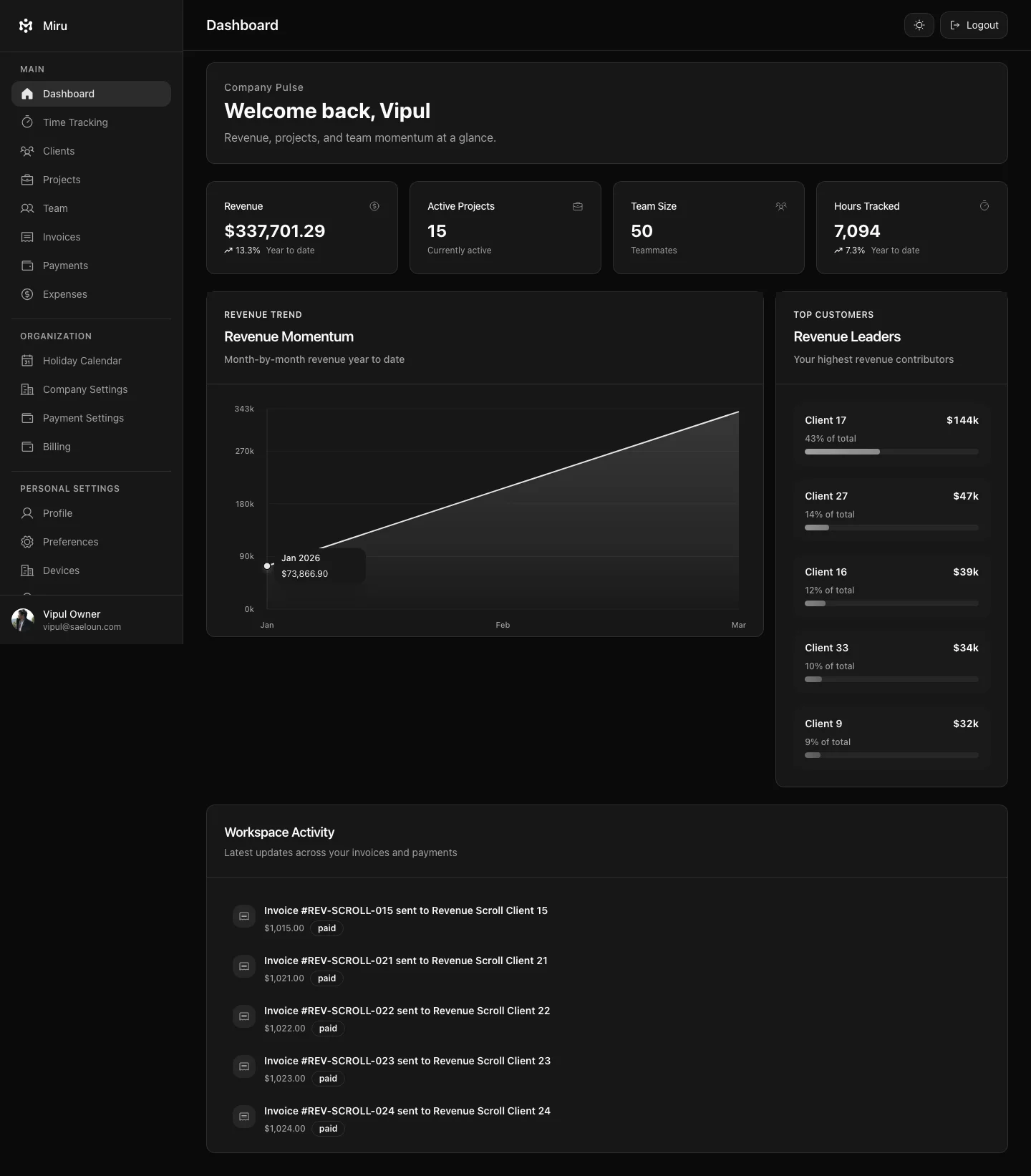
Log in to your Miru account anytime using your login ID and password. You can either sign up using your Google account or create an account by adding your email ID and password.
How to Sign up on Miru?
Follow these steps to sign up on Miru:
- Go to miru.so
- Fill in the form and click Create account.
- Add your details, email ID and password to create an account. You can also sign up using your Google Account
- You can explore Miru.
- Open the confirmation email from Miru and verify your email address before you sign in.
- Once verified, go back to Miru and Log in using your email ID and password or your Google Account, whichever method you have used to sign up.
How to Login to Miru?
Follow the steps mentioned below to log in:
- Go to miru.so and click Sign in.
- Enter your Miru Email and Password
- Click Sign in to open your Miru account.
Forgot password?
In case, you have forgotten your password, you can perform the following steps:
- Visit miru.so, click Sign in, then click Forgot password?
- Enter your email and click Send Reset Link.
- You will now receive a password reset email from Miru
- Open the email and click on the reset password option
- Now, add a new password, confirm it, and voila! Your password is reset successfully!