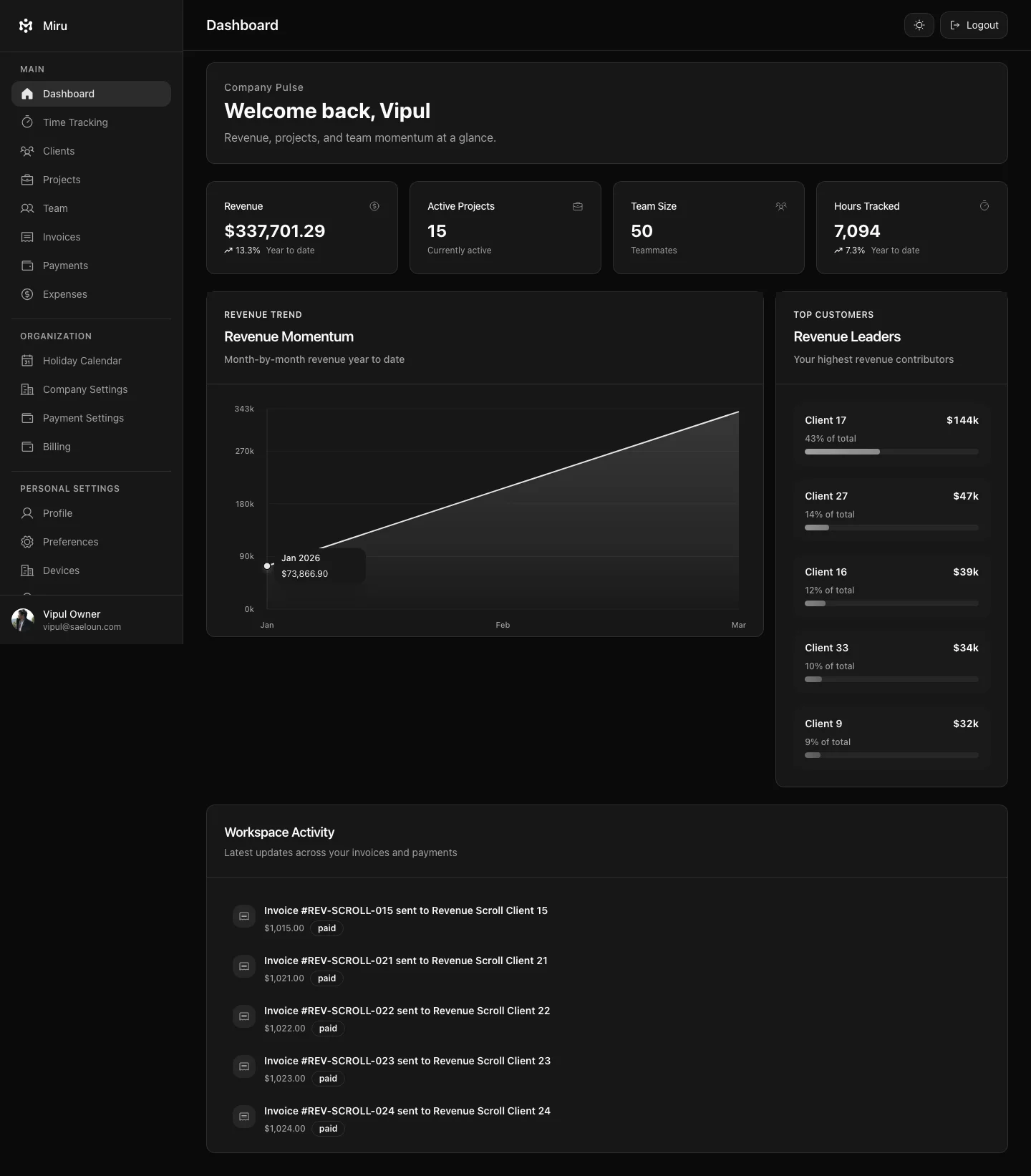
Open Clients in the sidebar to see every client in your workspace. Each row shows the client’s name, contact phone and the hours logged for them this week, last week, this month or last month, with a total at the top.
What you can do here
- Search clients by name using the search box.
- Add a client with the Add new client button. See Adding a new client.
- Open a client to see its projects, hours per project, invoices, and outstanding and overdue amounts.
- Edit a client’s details, address, currency and logo from the row menu.
- Invite a client contact from the client’s page (Add / View Contacts) so the client can log in and see their own invoices in the client portal.
- Delete a client. Deletion is a soft archive: the client and all of its projects disappear from lists, but existing invoices and time entries are kept.
Who sees what
| Role | Access |
|---|---|
| Owner, Admin | See all clients; add, edit, invite contacts and delete. |
| Bookkeeper | Can open the page by URL to see the client list only; it is not in their sidebar and they cannot add or edit. |